June 17, 2026
When we first released the Flow 2, the love was real. Our users praised the tactile typing experience, loved the sleek look, and frequently tagged us as the ultimate companion for an Apple desk setup. We could have just kicked back and coasted on those five-star reviews. But if we’re being completely honest? We were still bothered by a quiet, yet persistent voice in our community.
Listening closely to the most dedicated Mac users, we realized something crucial: for a long time, Mac compatibility in the mechanical keyboard world has usually meant swapping keycaps onto a standard layout. While that’s an industry-wide convention, it often misses the foundational muscle memory of a true Mac user.
If you look closely at the Apple Magic Keyboard, you’ll notice that its layout isn’t accidental, it’s an ergonomic science built entirely around your hands.
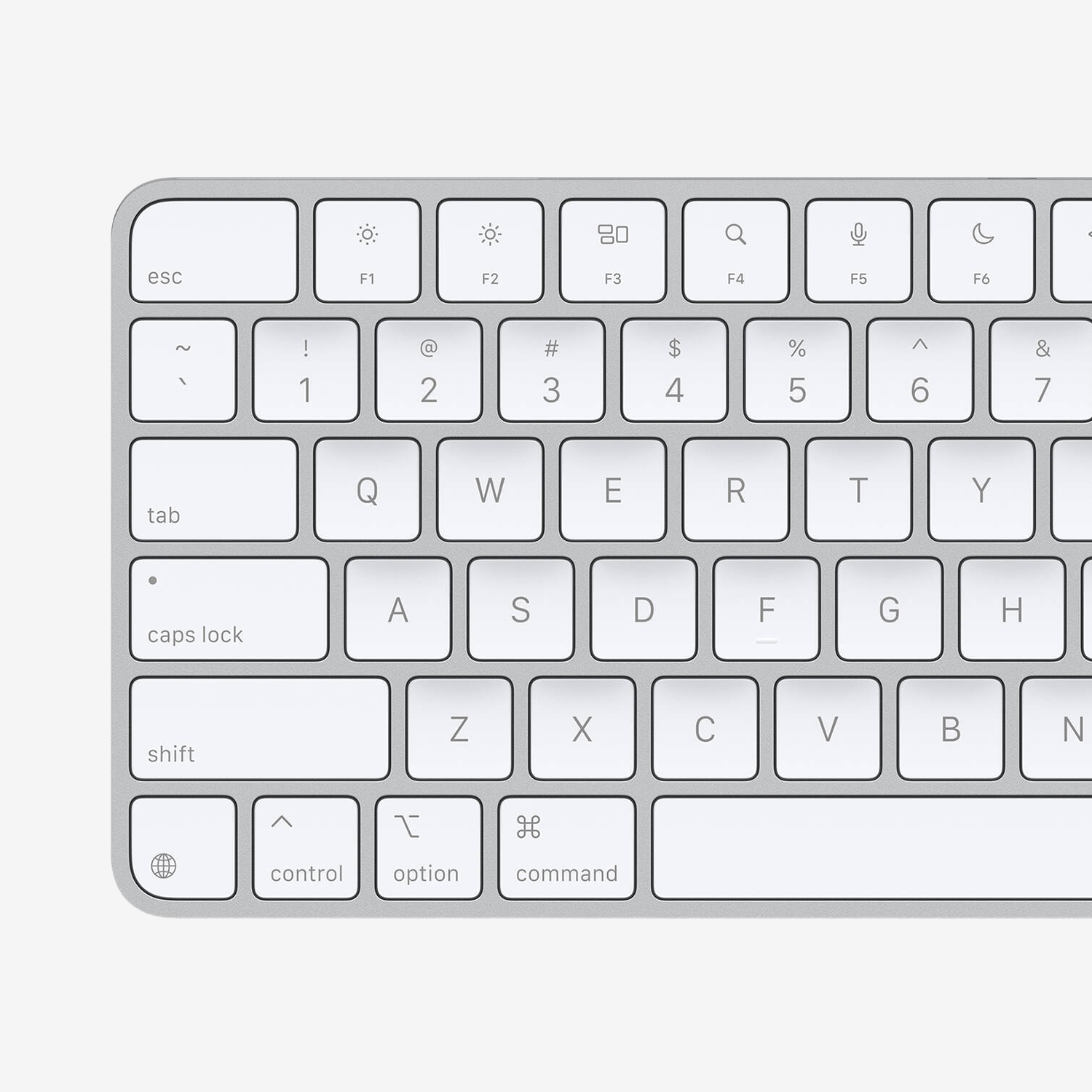
Apple Magic Keyboard, the Command key aligns perfectly with the X key, resting exactly where your thumb expects it.
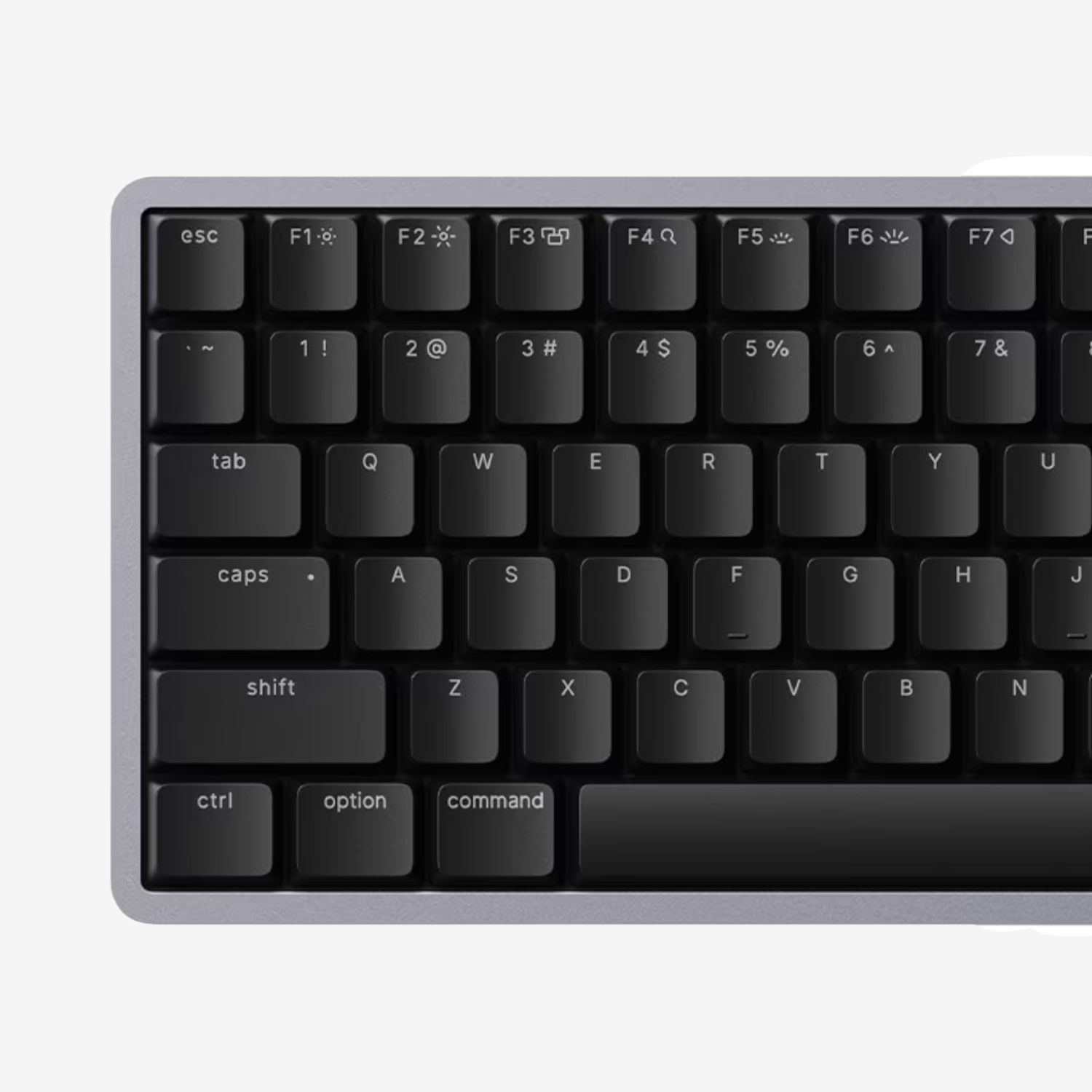
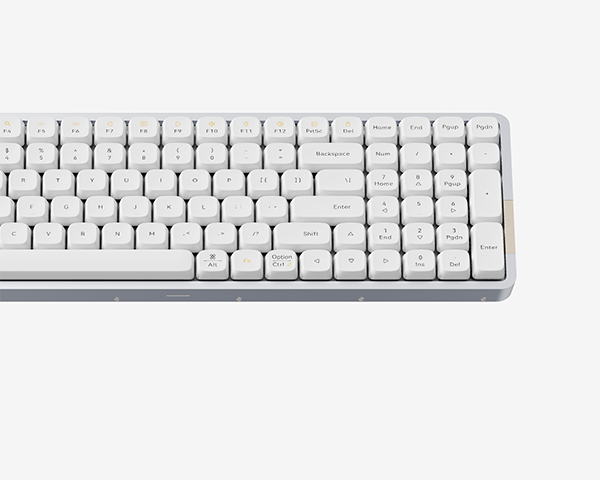
Lofree Flow 2, a standard layout is great for PC, but it’s just a few millimeters wrong for Mac.
On a standard PC, your left pinky does the heavy lifting to reach the Ctrl key in the bottom-left corner. macOS flips the script. It centers your entire workflow around the Command key, positioning it right where your left thumb naturally rests. It’s faster, more comfortable, and reduces finger strain.
To make shortcut-heavy workflows effortless, Apple engineered a strict alignment rule. The right edge of the left Command key aligns perfectly with the vertical axis of the X key. This allows you to trigger copy, paste, and undo shortcuts seamlessly without bending your wrist.
When a brand simply slaps Mac keycaps onto a Windows switch layout, your thumb inevitably hits the wrong spot. It’s a discrepancy of just a few tiny millimeters, but it's a microscopic betrayal your fingers feel every single time you use a shortcut.
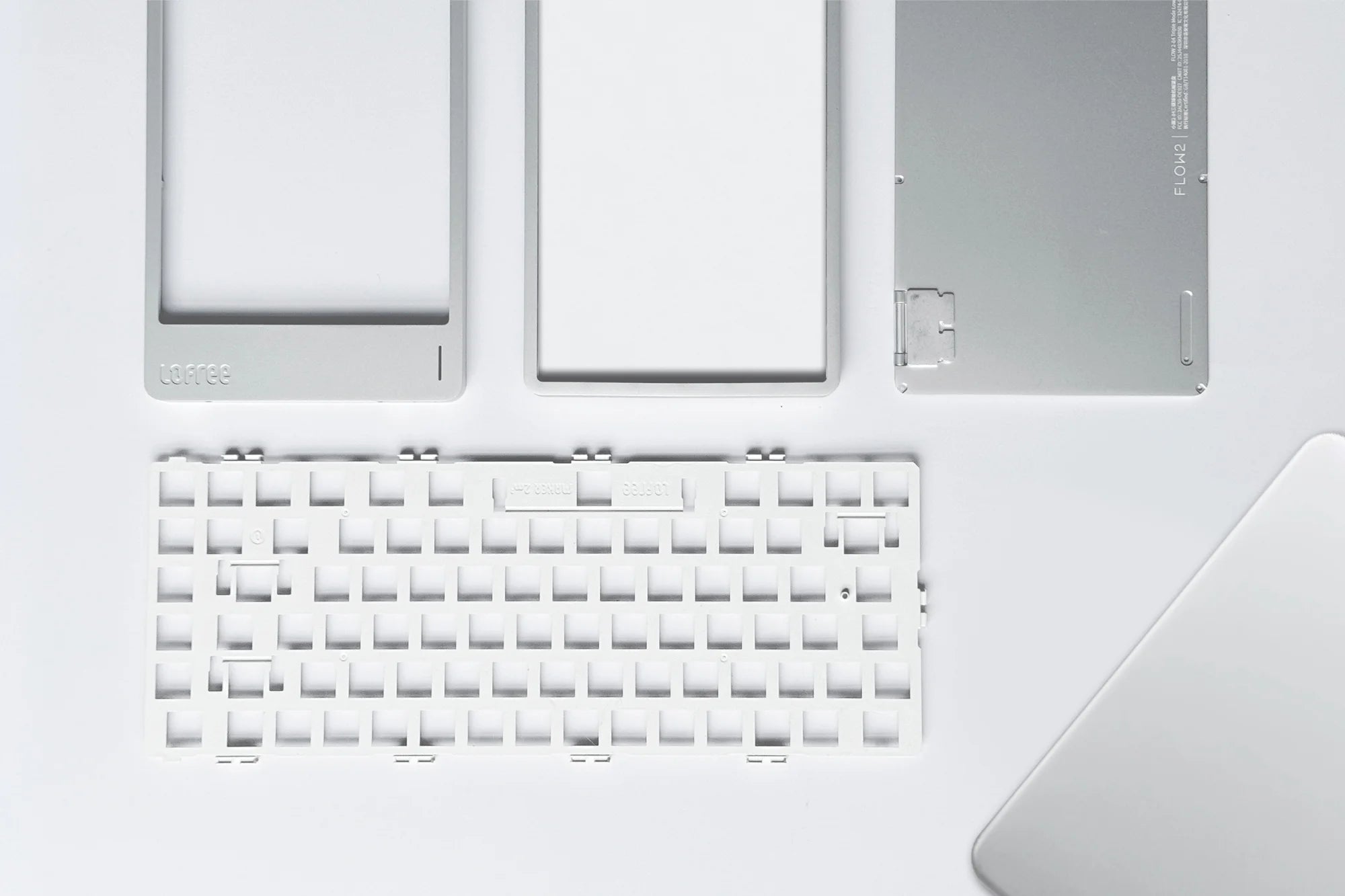
So, why hasn't the industry fixed this? Because from a pure business perspective, fixing those few millimeters is a terrible idea. To realign those keys, we couldn't just tweak a software file. We had to throw out the positioning plates. We had to invest heavily in an entirely new set of molds and establish an independent production line just for this Mac layout. In the hardware world, spending that kind of money to fix a detail that many might simply brush off as "close enough" is considered highly irrational.
It would have been incredibly easy to just take the shortcut and settle for 'good enough.' But we simply refused to compromise. For far too long, Mac users have had to choose between the satisfying tactile feel of a mechanical keyboard and a proper native layout. We were determined to finally end that dilemma. We wanted to deliver the perfect solution, an uncompromised true Mac layout paired with an exceptional mechanical experience, building a keyboard that feels like it organically grew directly out of your Mac.
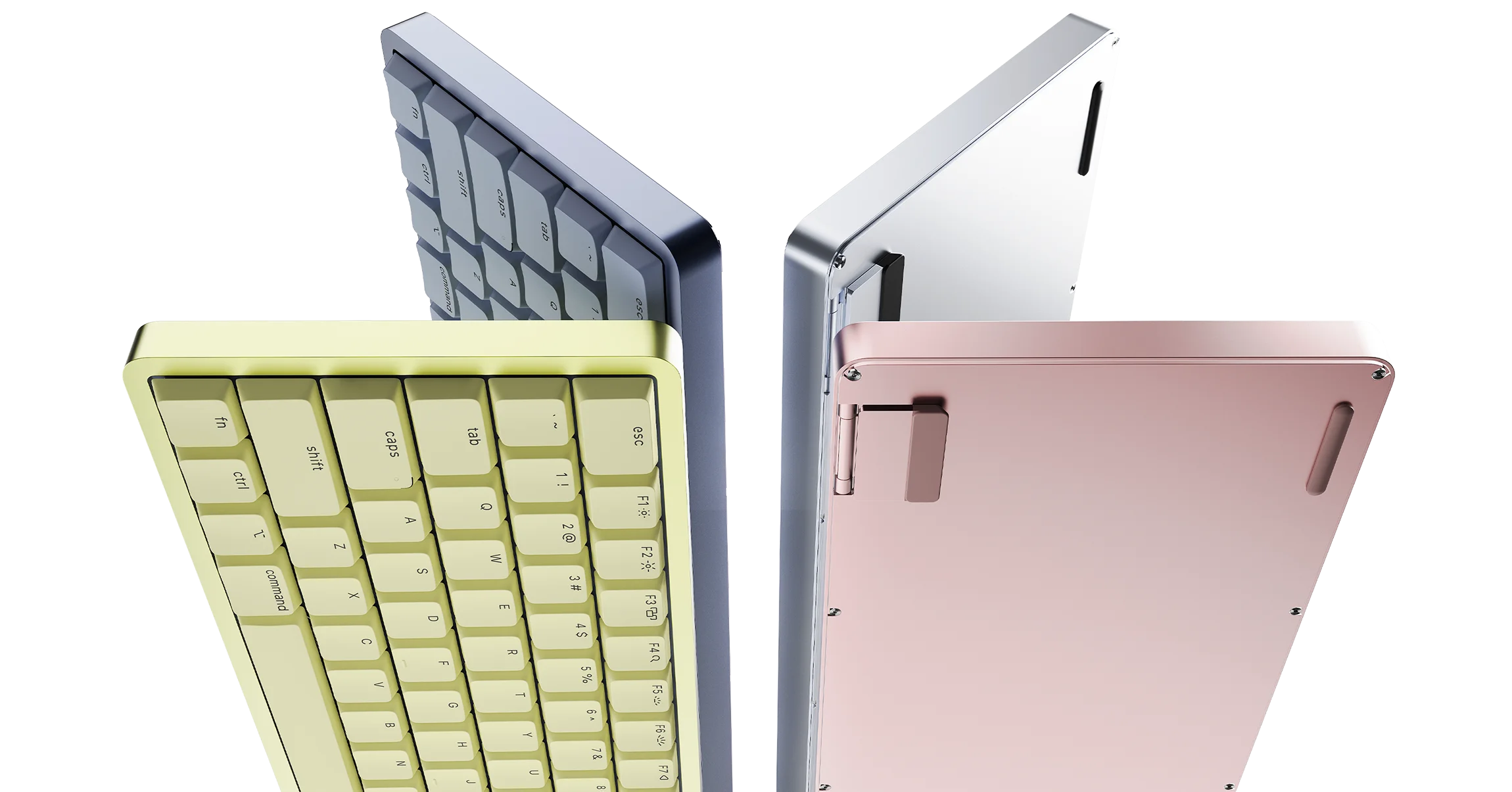
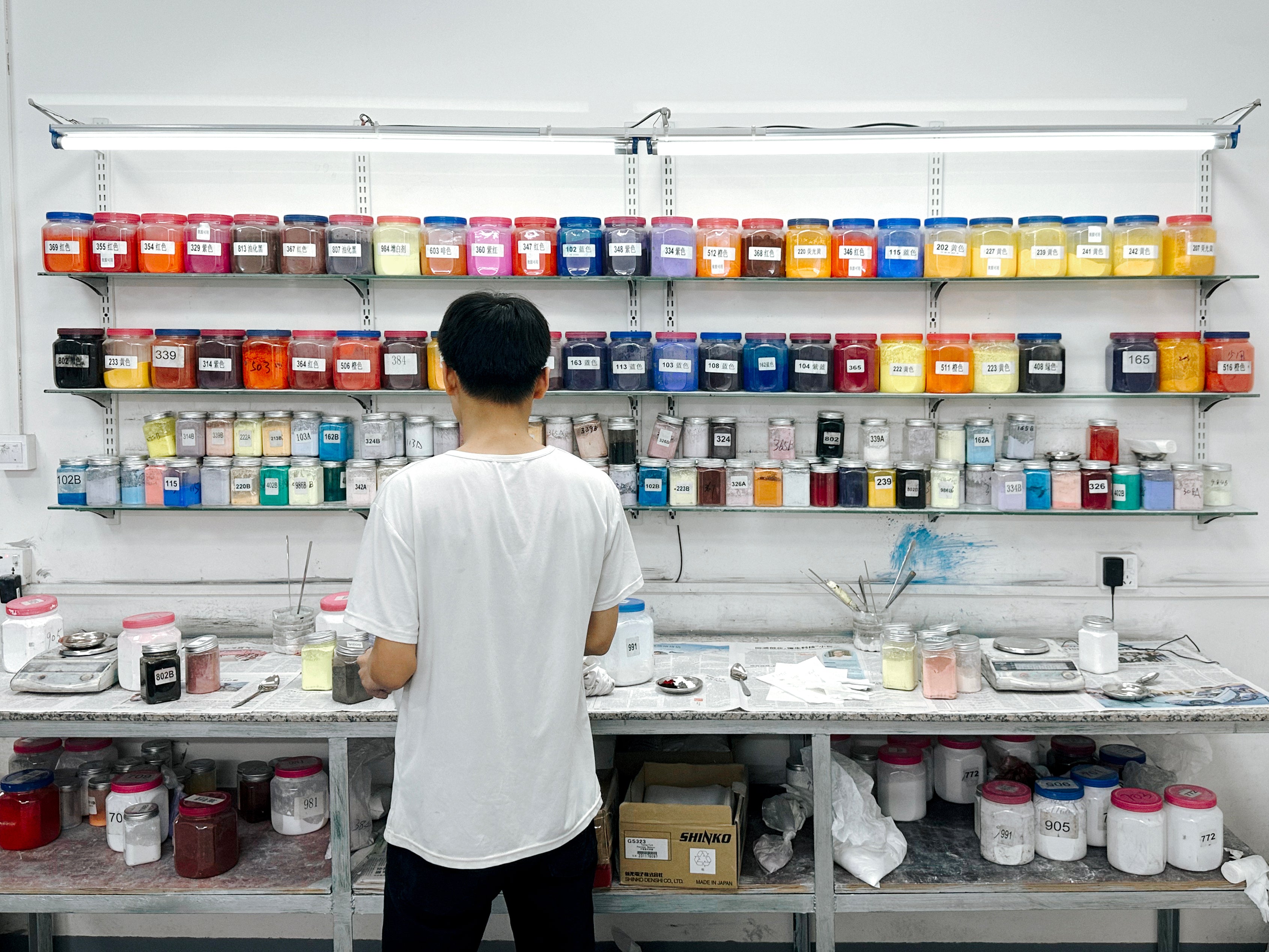
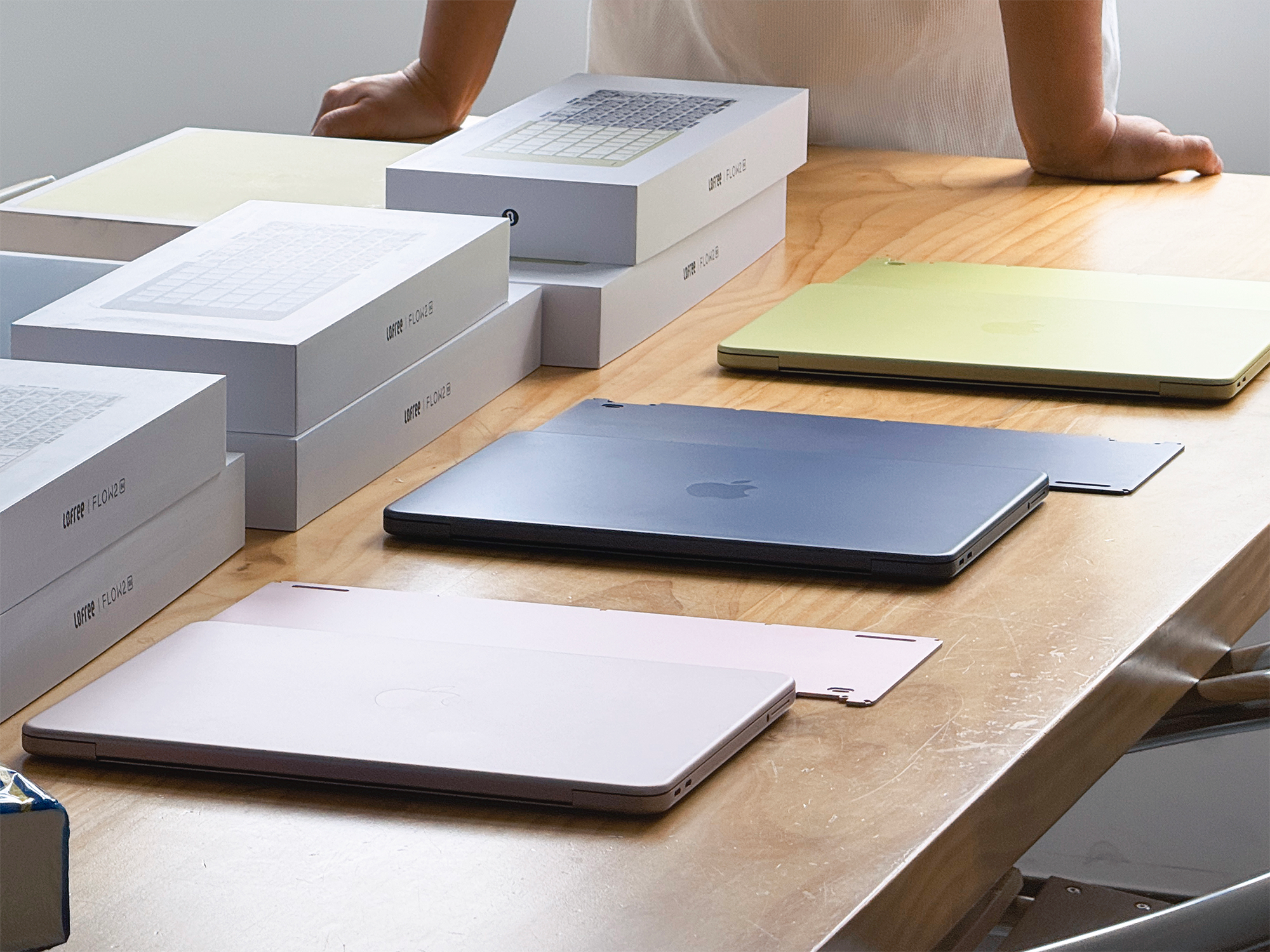
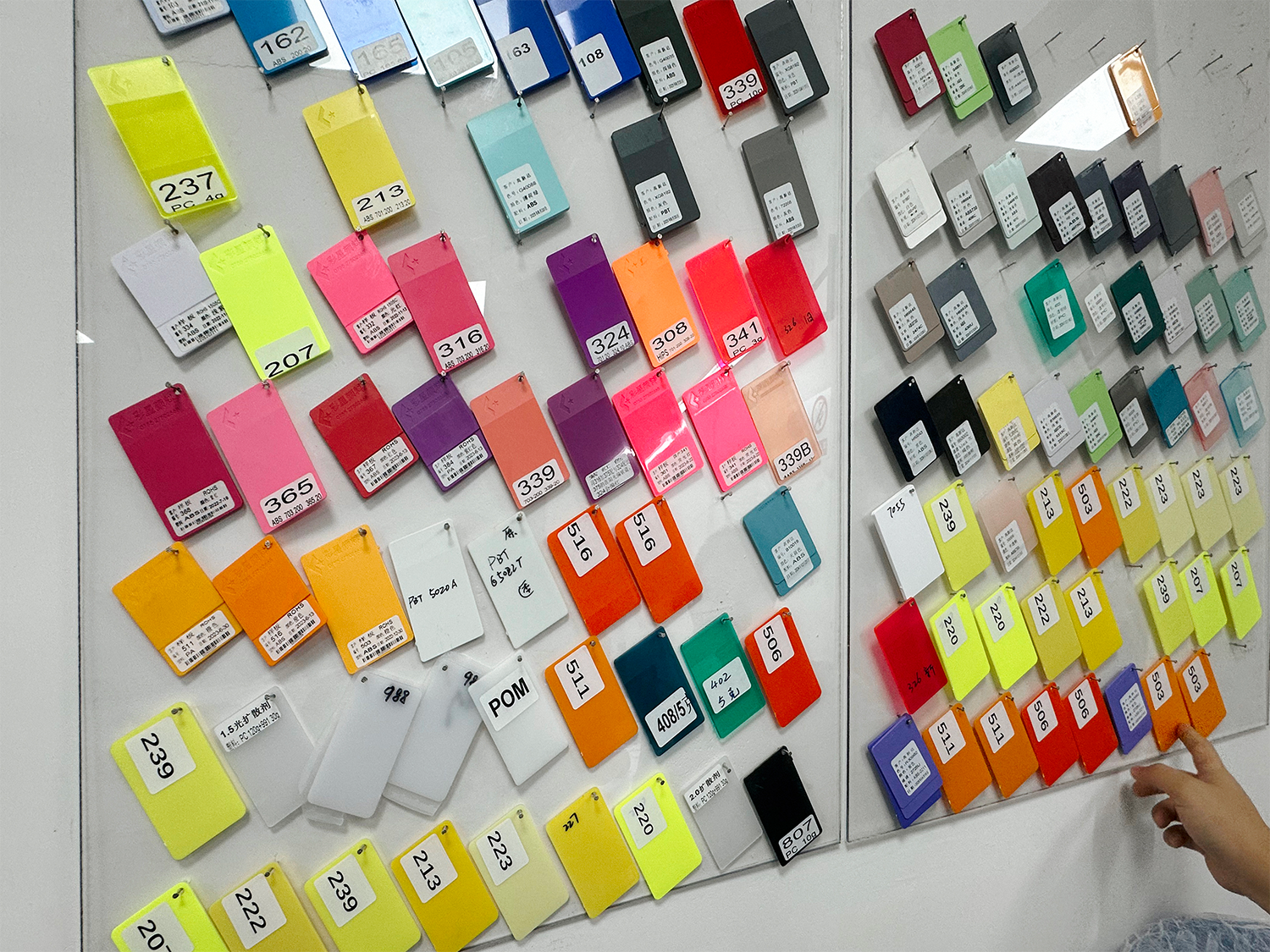
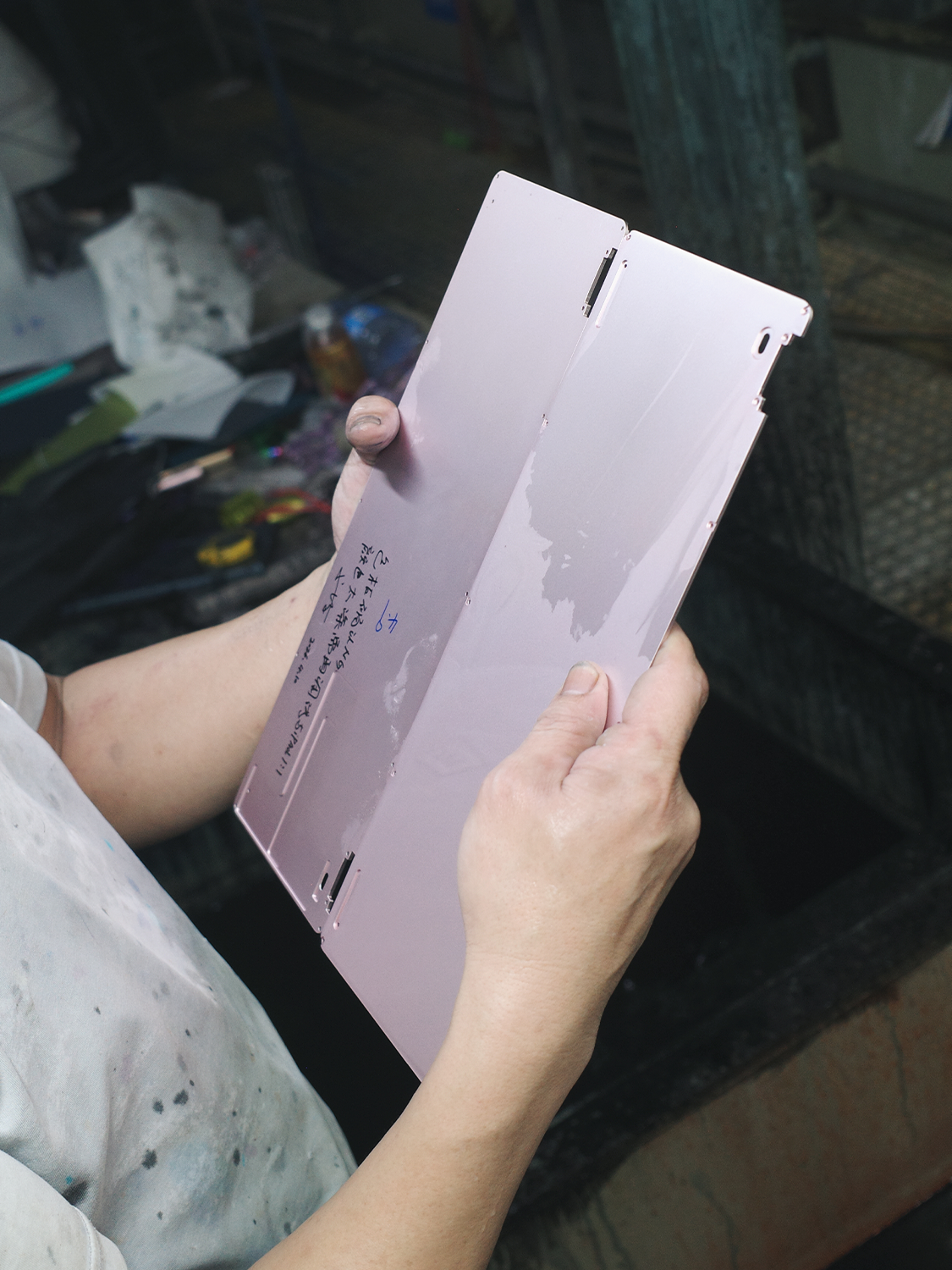
Then came the colors. We have a massive soft spot for last year’s release, the MacBook Neo, it’s a device our team absolutely fell in love with. To pay a proper tribute and ensure the keyboard looks flawlessly at home right next to it, we spent an agonizingly long time tweaking dyes and coatings through countless samples.
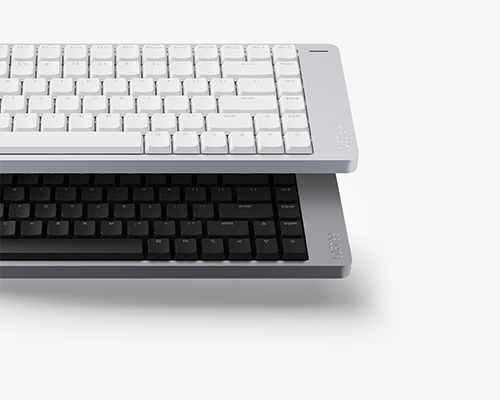
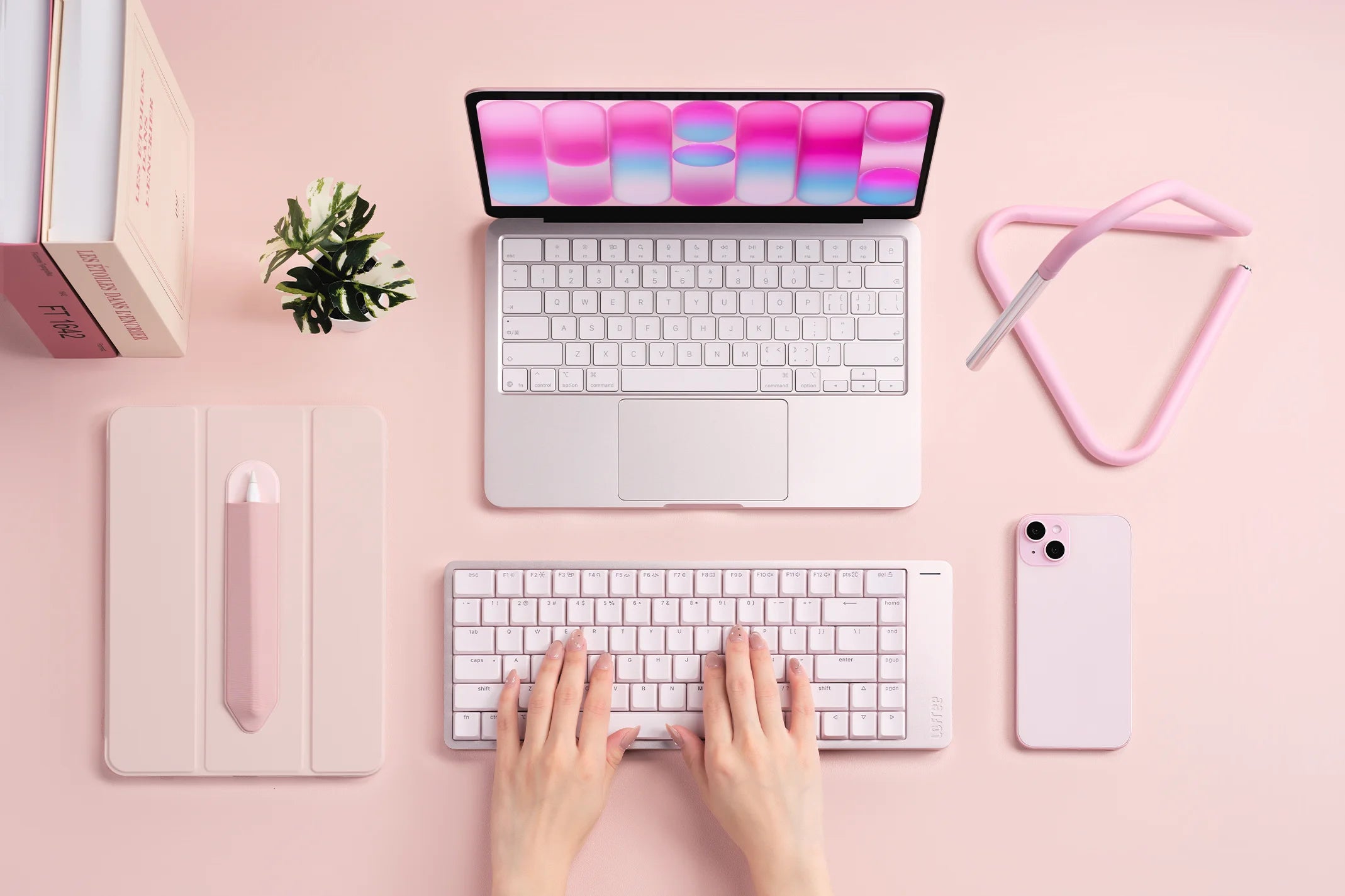
The final result? We created four distinct colorways for the Flow 2 for Mac: Petal, Nebula, Volt, and Silver. We poured our hearts into getting these exactly right to capture that visual harmony, and we truly hope you love them as much as we do.
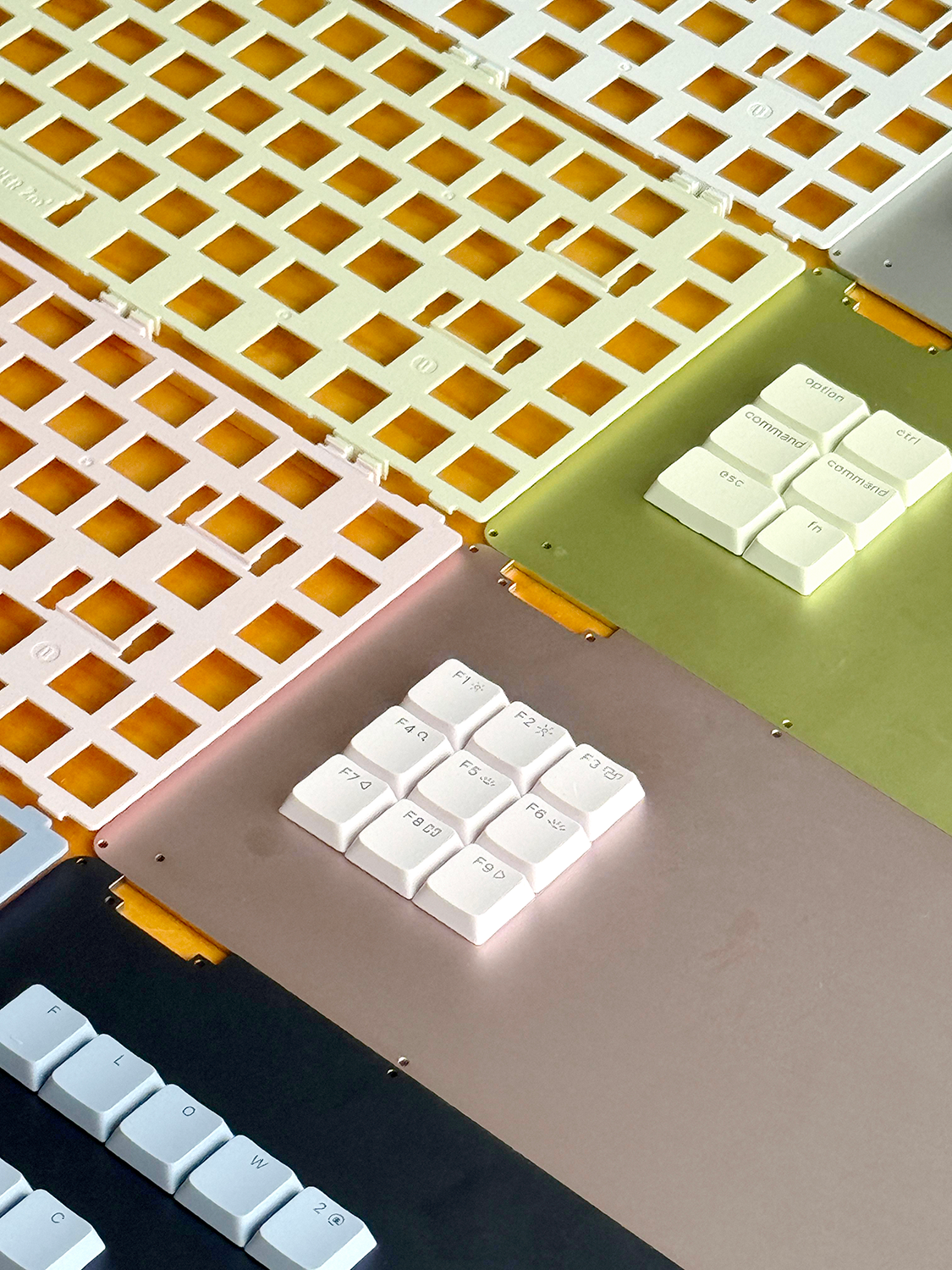
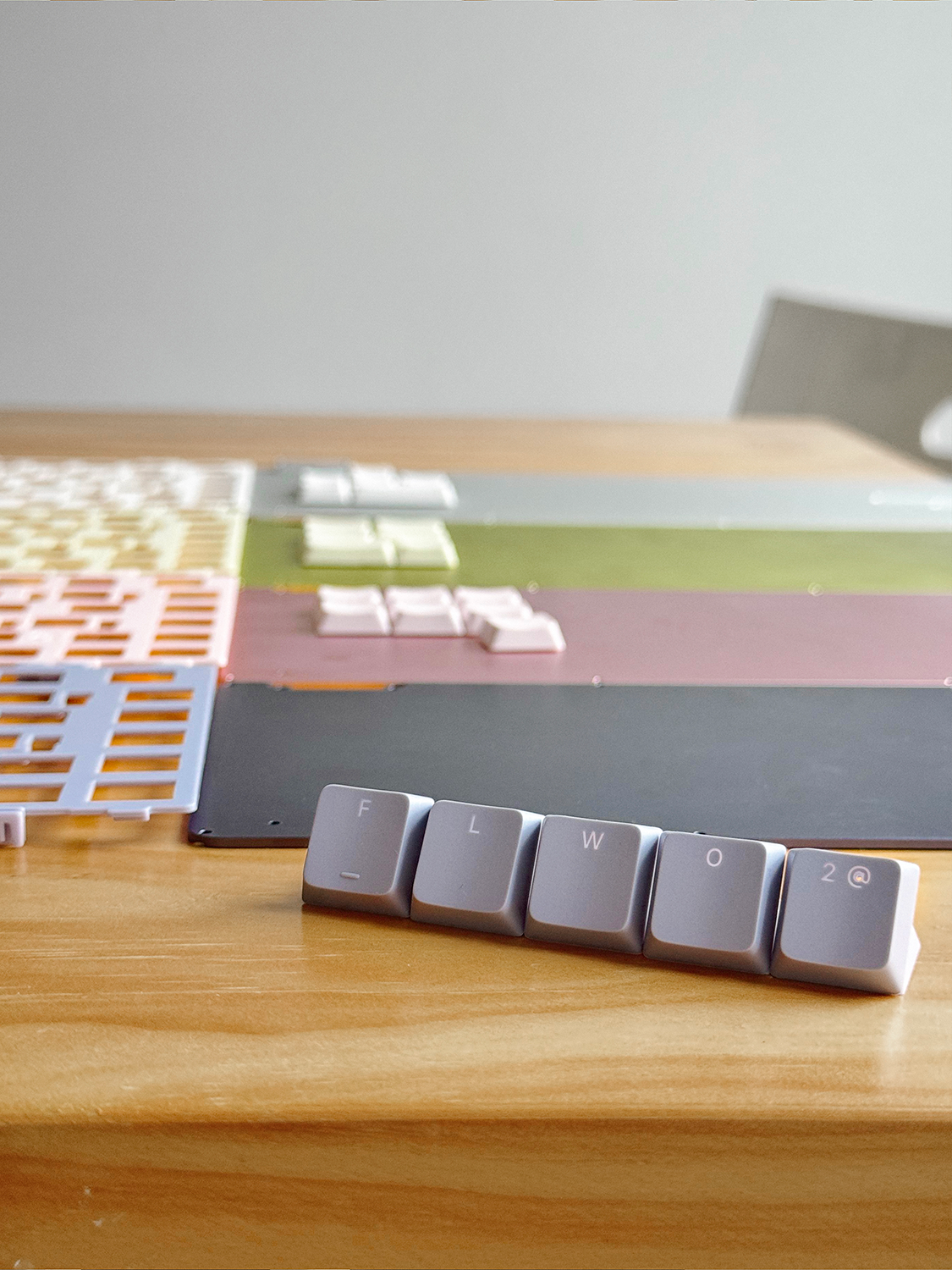
We aren't sharing this story to brag about our manufacturing costs or how many prototypes we threw away. We're sharing it because we understand the people who use our products. You are the creators, the coders, the designers, and the writers who live and breathe in front of a Mac screen for 10, maybe even 12 hours a day.
For too long, you've had to adapt your hands to tools that weren't truly built for you. We believe your keyboard shouldn't be a source of friction, it should be a seamless extension of your thoughts. You no longer have to settle for almost perfect. You deserve a keyboard that finally gets it right.