
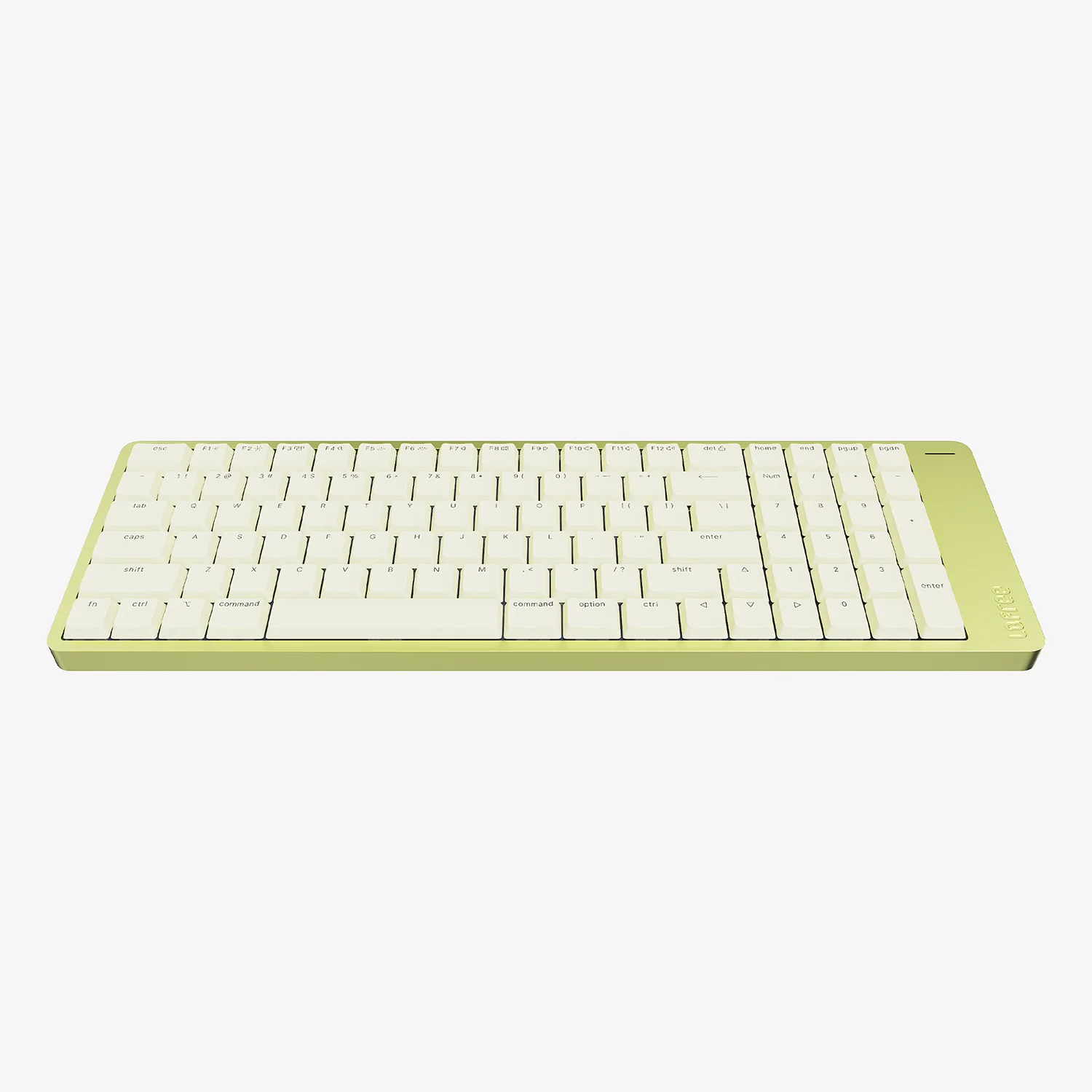
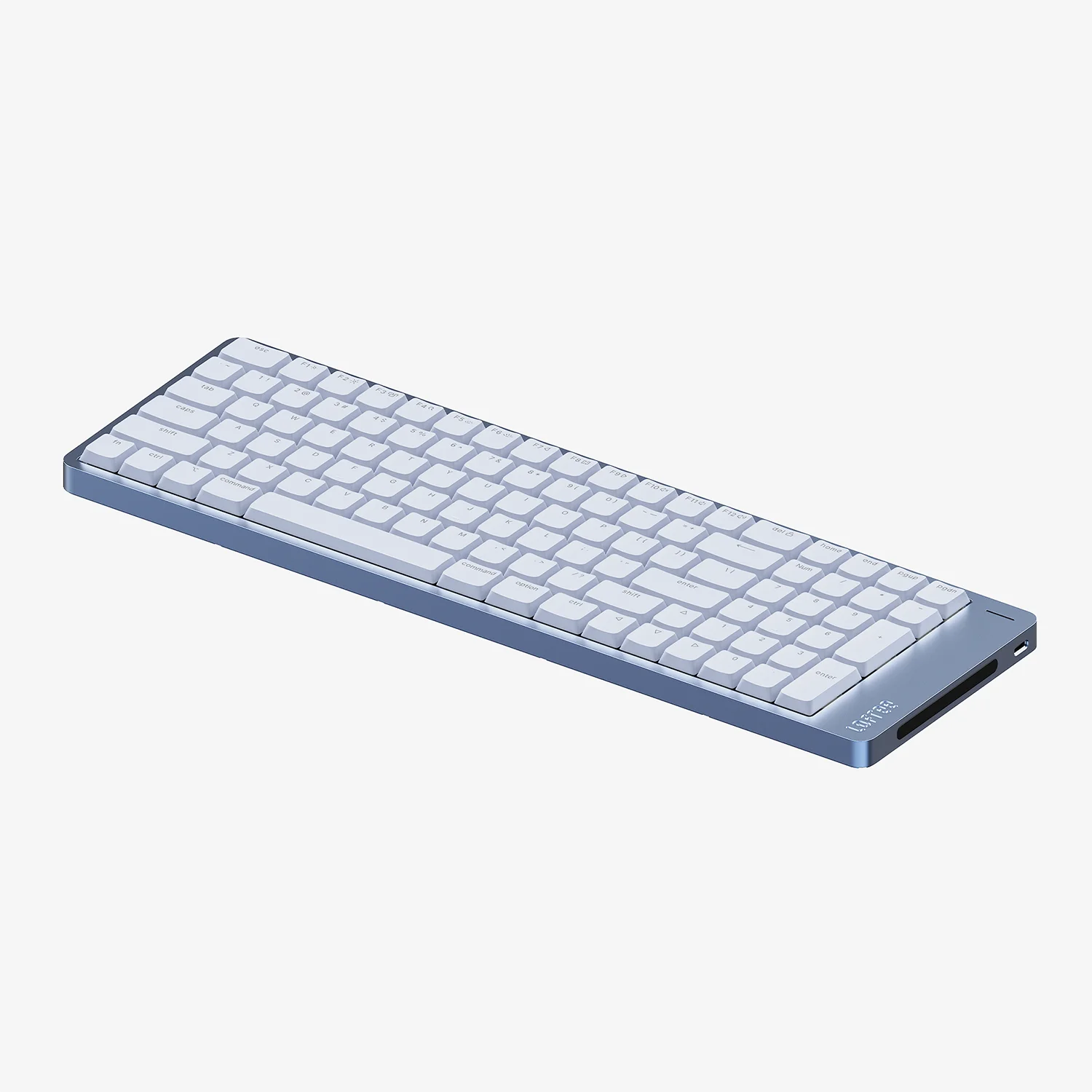
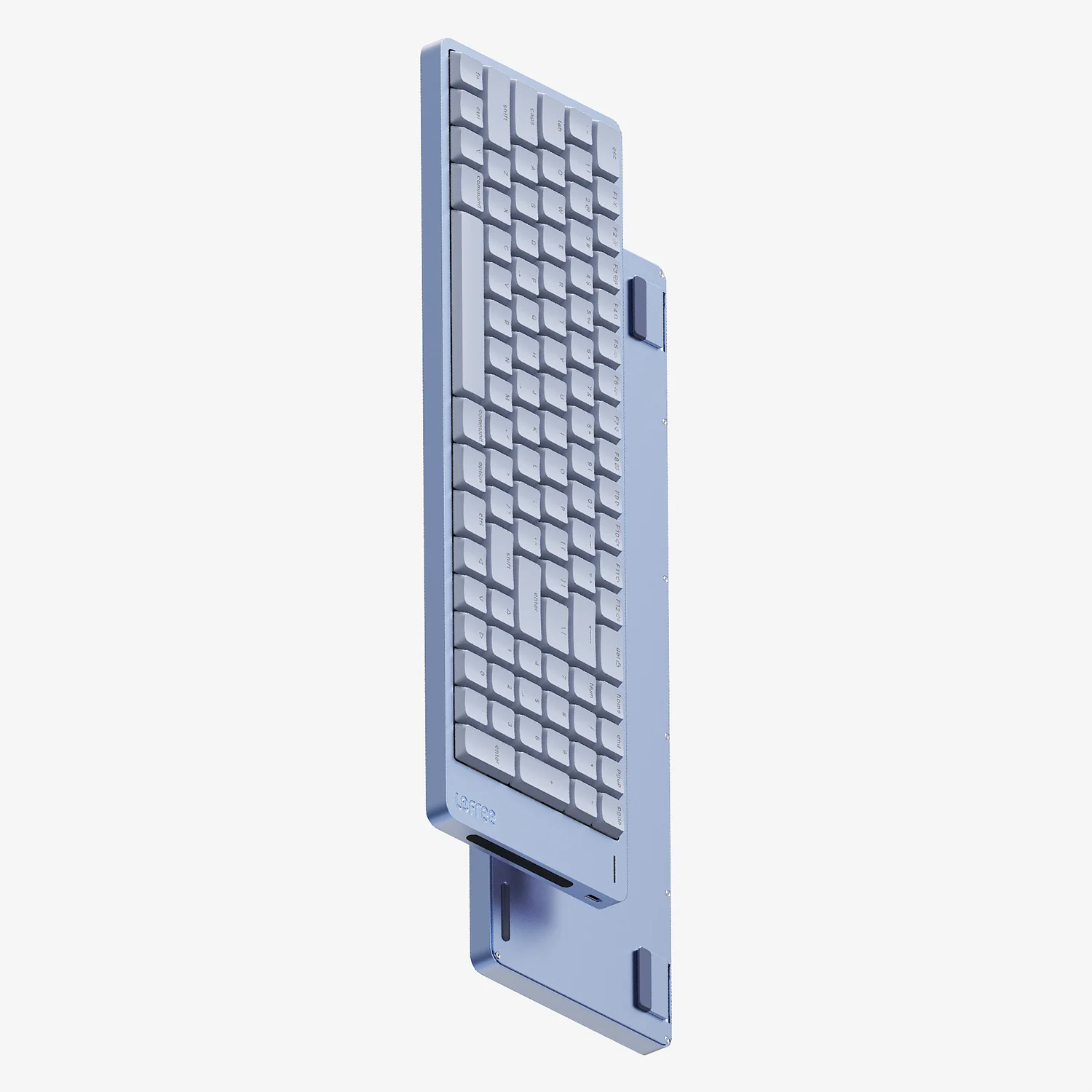
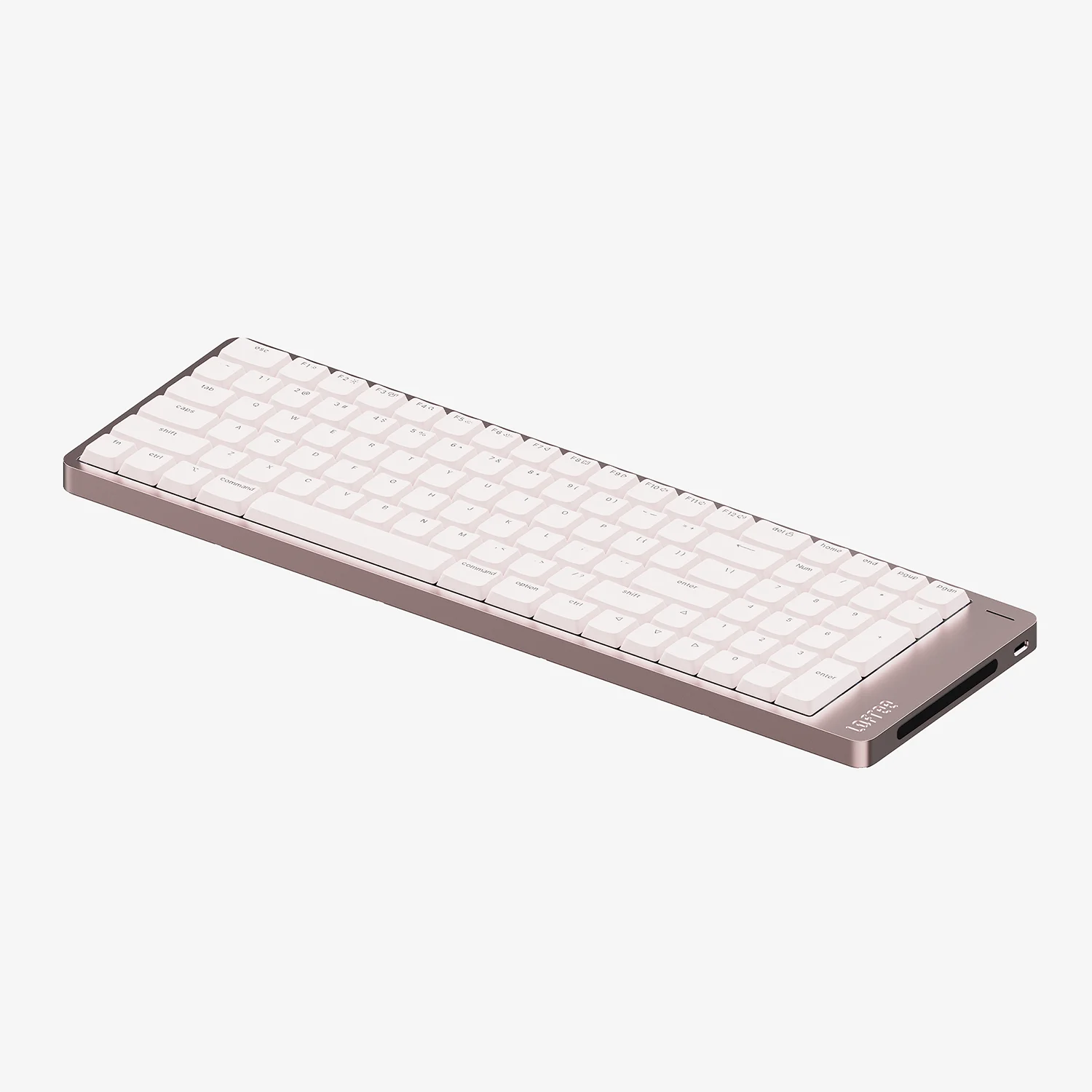
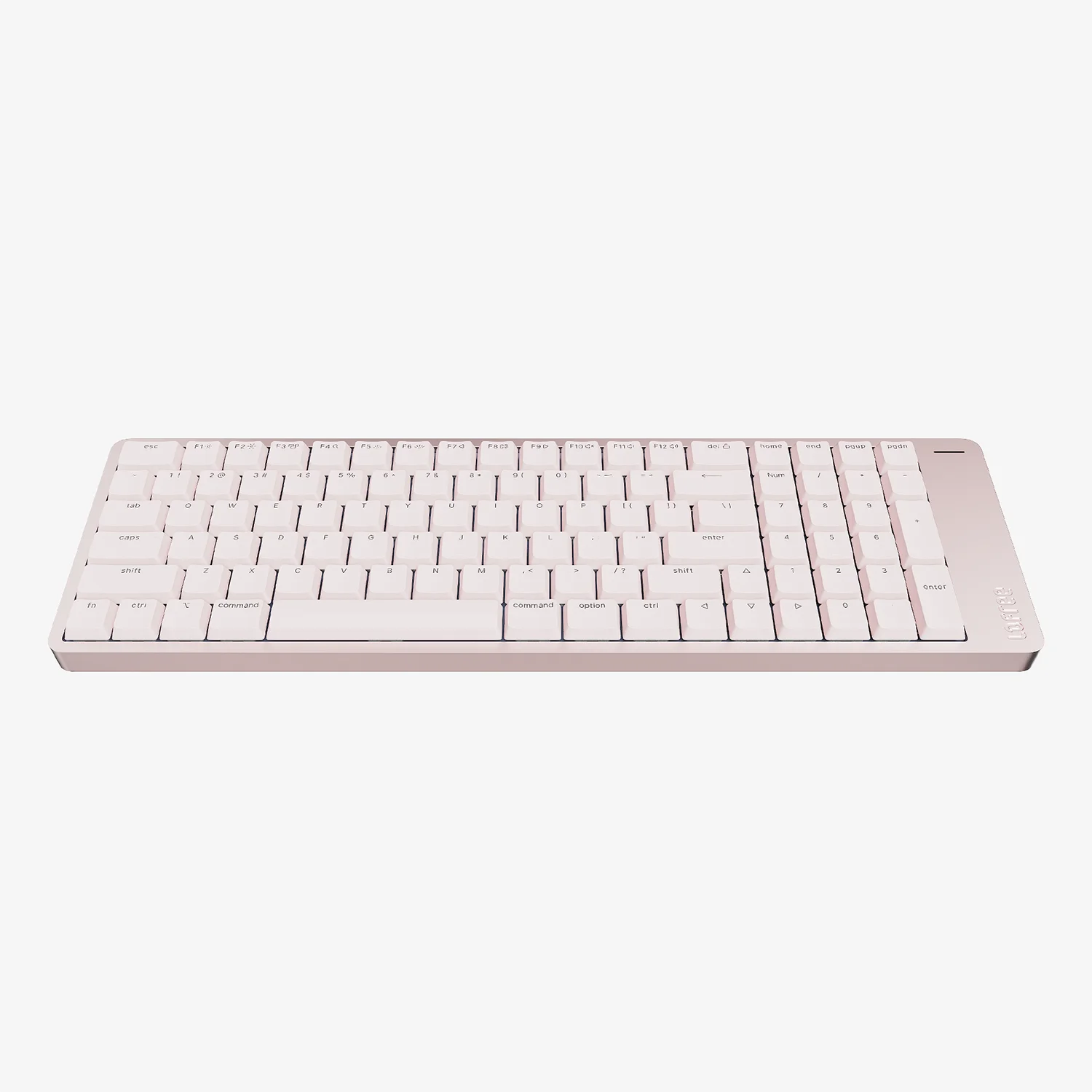
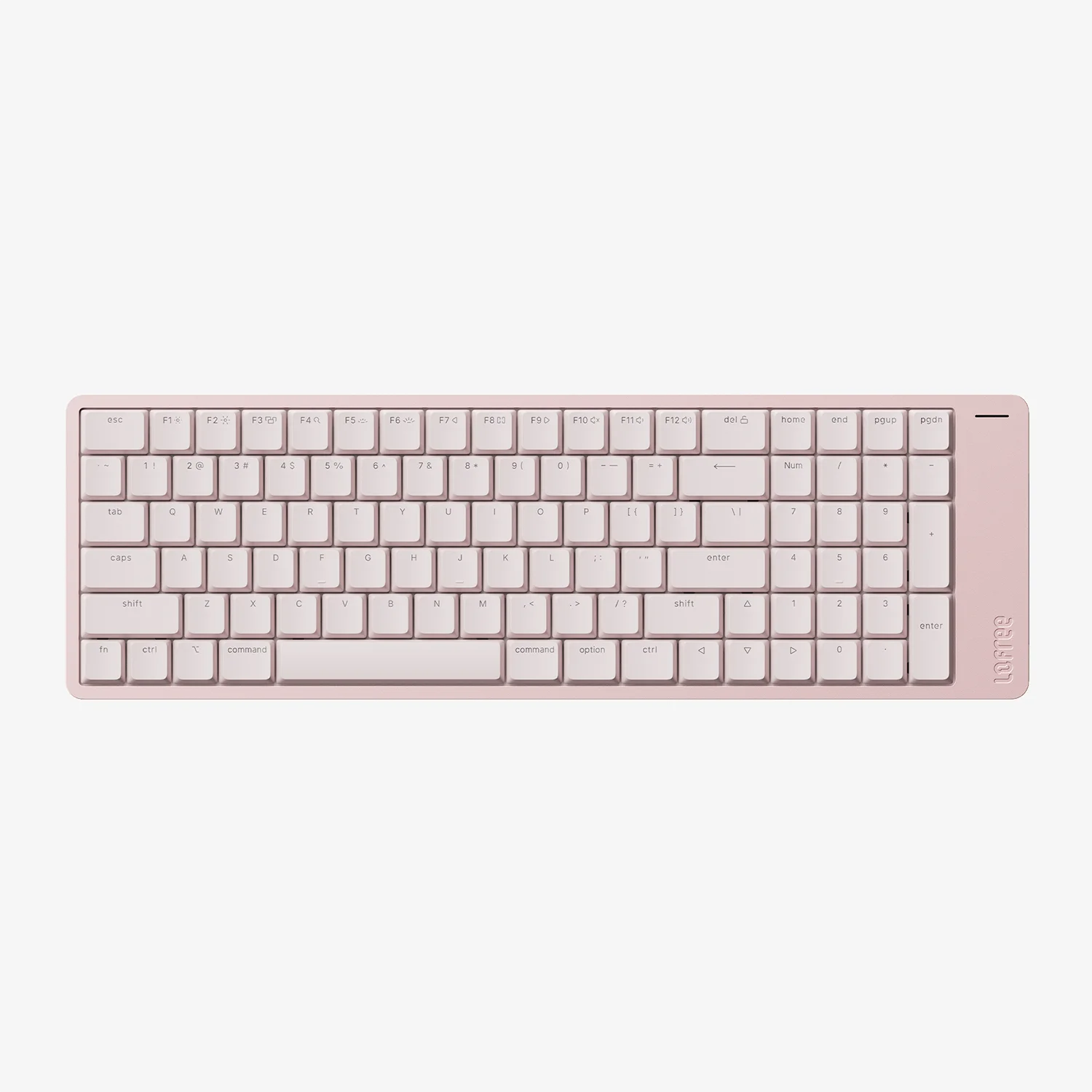
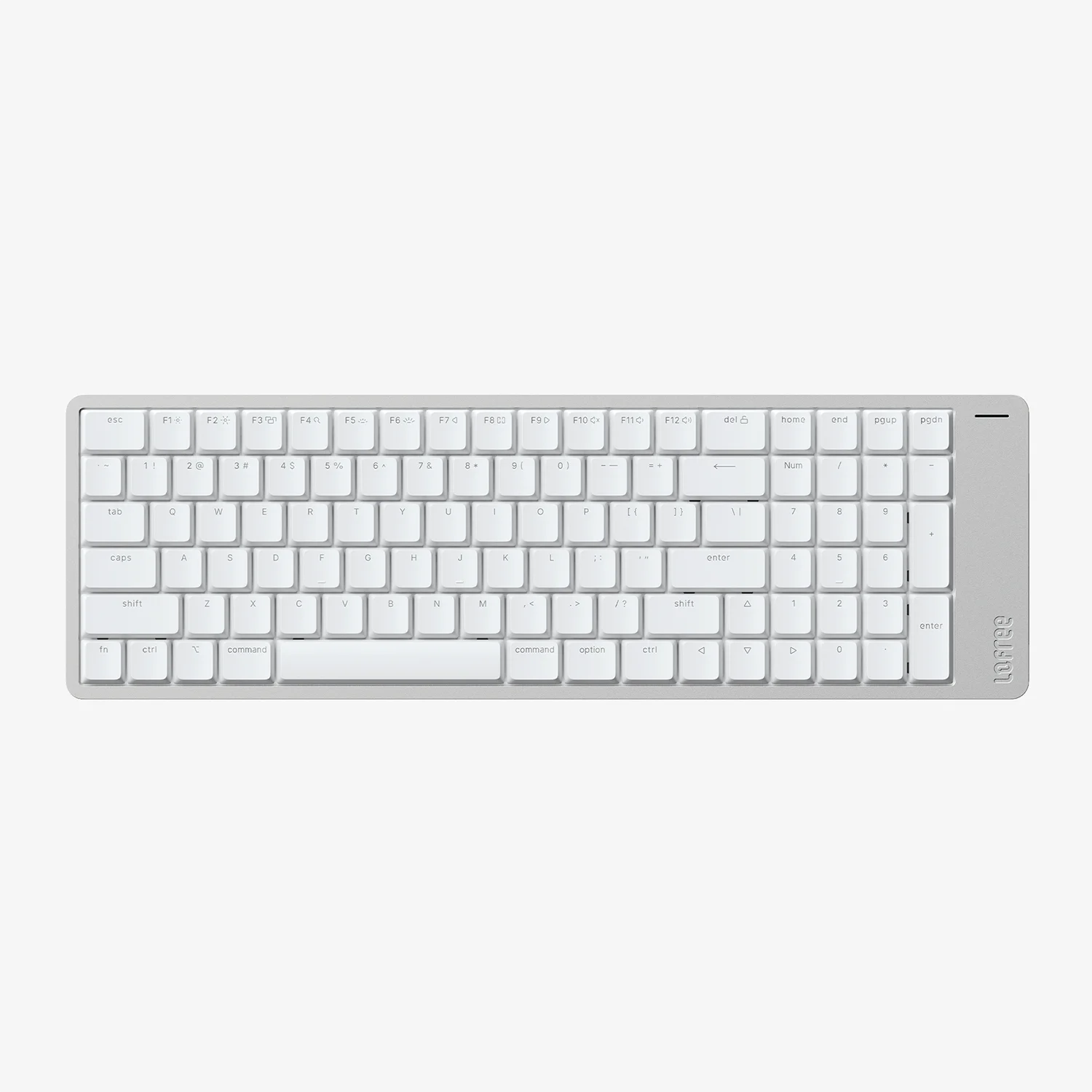
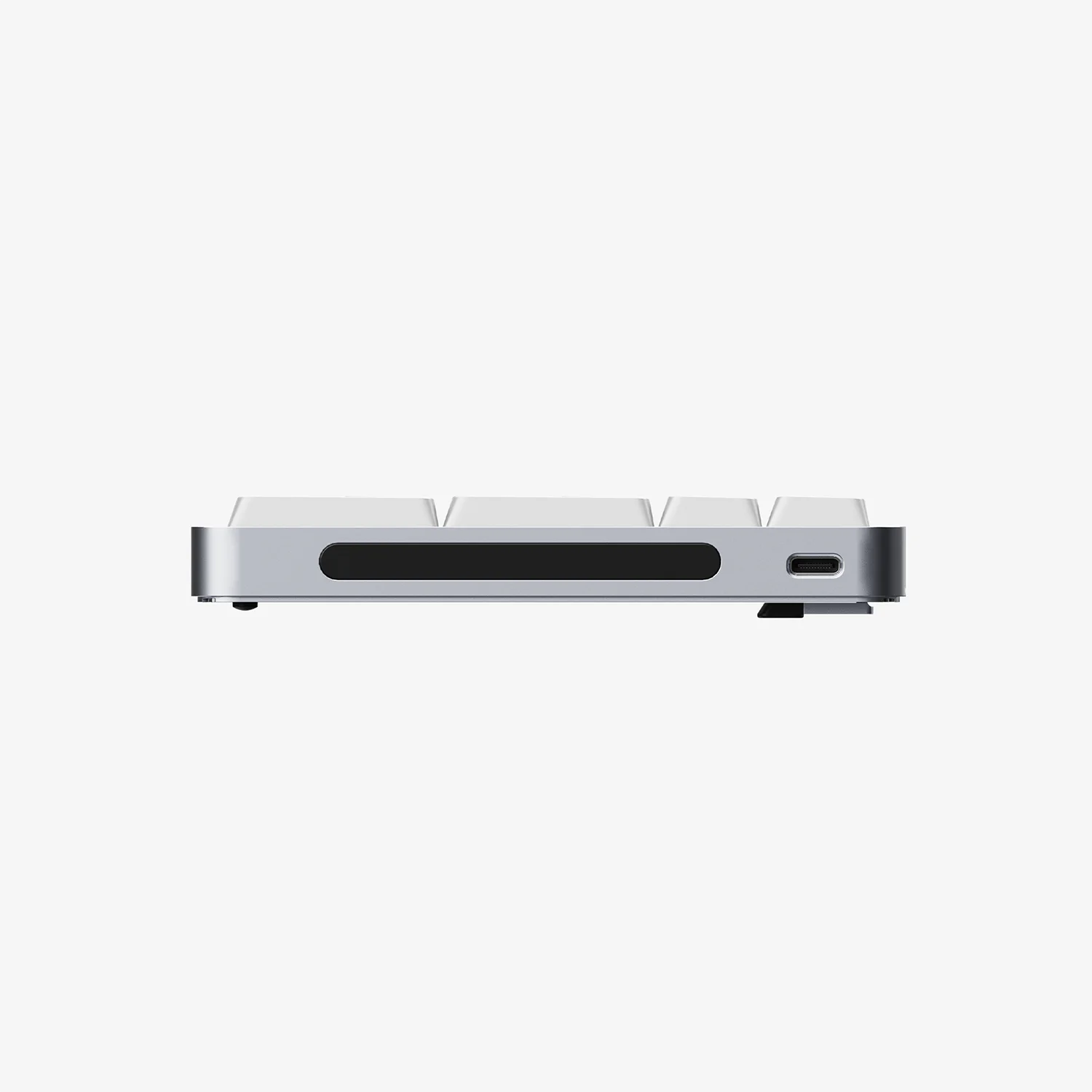
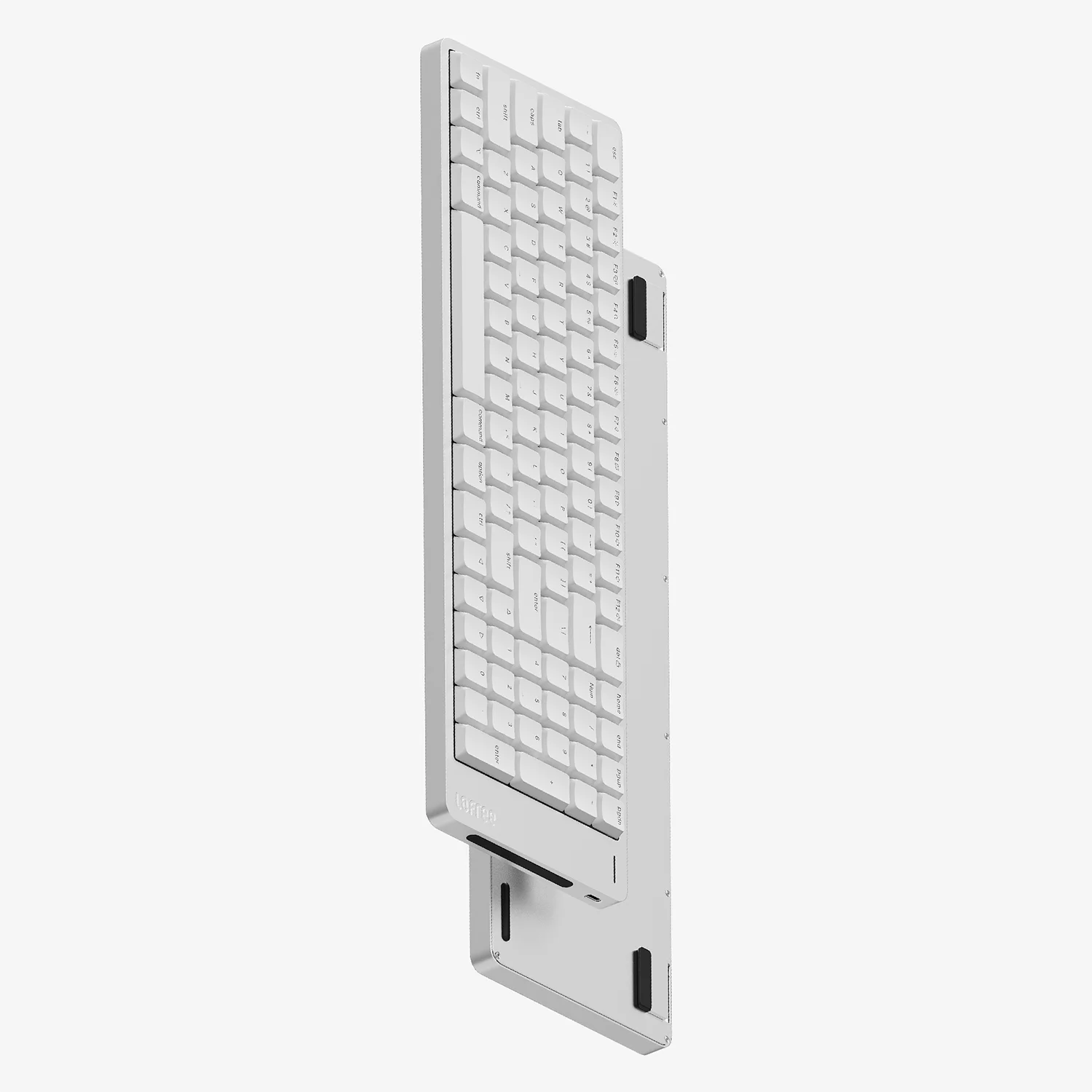
Flow 2 100 for Mac
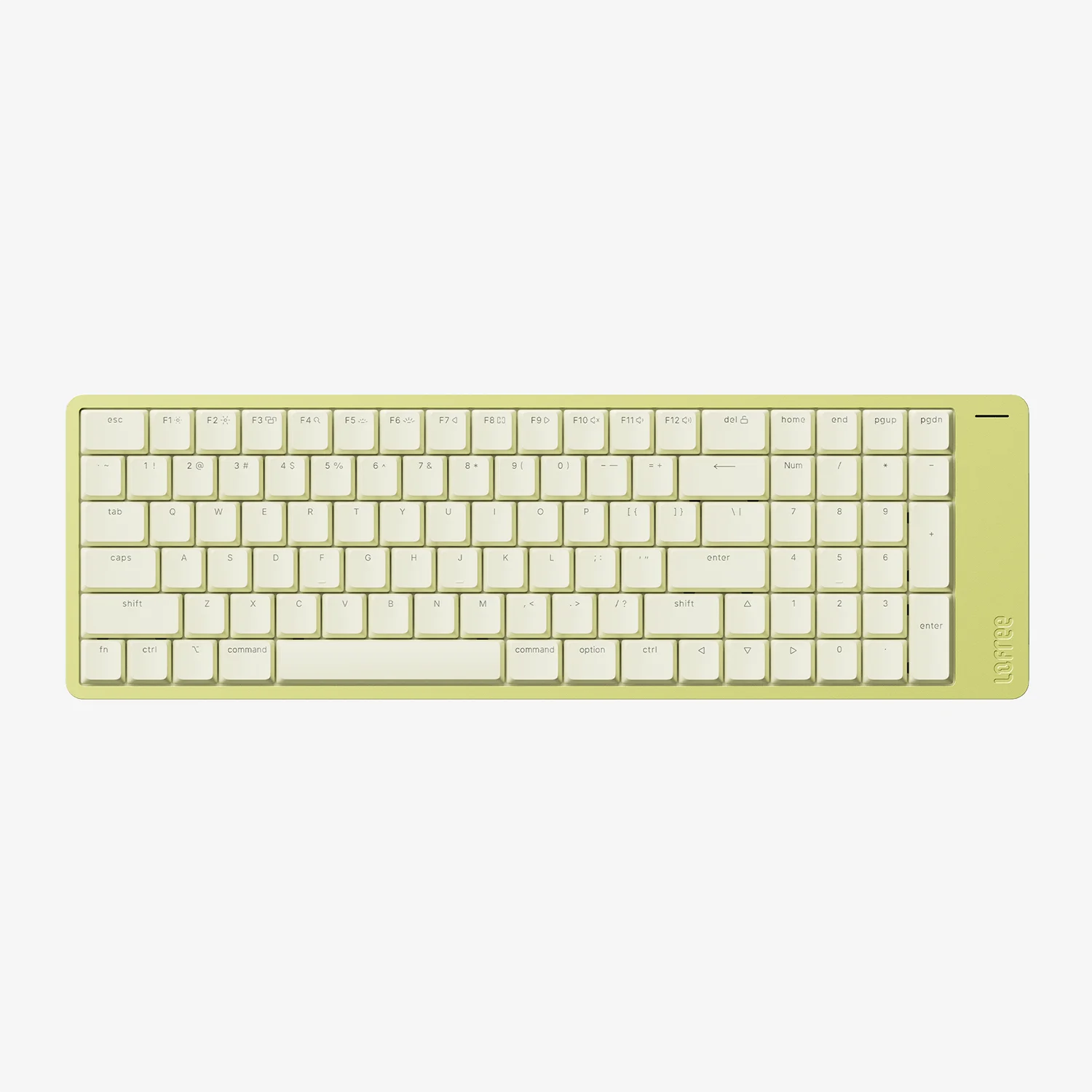
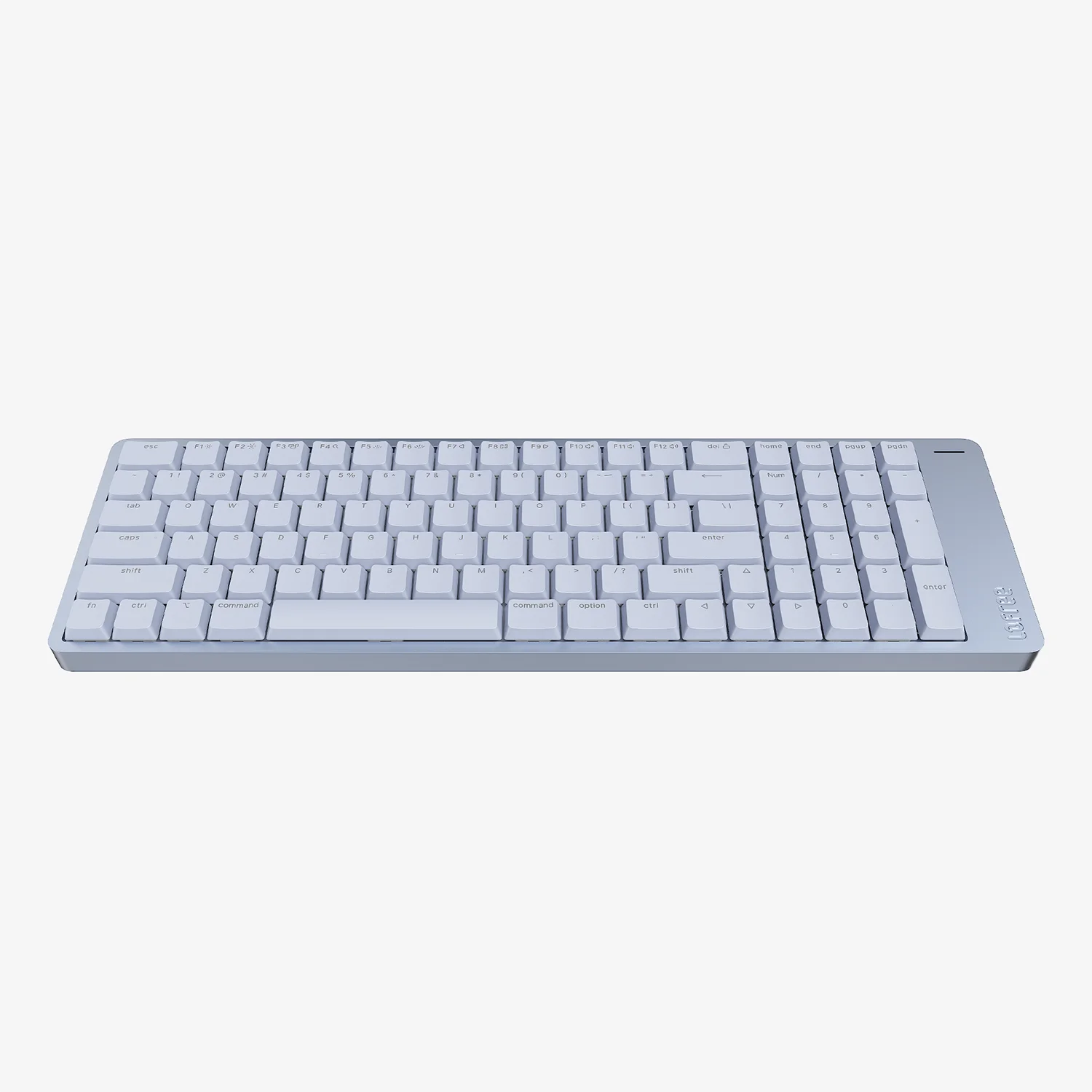
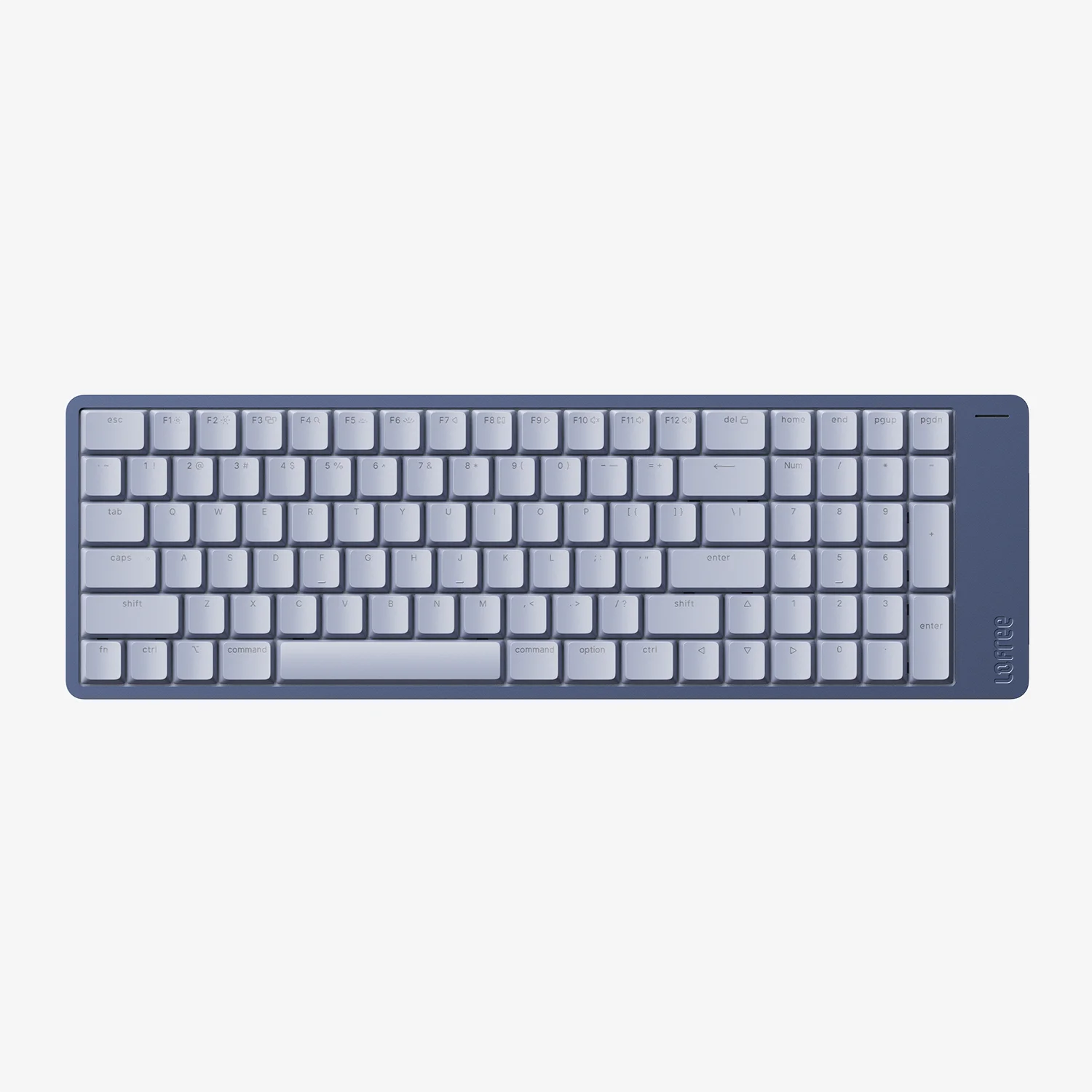
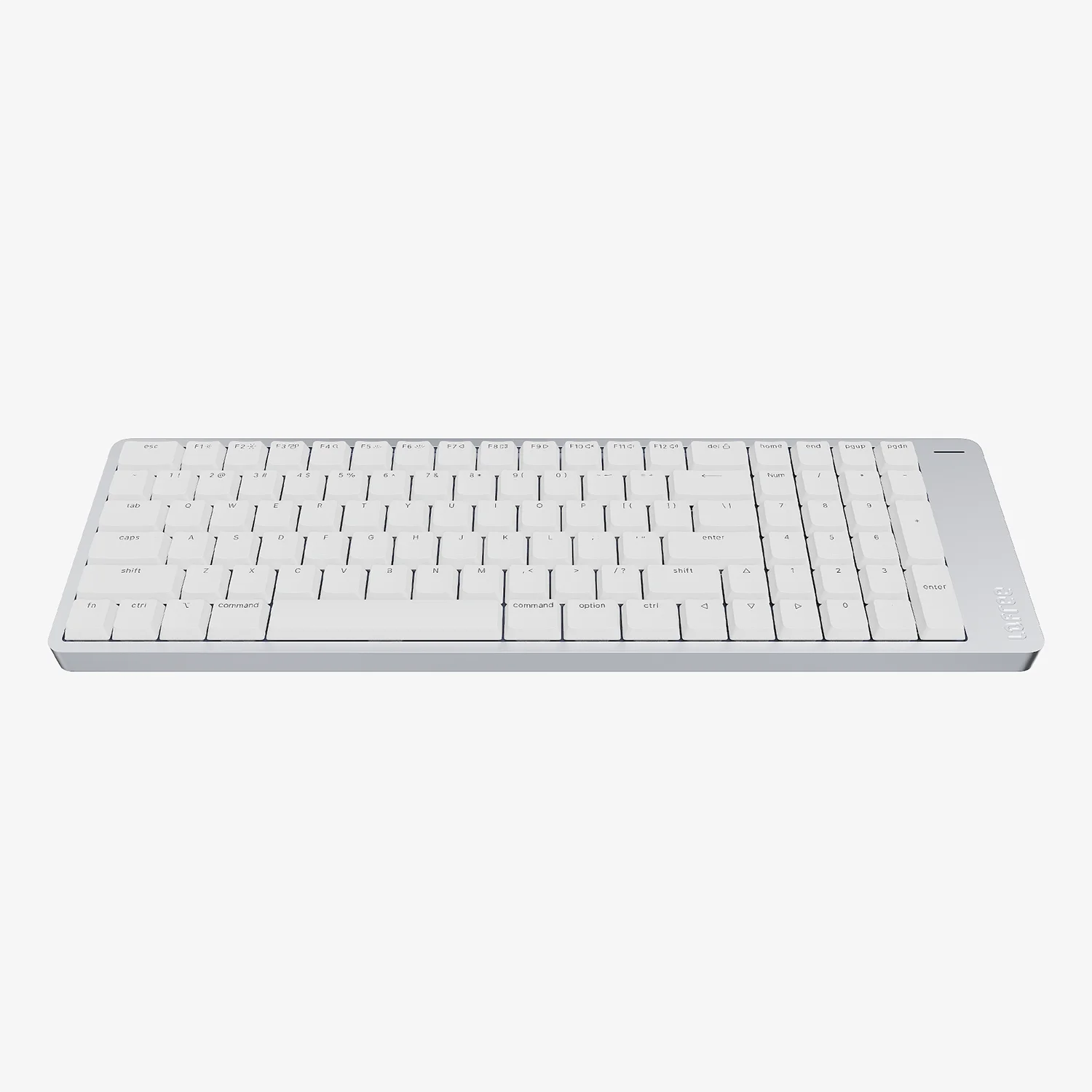
- 96% layout / 100 keys
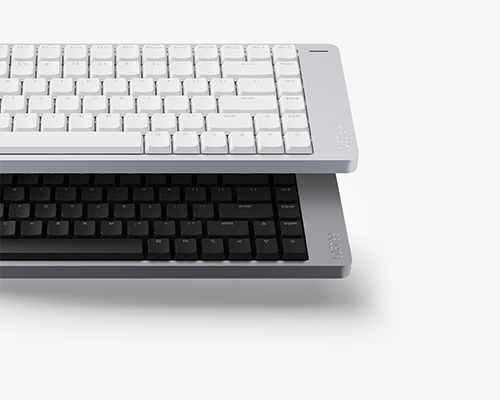
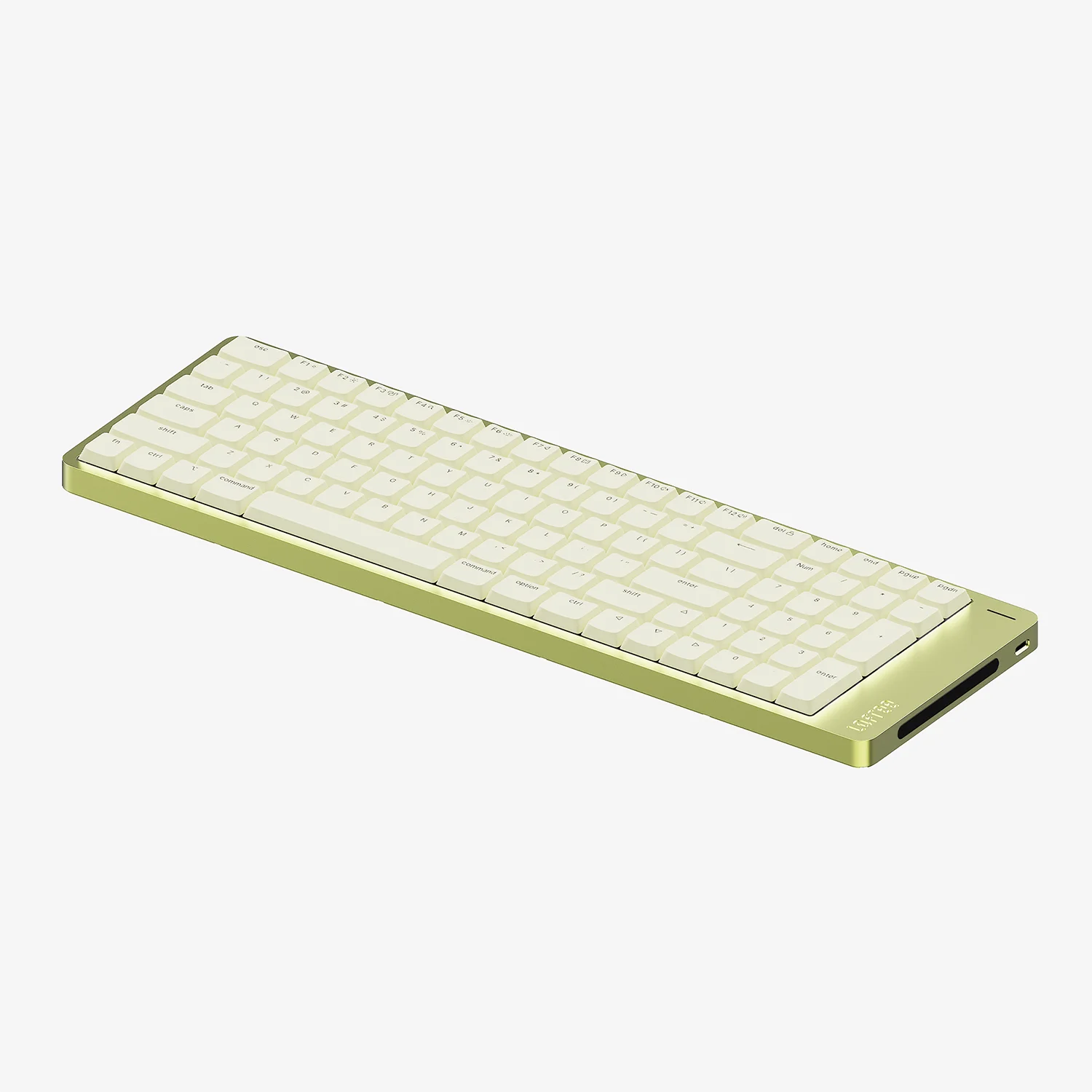
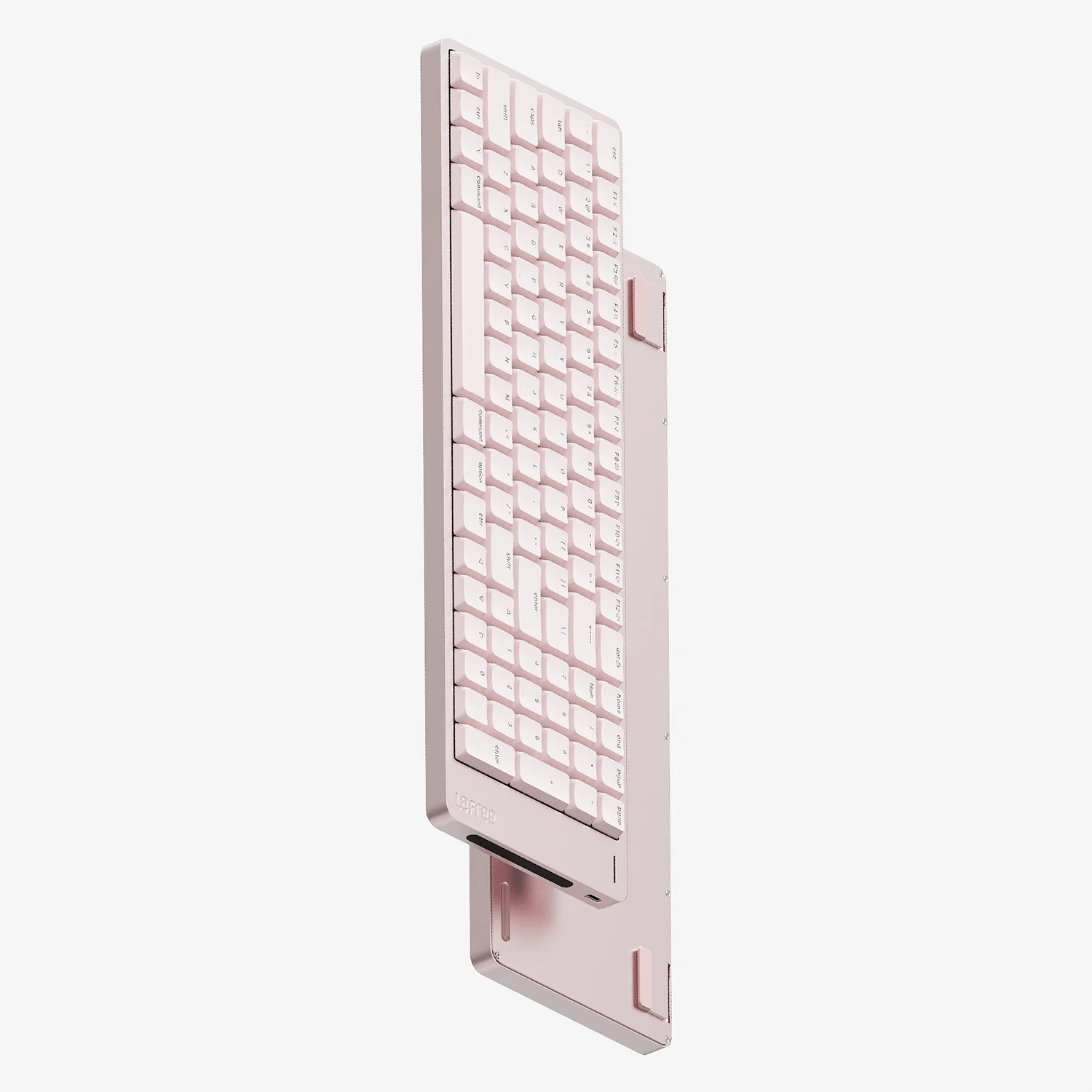
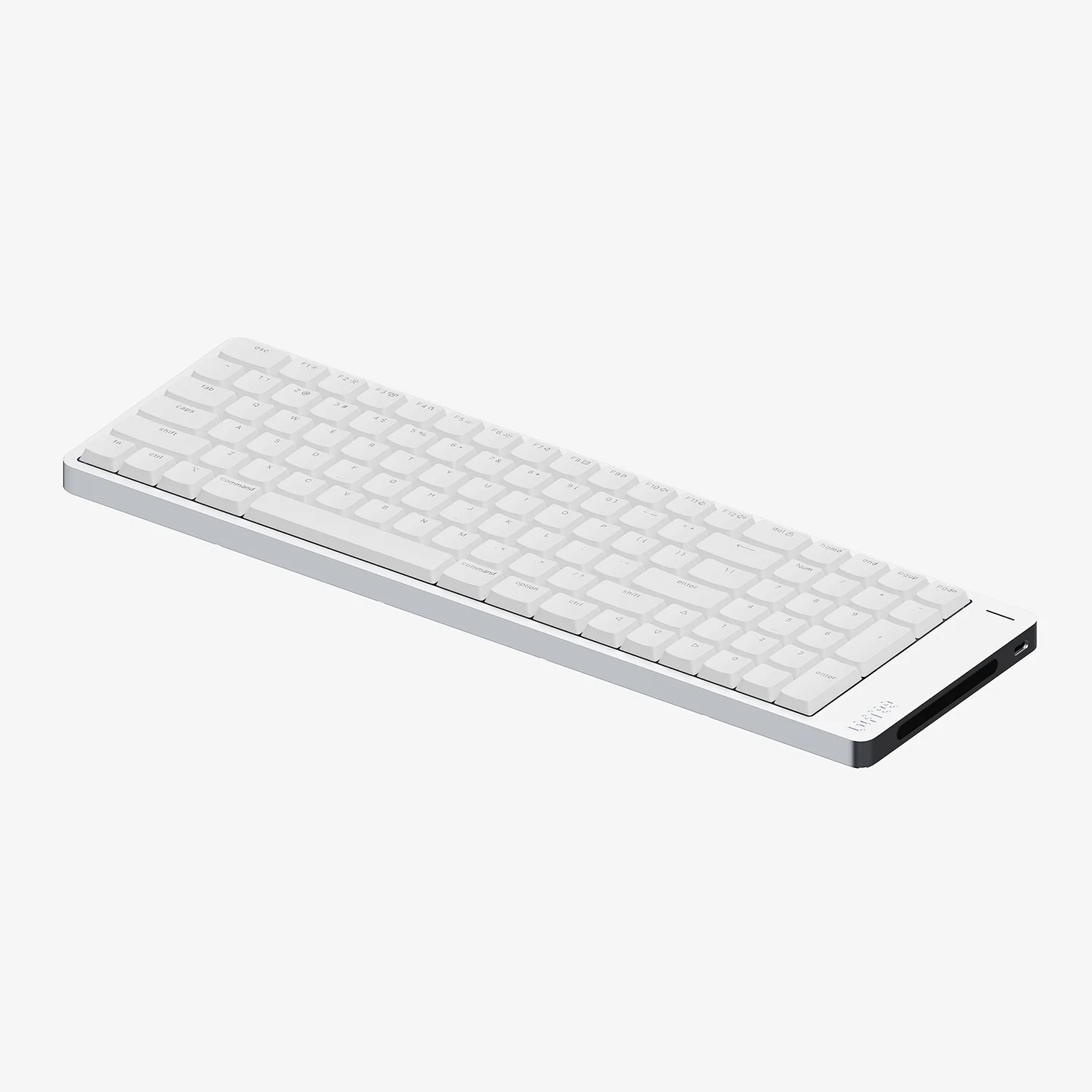
- Available in four finishes. Ultra sleek anodized aluminum body
- Pre-installed Cloud Series Surfer switches
- Native Mac layout
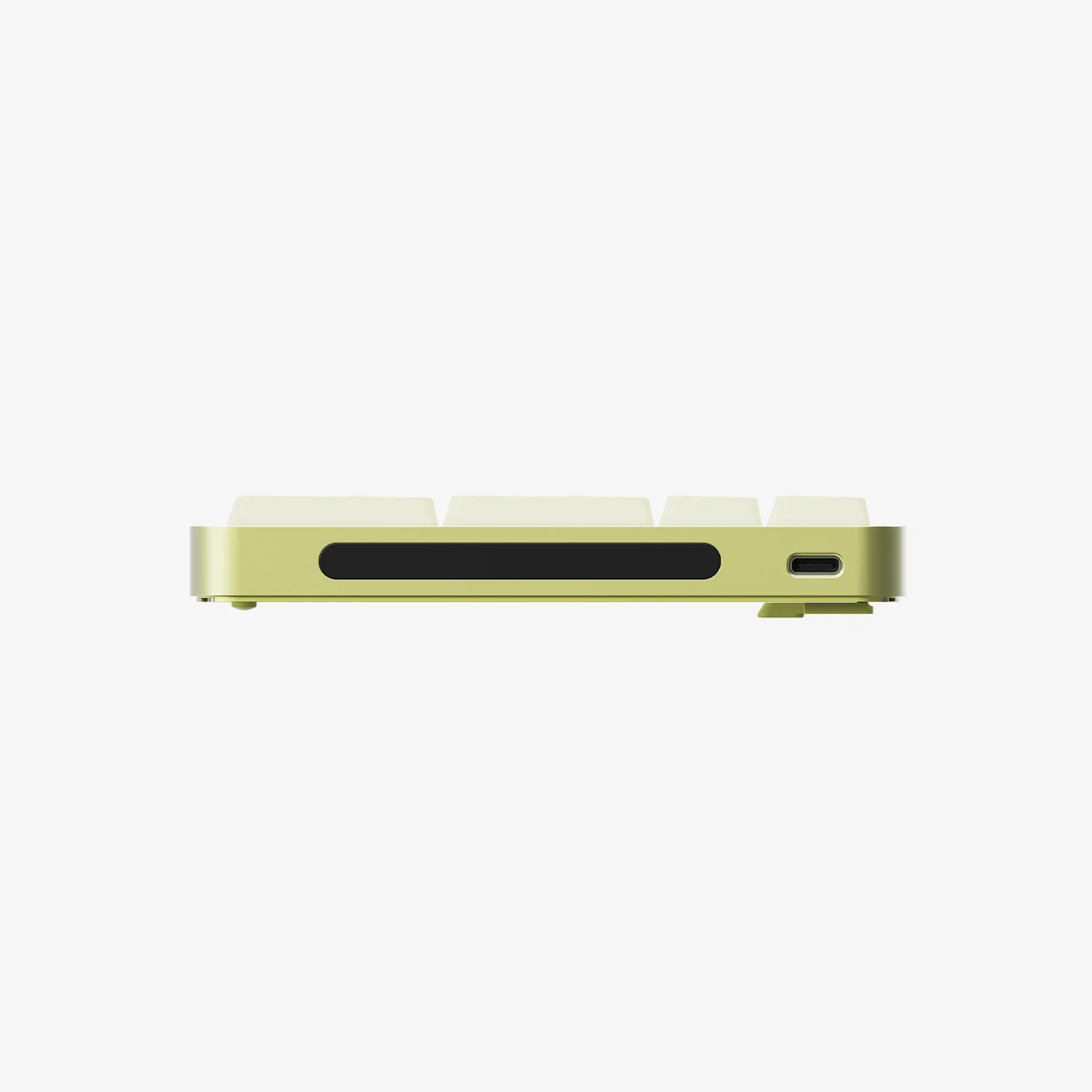
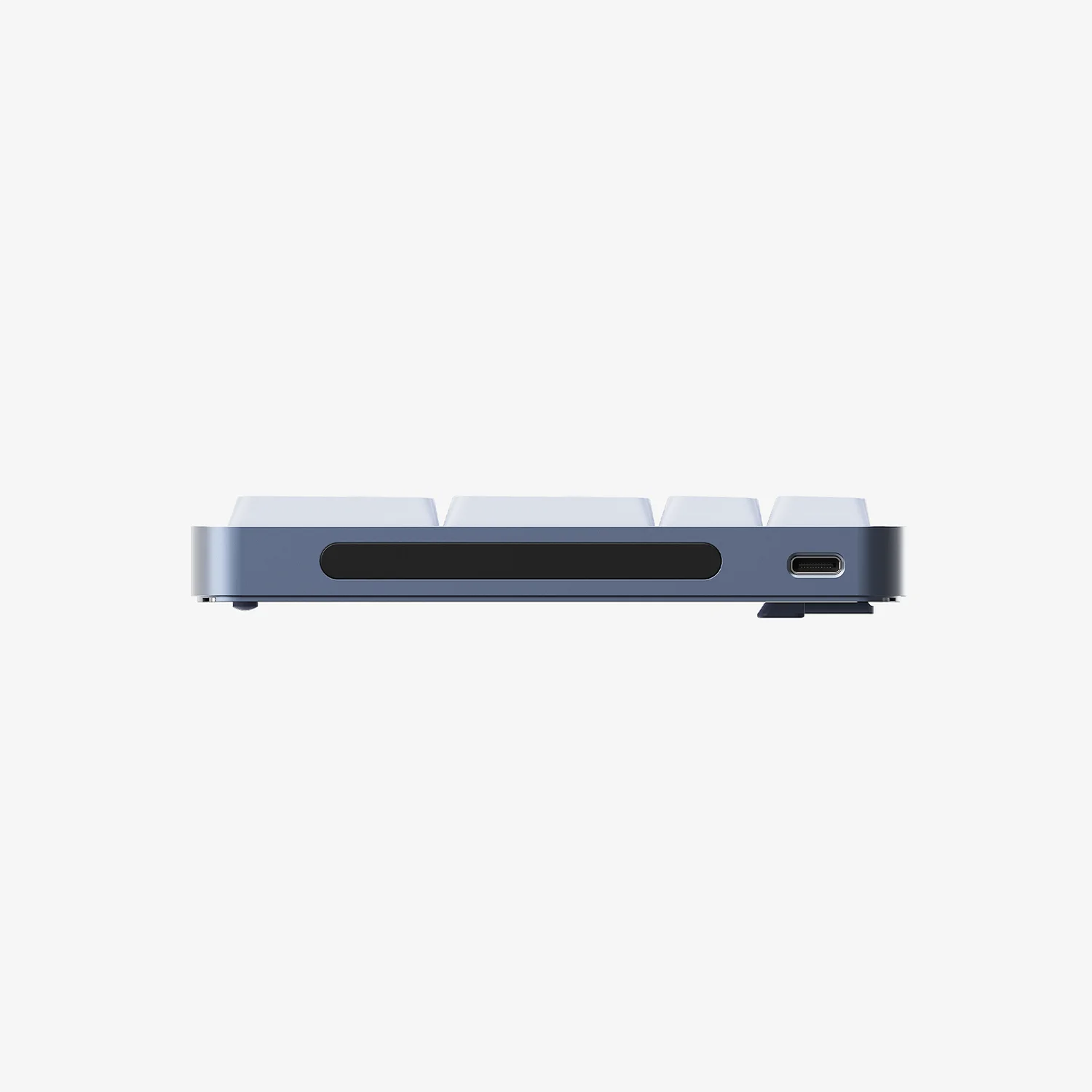
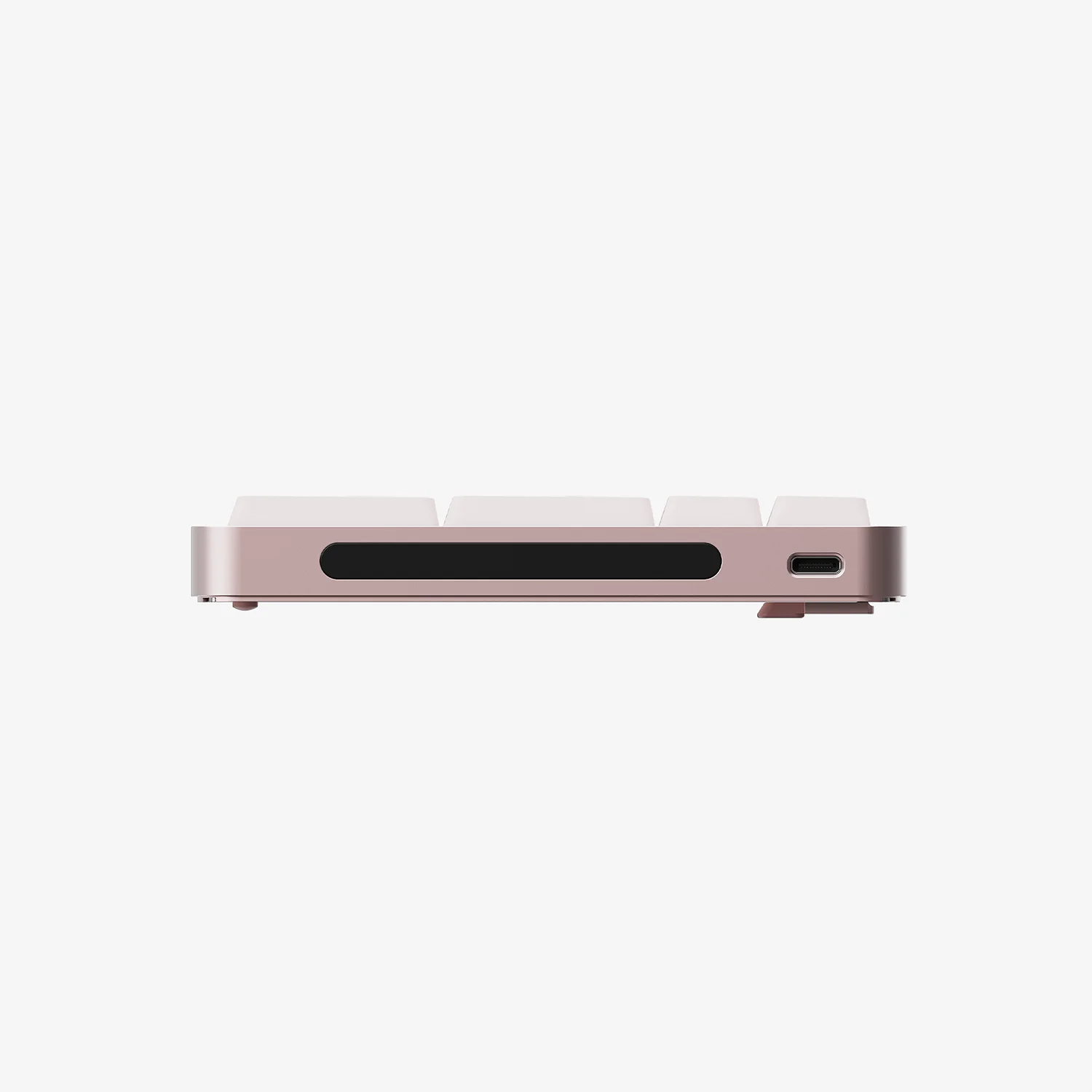
- Touch-sensitive bar for adjusting volume and screen brightness
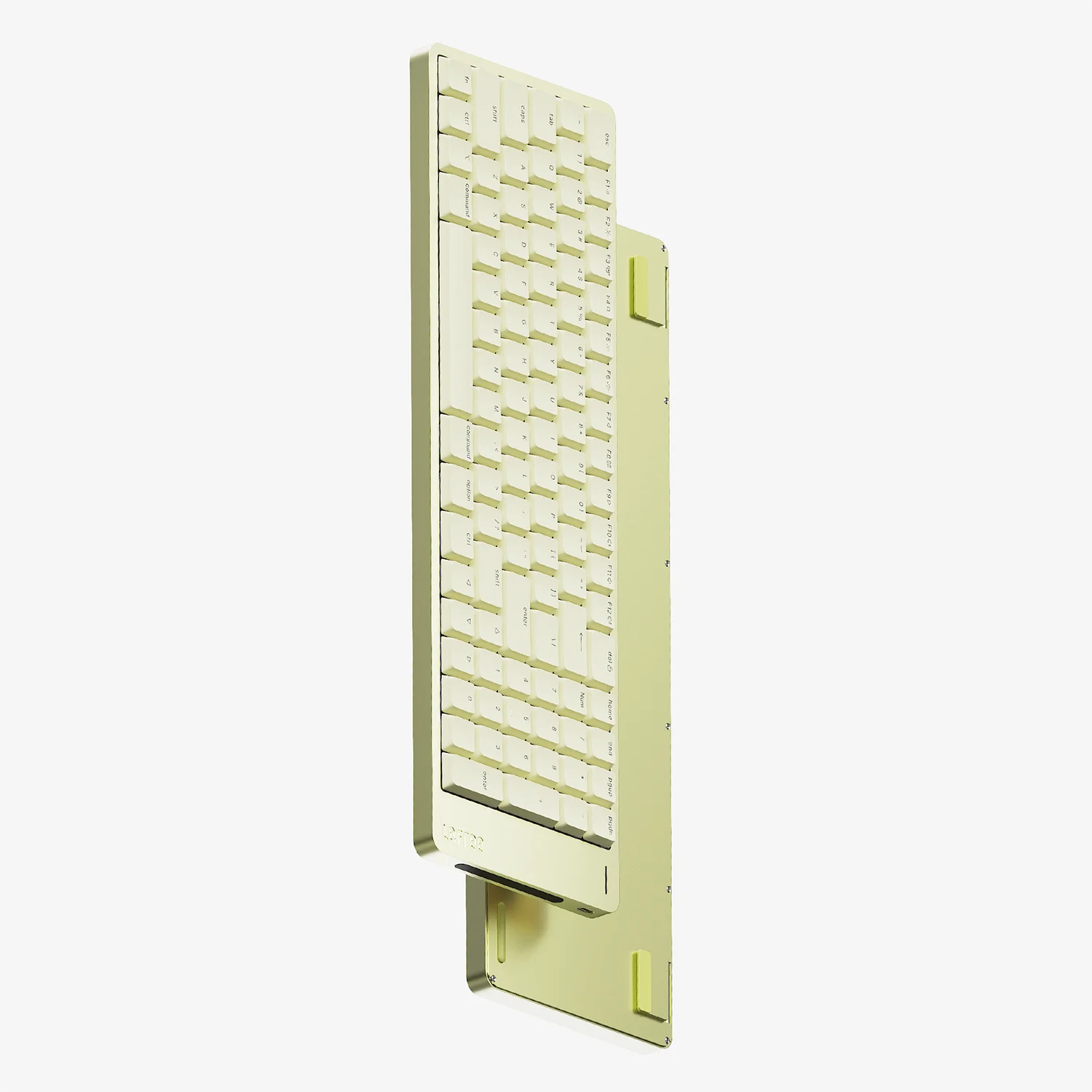
- Built-in flip-out keyboard kickstand
- PBT+PC double-shot shine-through keycaps
- Tri-mode connectivity (2.4GHz/ Bluetooth/ wired USB-C)
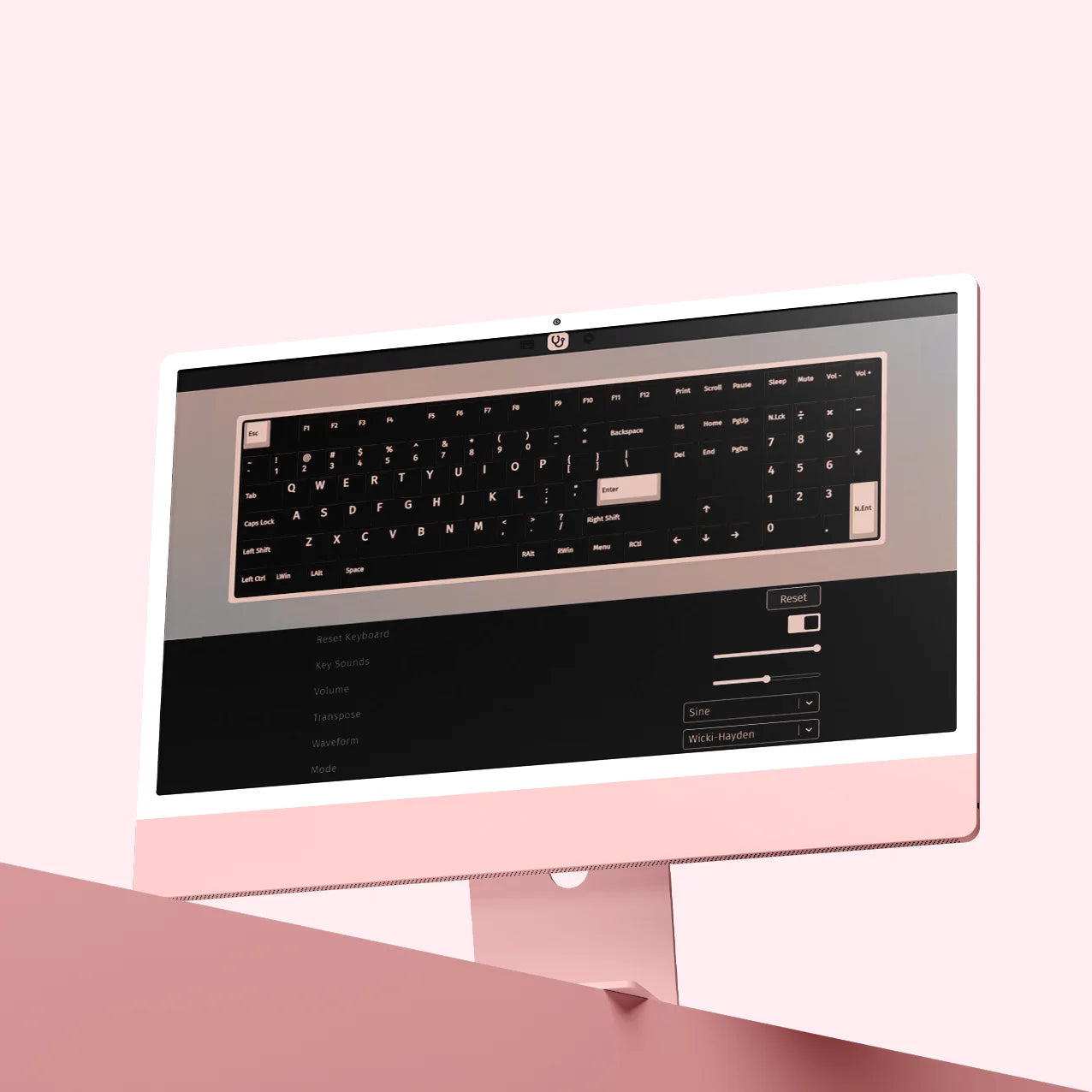
- Fully compatible with VIA for customization and macro
Lofree offers a 1-year limited warranty on all Lofree products. The Limited Warranty Period starts from the date of purchase. If there is any issue, please contact us via support@lofree.co


True to Mac.
True to You.
Discover our low-profile mechanical keyboard designed for Mac, featuring a vibrant spectrum of colors to flawlessly match your entire Apple ecosystem.
Get the Highlights
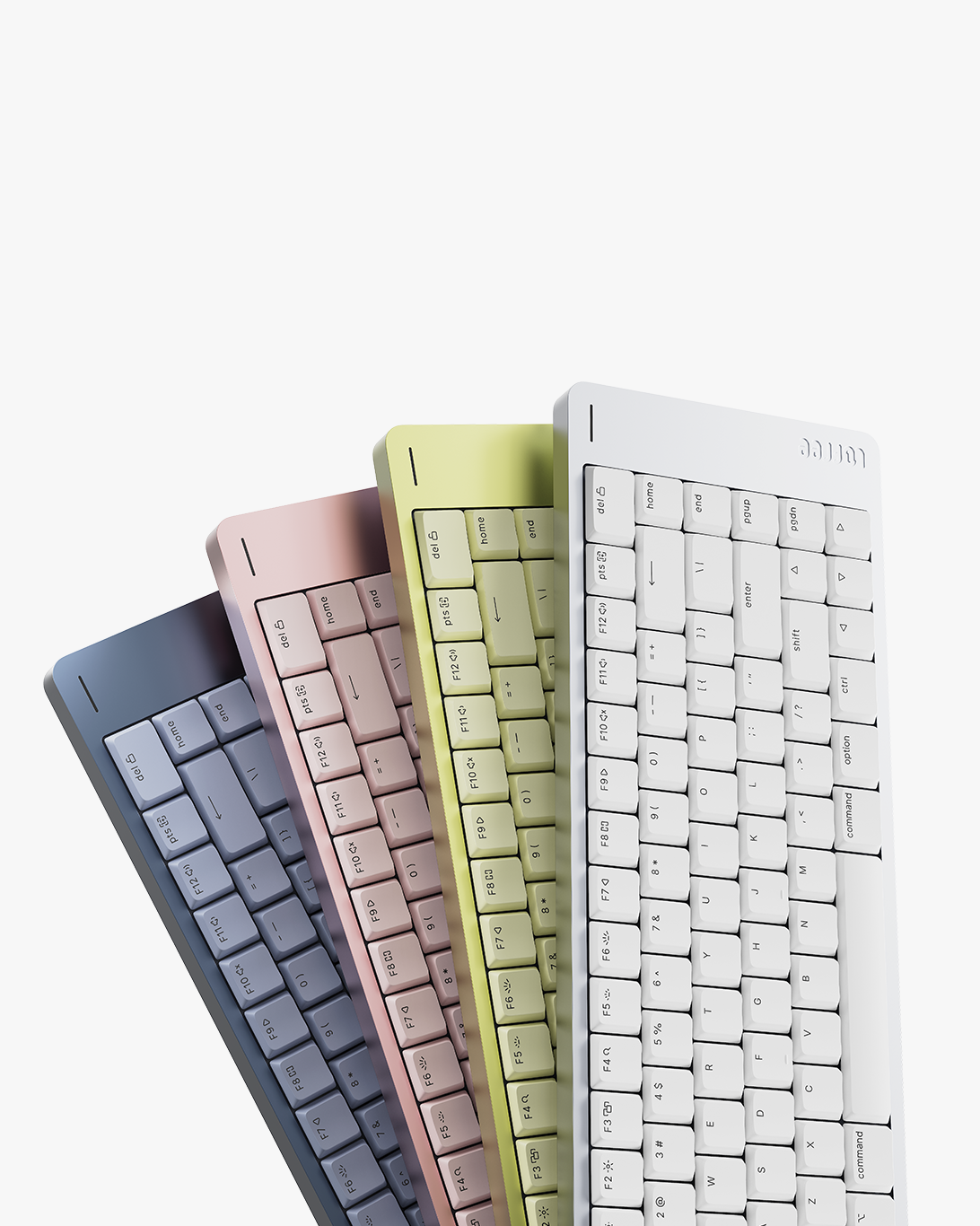
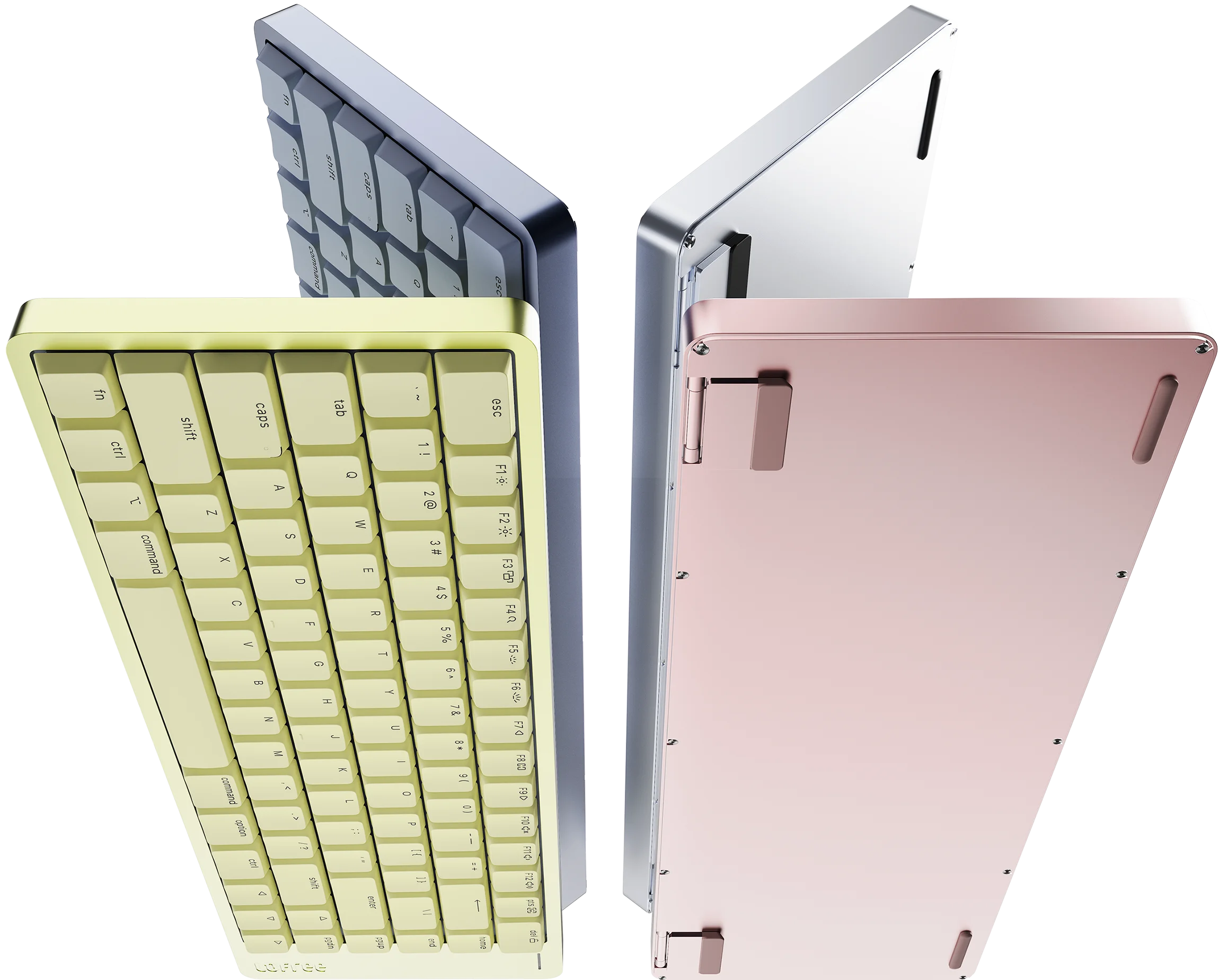
Four stunning finishes. Available in Nebula, Petal, Volt, and Silver.
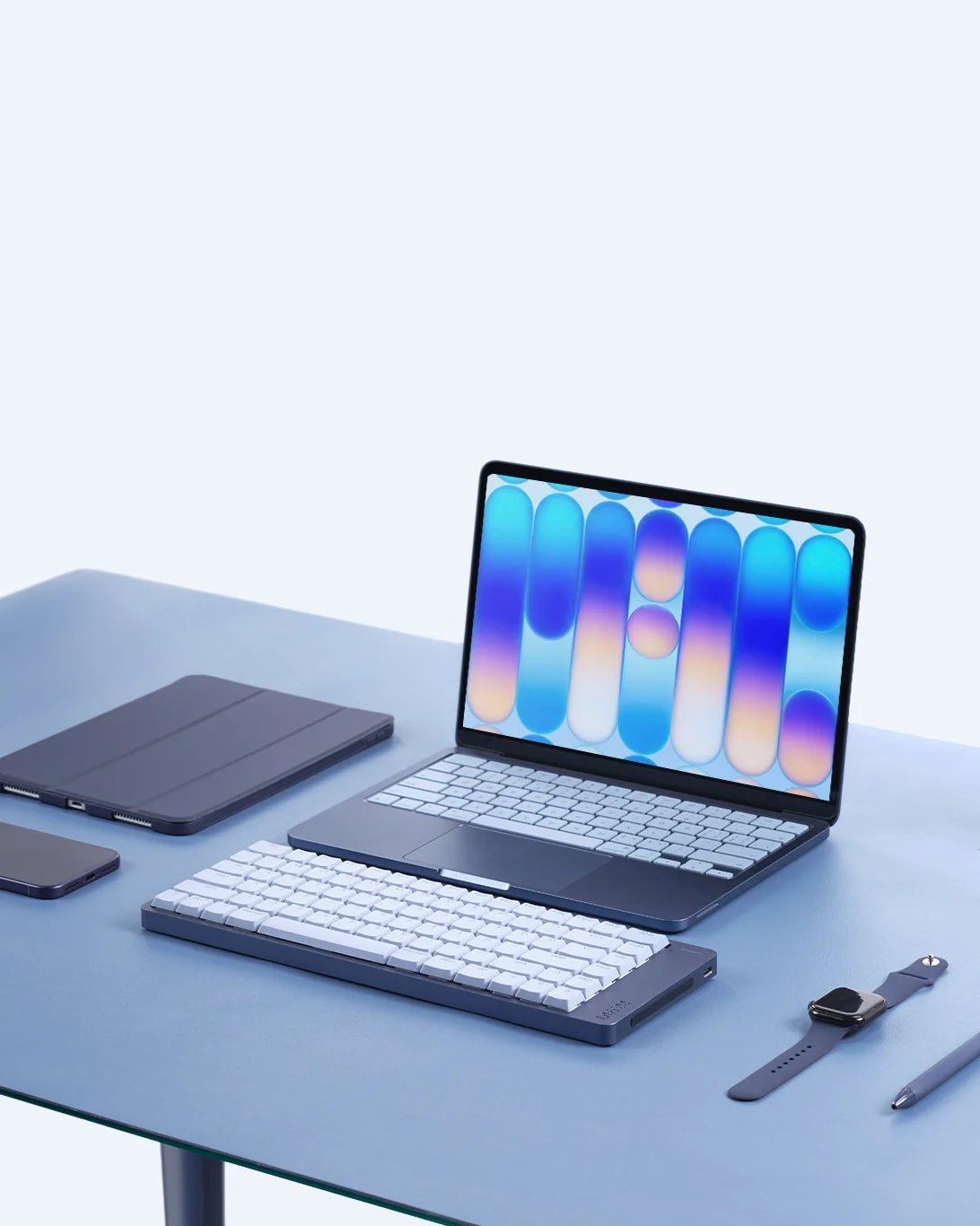
Pure minimalism. Stripped back to elevate your workspace.
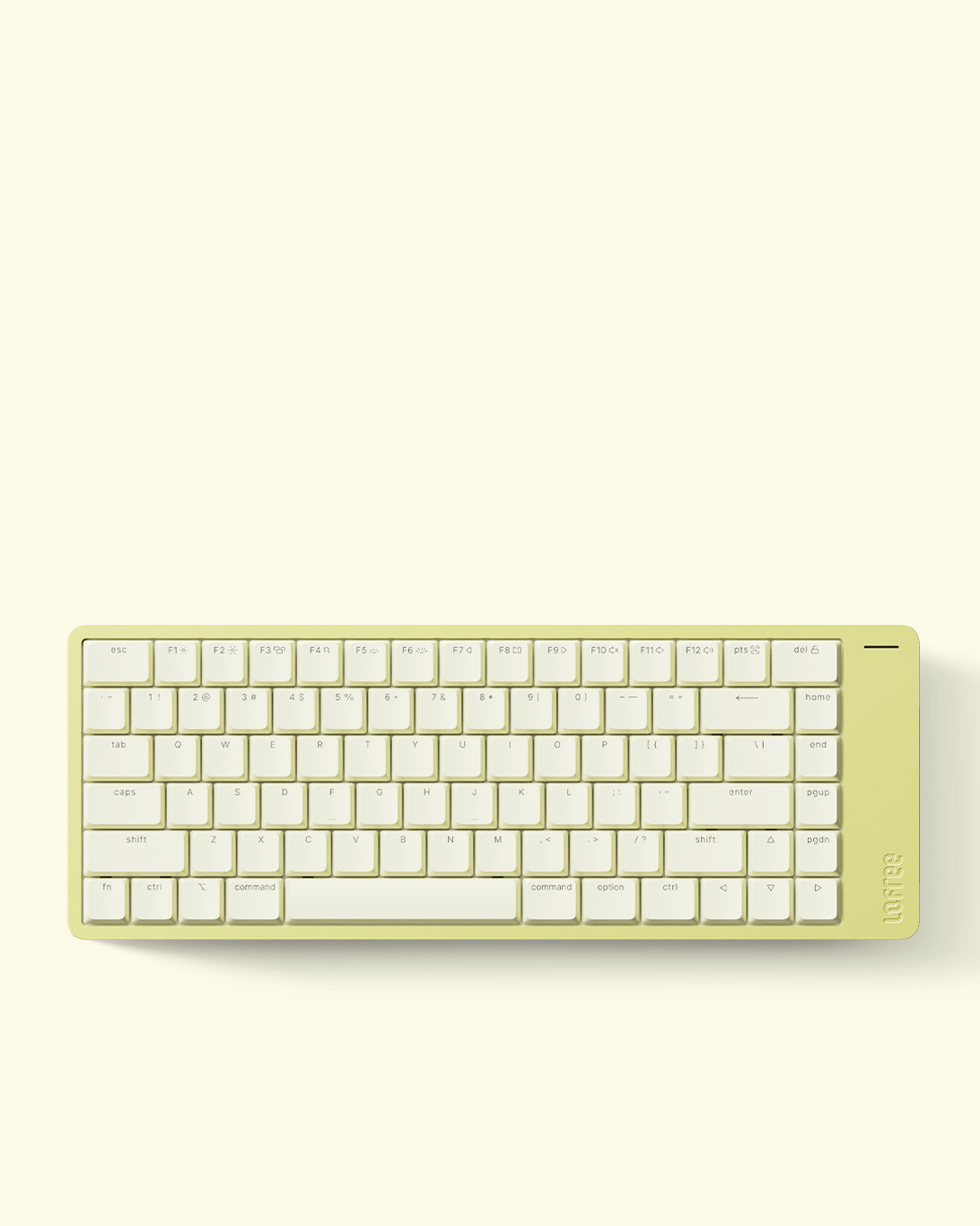
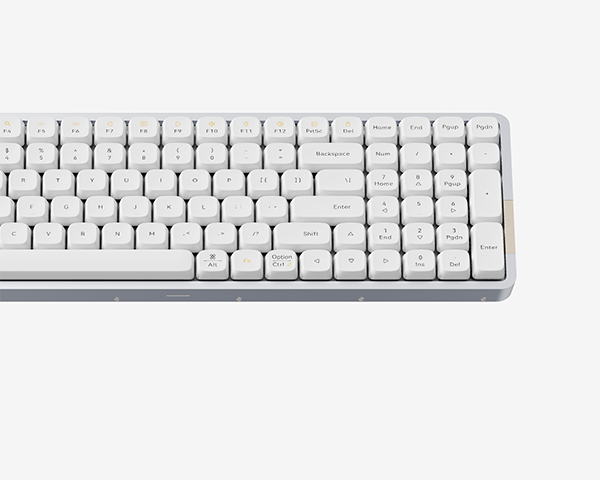
Native Mac layout. Zero learning curve. Instantly familiar.
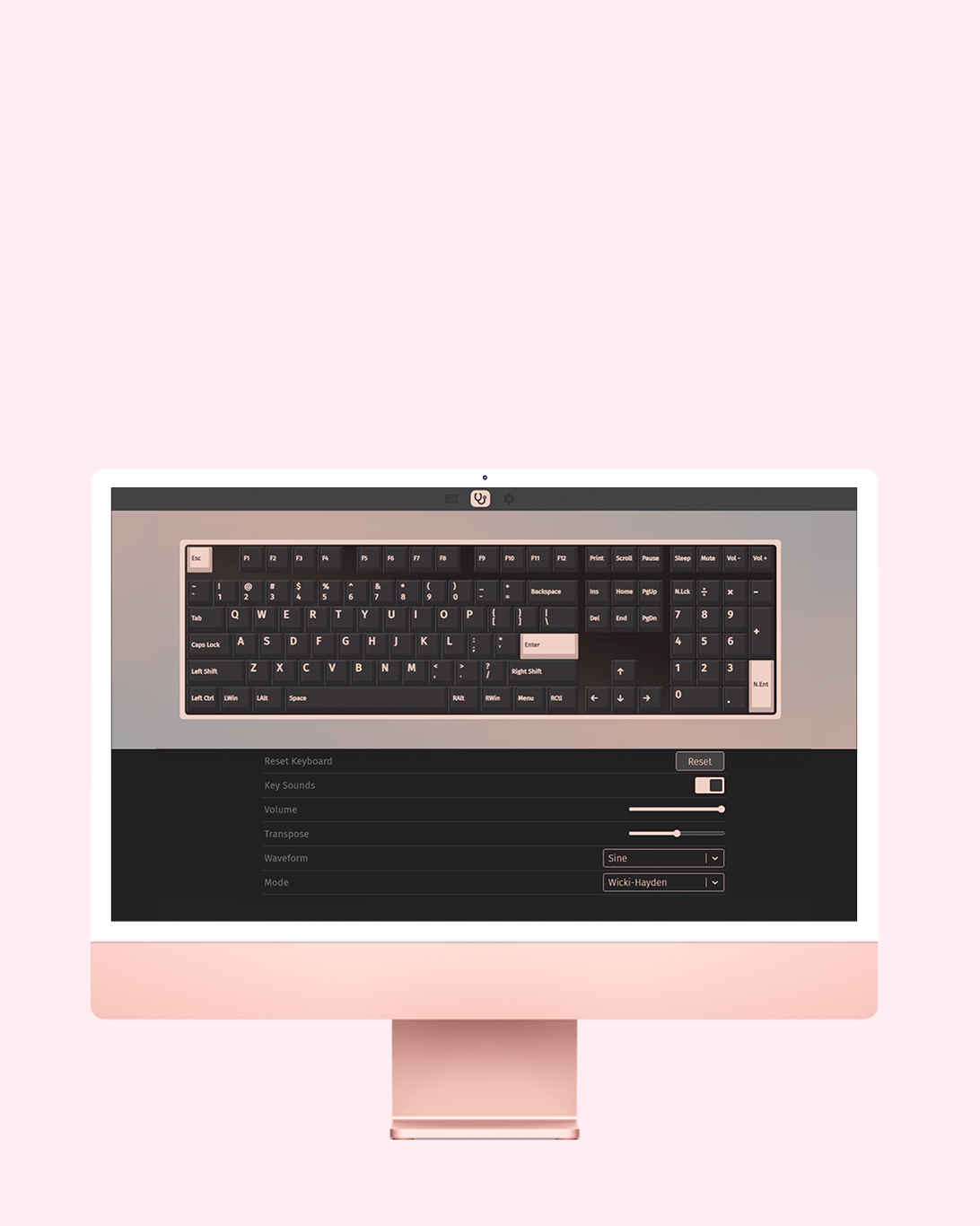
Your Keyboard, Your Rules. Rebind any key with VIA.
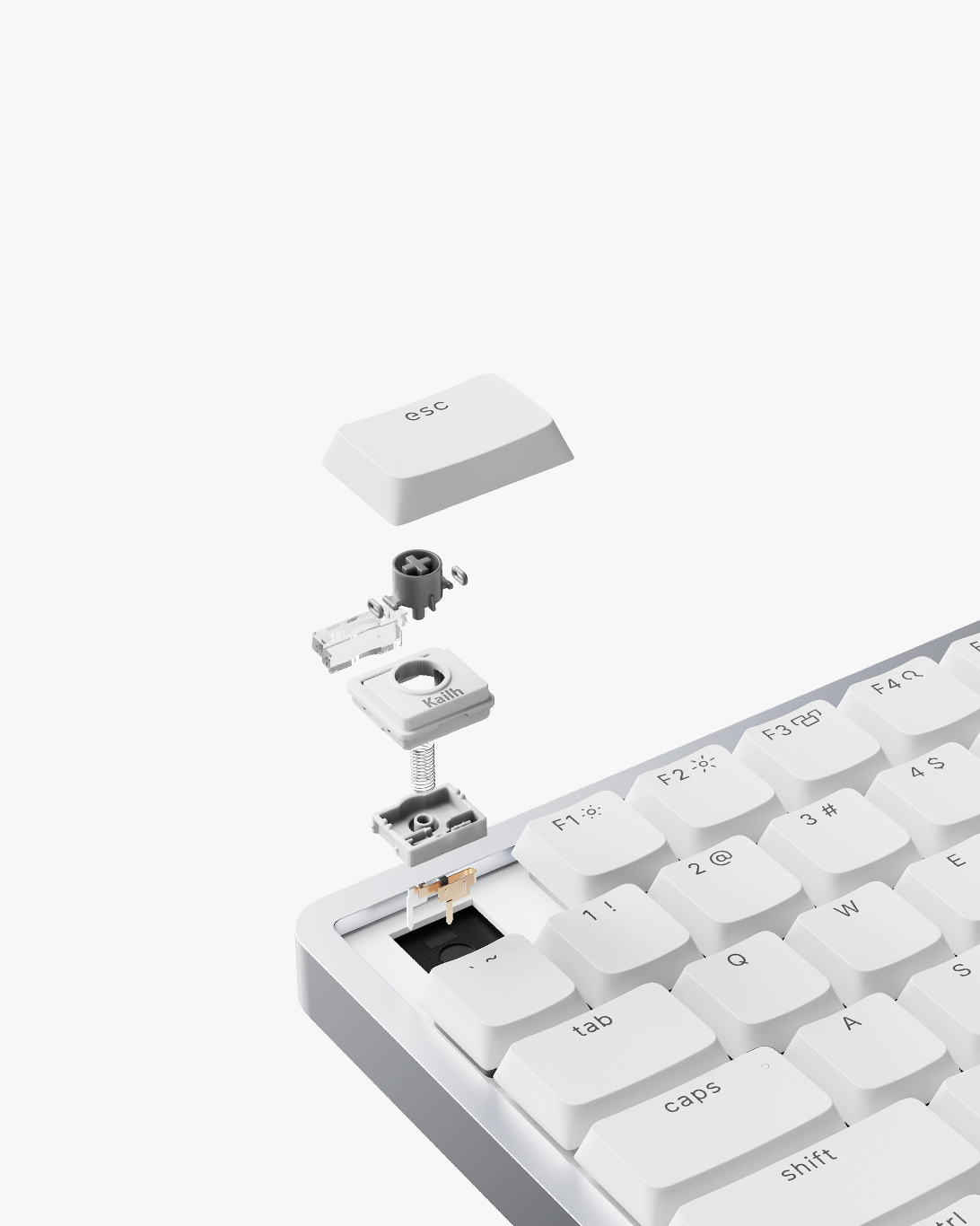
Cloud Surfer switches. An entirely new typing sensation.
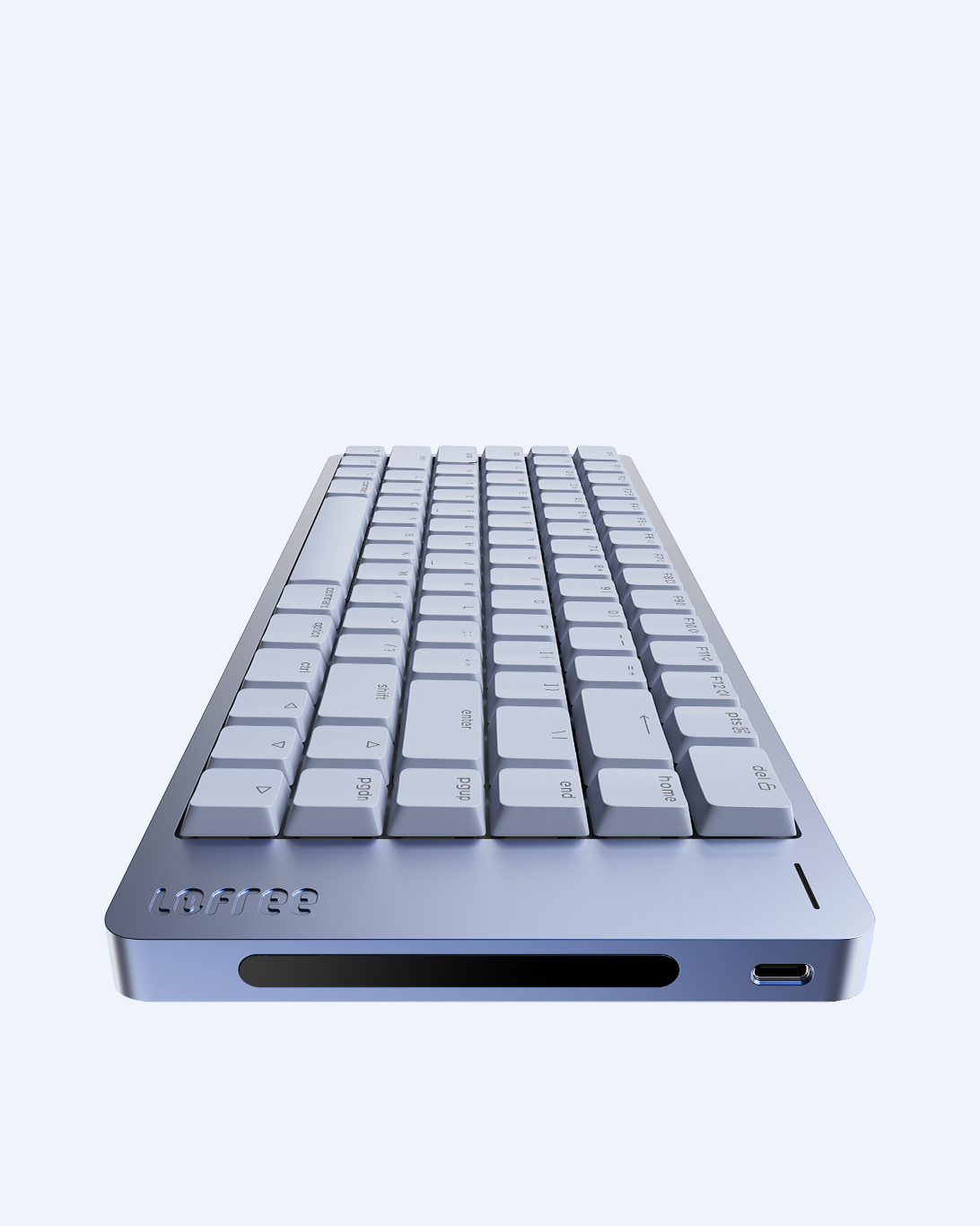
Swipe to Adjust. Control at Your Fingertips.
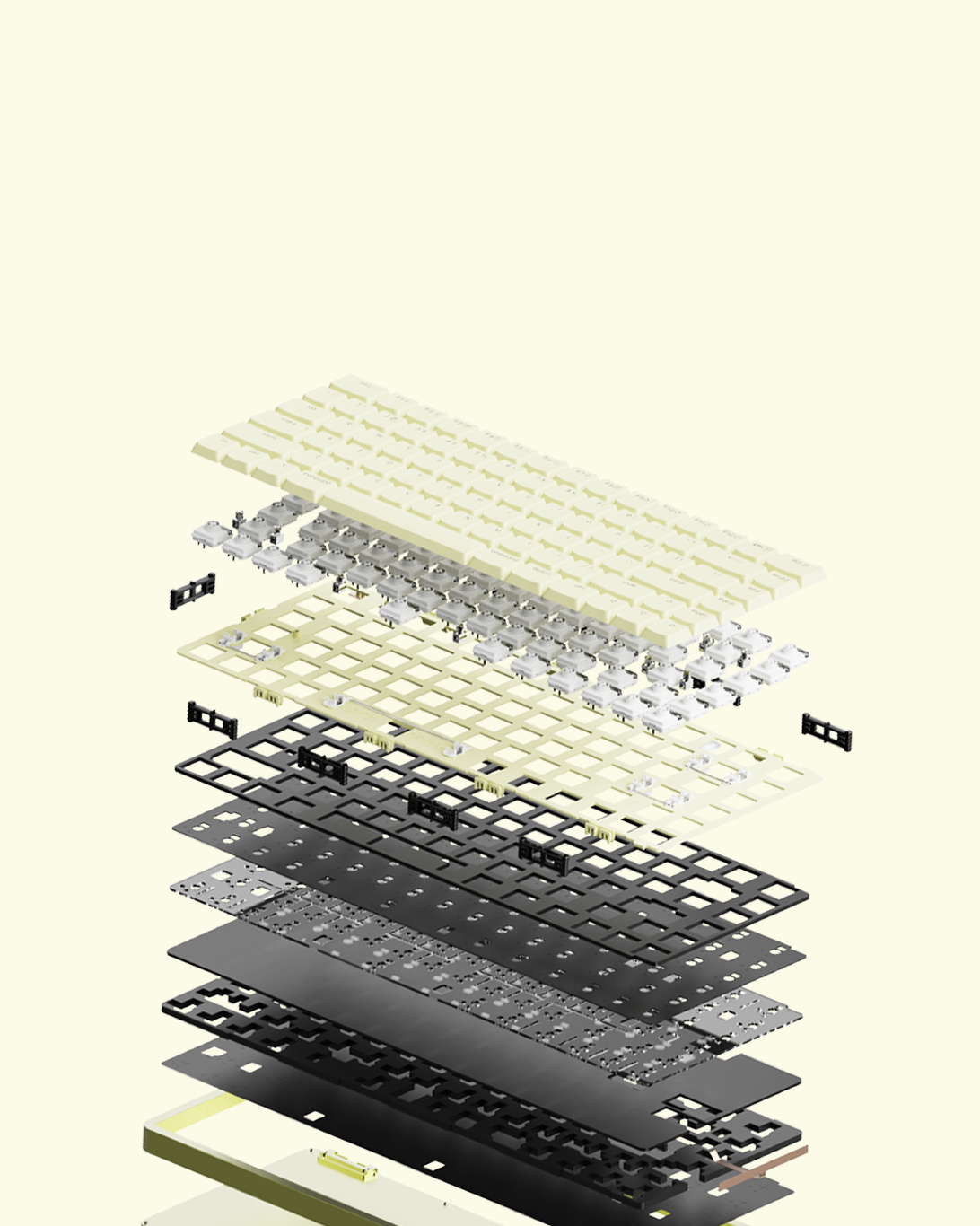
Gasket mount. Engineered for a perfectly cushioned feel.
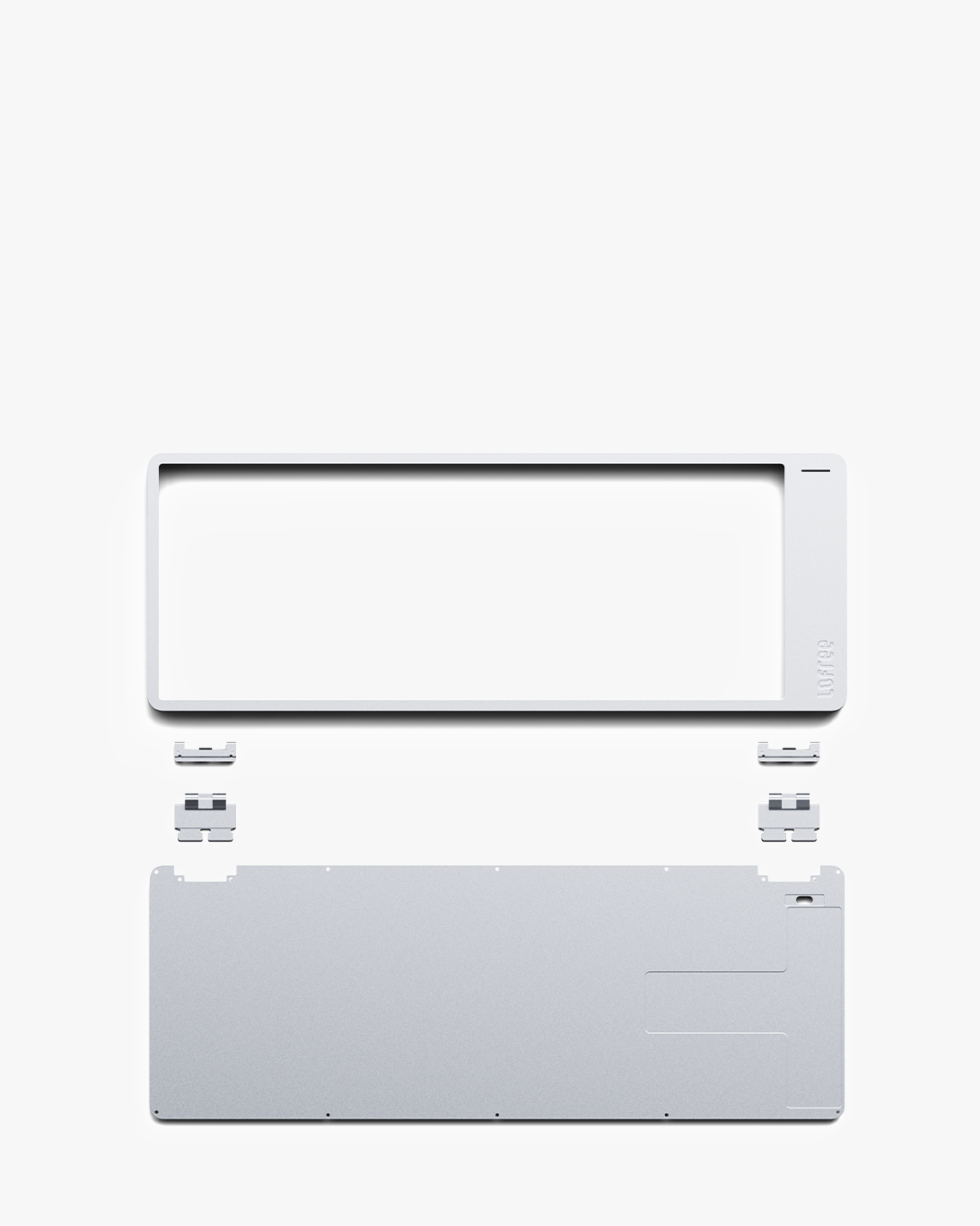
Solid aluminum. Beautifully machined. Incredibly robust.
DESIGN
Set the Tone.
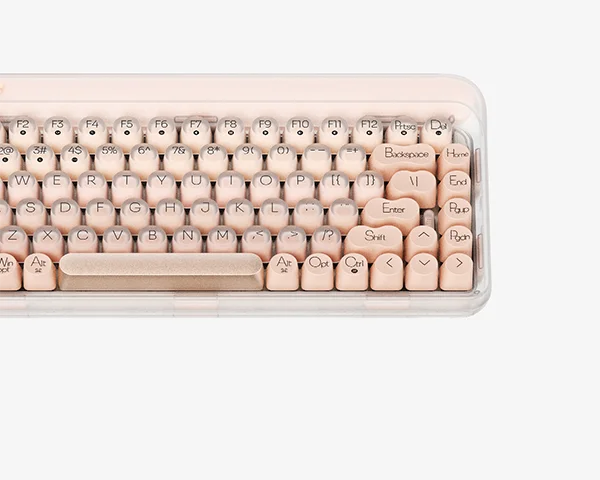
Available in Nebula, Petal, Volt, and Silver. We brought a vibrant new palette to Flow 2, giving you the ultimate freedom to match your exact aesthetic. It’s designed to stand out, or blend beautifully in.

LAYOUT
Your Fingers Already Know the Way.
Flow 2 for Mac physically replicates the exact architecture of your MacBook keyboard, offering an uninterrupted transition with zero learning curve. The lower row preserves the precise Fn/Globe, Control, Option, and Command sequence you know by heart, while the left Command aligns perfectly with the X key and the spacebar edges precisely beneath the M key for flawless, high-speed shortcuts. Complete with elongated ESC and Delete keys at the margins, every detail is engineered to feel so inherently familiar.


FIRMWARE
Your Keyboard, Your Rules. Rebind any key with VIA.
With full VIA support, Flow 2 is completely customizable. Reassign keys, set up advanced macros, and fine-tune the keyboard layout without needing to install extra software. It adapts to your workflow, not the other way around.
SWITCHES
Smoothness, Perfected.
Meet the Cloud Surfer switches, our signature full-POM switch pre-installed on Flow 2 for Mac. It’s incredibly smooth and engineered to feel better over time. Want to explore other sounds and textures? Two additional switch profiles from the Cloud series are available separately.

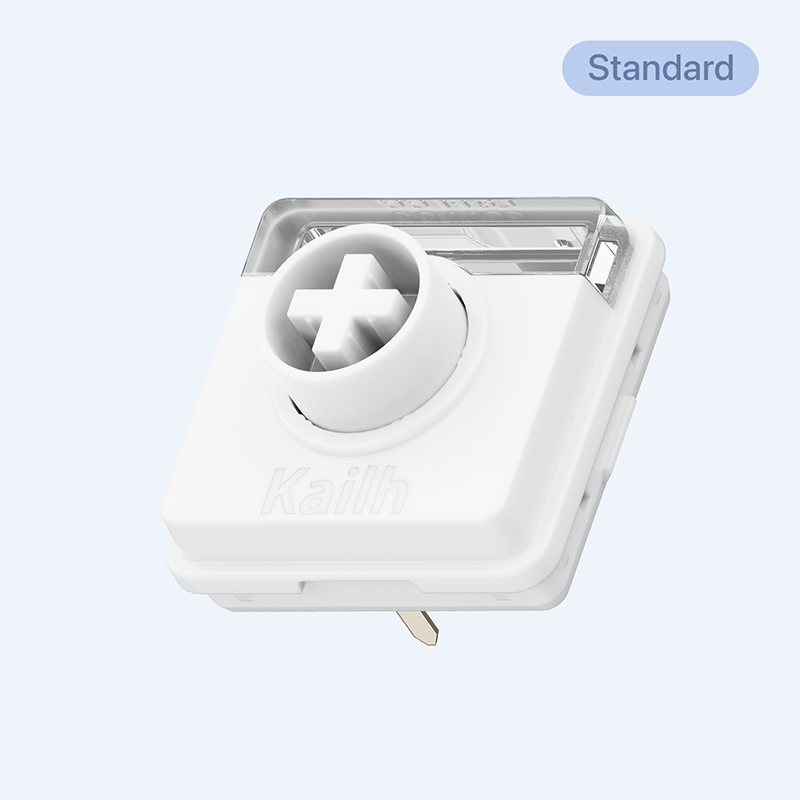
Surfer
Crisp linear, rapid response, perfect when you want zero distractions and total concentration.
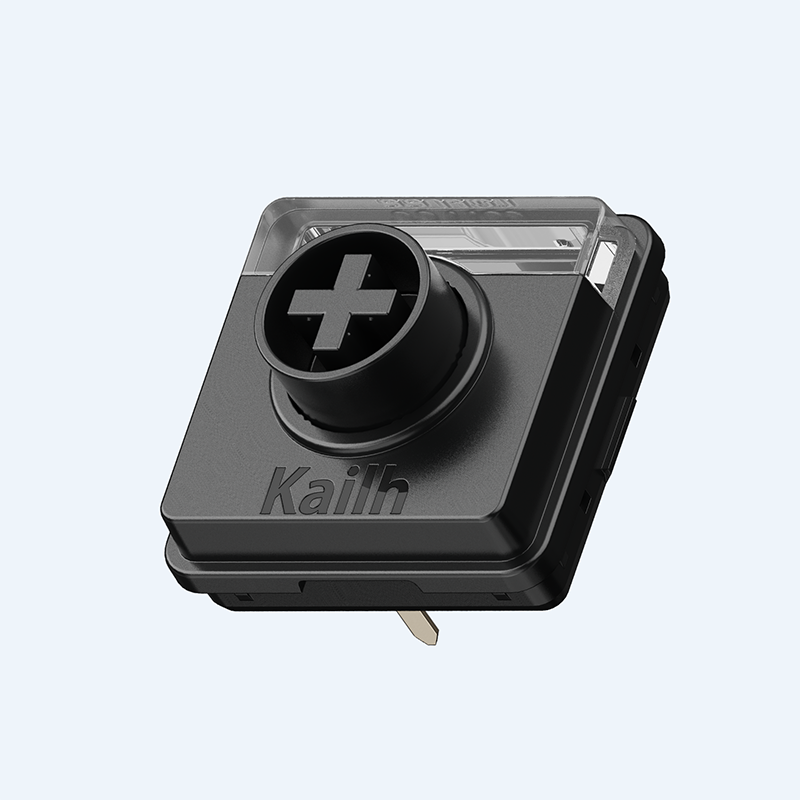
Pulse
A firm, rhythmic press with a satisfying bump. Great for those who type with intent Which you’ll feel every decision.
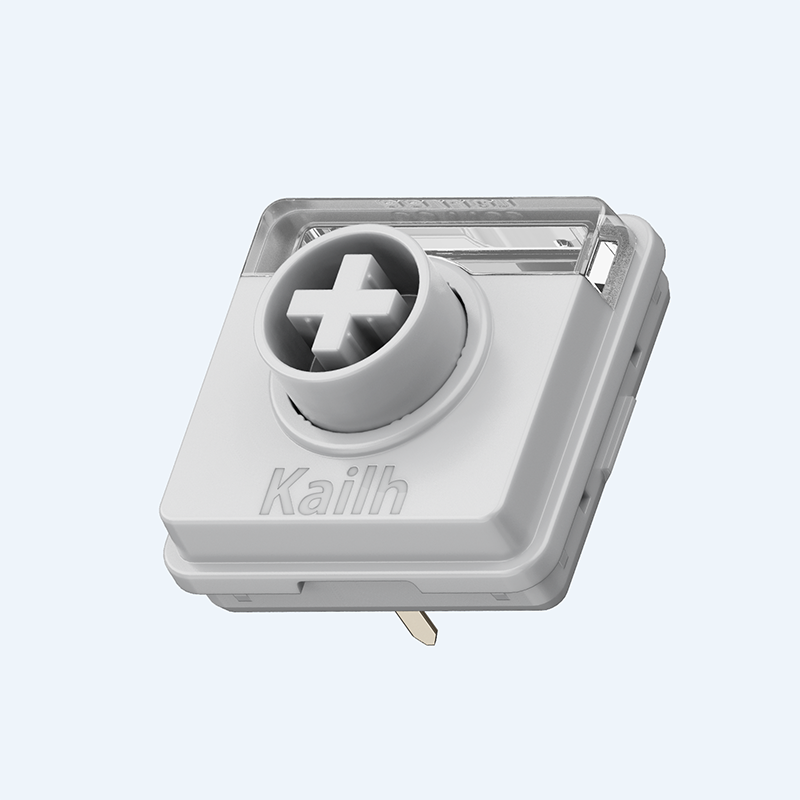
Void
Silent linear, firm feedback, ideal for late-night writing, focused coding, or shared workspaces.
Designed to Shine, and it Does.
Flow 2’s redesigned switch structure features enlarged light windows, over 3.2x bigger than the previous generation, for brighter, more even backlighting. Whether you're typing in low light or just enjoying the ambient glow, every legend remains clear and crisp. The illumination is soft yet effective, adding atmosphere without glare.

Cloud Series

Previous Generation
GASKET MOUNT
Reimagining the Feel of Every Stroke.
Our enhanced casing maximizes the gasket mount’s potential, facilitating precise tuning of 5 layered dampening materials. By eliminating direct contact between internal components, the gasket system absorbs vibrations, reduces harsh impact, and delivers a quieter, more balanced keystroke—perfect for long typing sessions and a smoother overall feel.

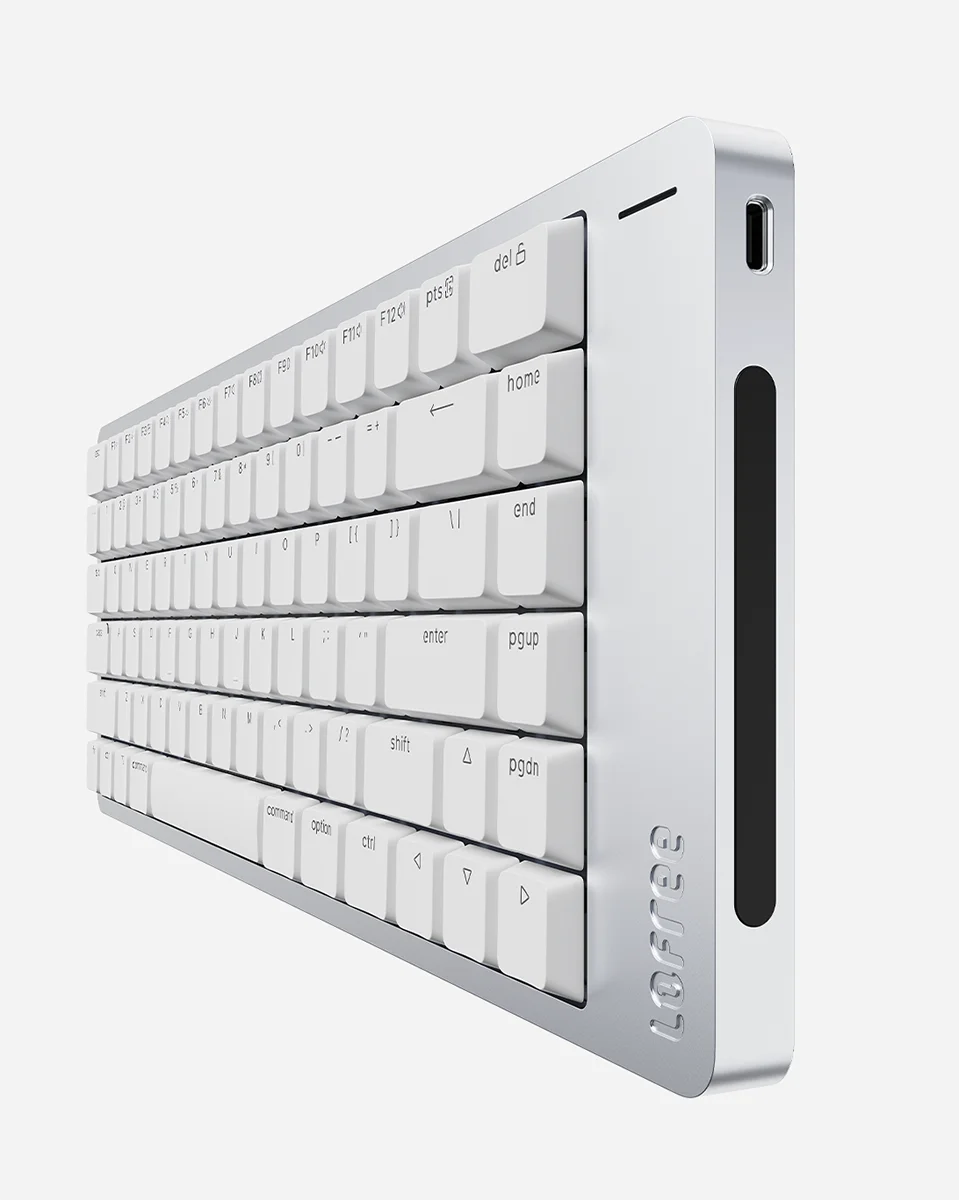
TOUCH BAR
Swipe to Adjust. Control at Your Fingertips.
Flow 2 features a built-in capacitive touch bar on its side, an elegant and intuitive way to adjust volume and screen brightness. It replaces traditional knobs and buttons with fluid gestures, seamlessly blending into the keyboard’s minimalist aluminum frame. Designed for efficiency and style, the touch bar keeps your setup clean while keeping control literally at your fingertips.
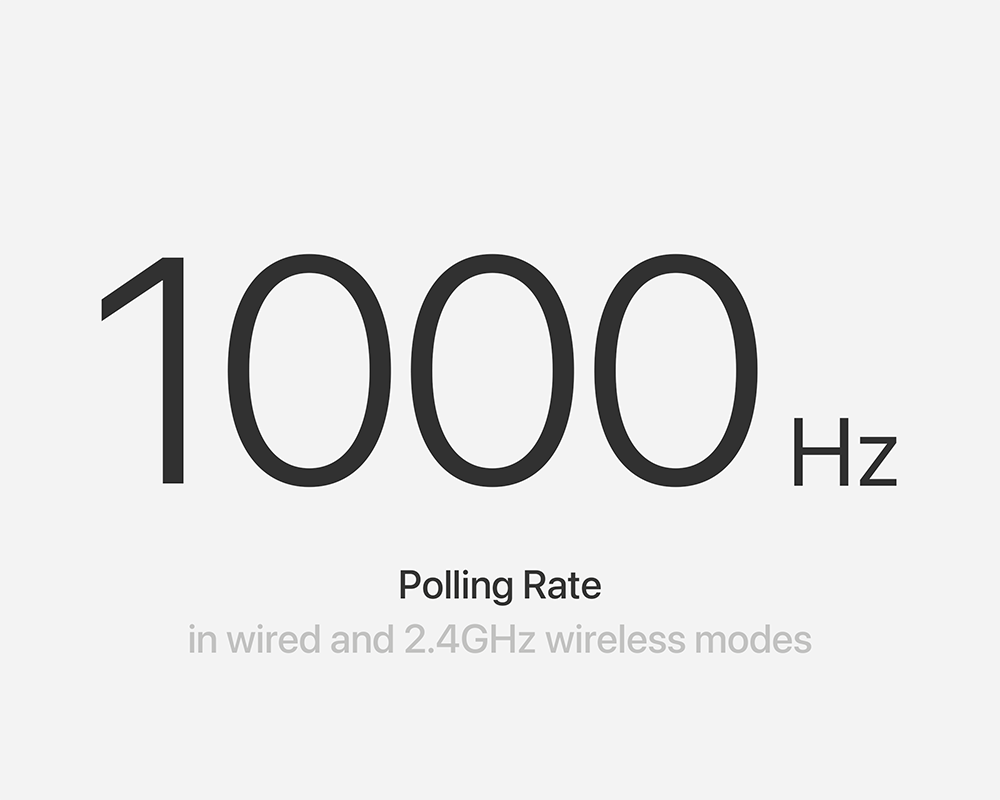
Lightning Fast, Ultra Responsive
2.4GHz and USB-C cable connection offer a range of polling rates up to 1000Hz/ 1ms. Whether you're gaming, coding, or typing at speed, you'll experience fluid performance with virtually zero input lag. It's a professional-grade feature built into a beautifully designed keyboard.
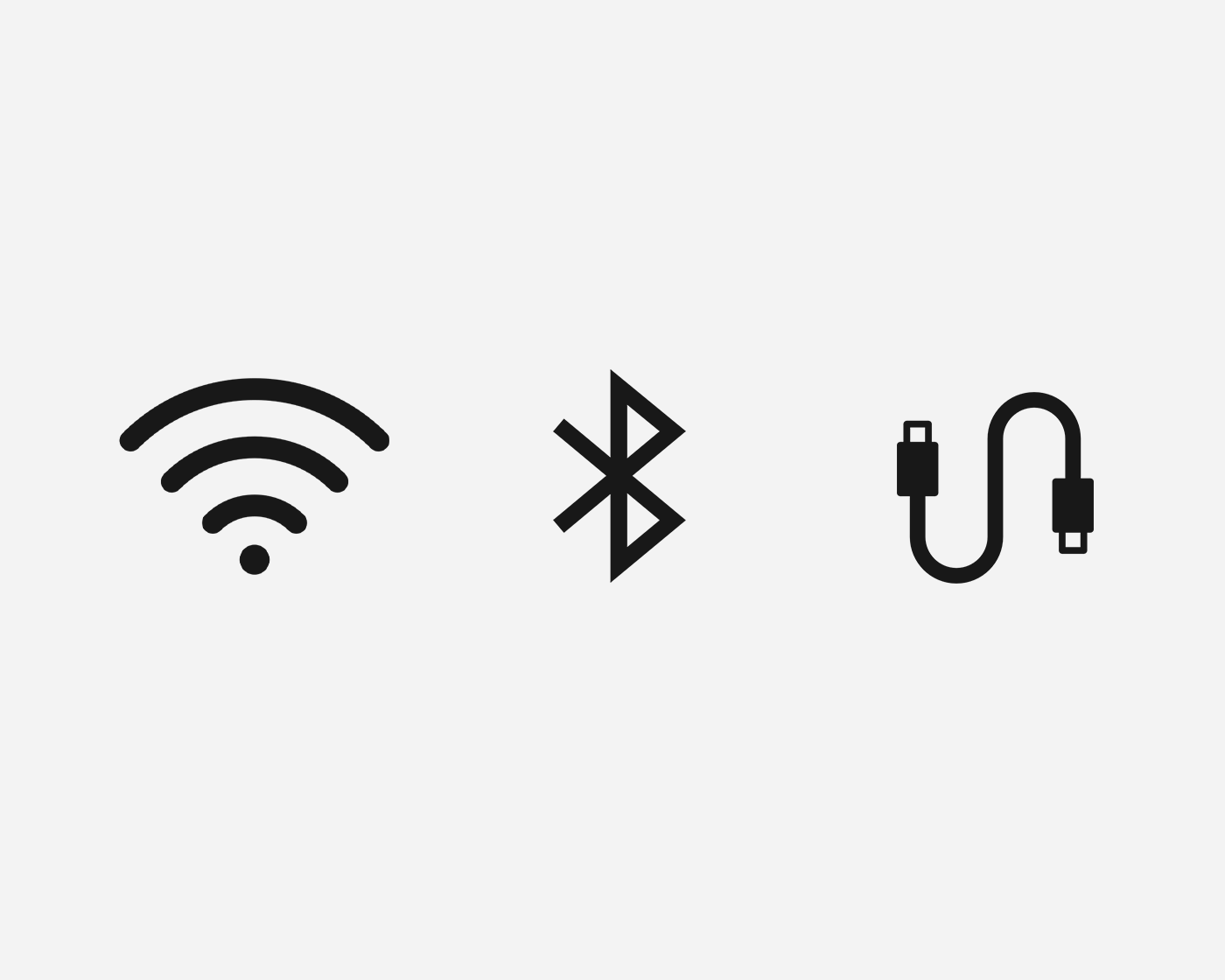
Triple-Mode Connectivity
The Flow 2 for Mac offers three connectivity options: wired (USB-C), Bluetooth 5.3 wireless, and 2.4GHz wireless via a USB dongle, enhancing the connection stability beyond Bluetooth.
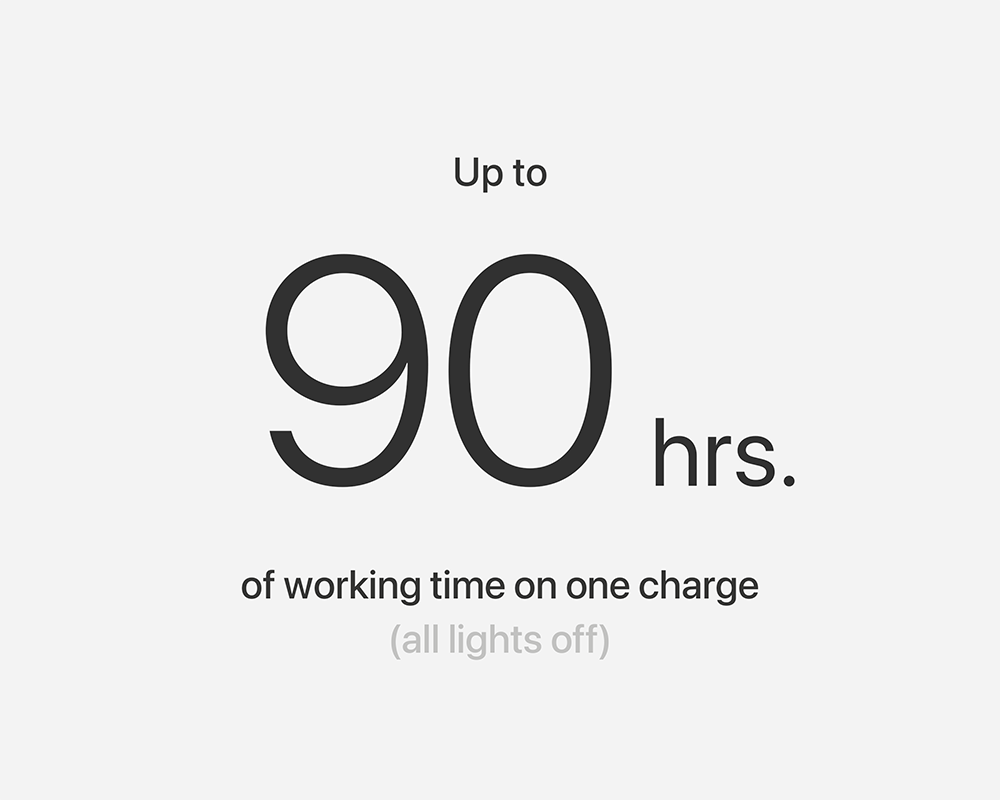
Stay Powered for the Long Run
Equipped with a 2000 mAh battery, Flow 2 68-key is built to keep up with your workflow—day after day. Enjoy up to 90 hours of use on a single charge in Bluetooth mode with backlight off, or up to 13 hours with backlighting on. And when you do need a top-up, fast USB-C charging gets you back in action quickly.
COMPARISON
Choose Your Flow

NEW
Flow 2 for Mac
Colors

Available in Nebula, Patal, Volt and Silver
Size

84 keys (75%)
100 keys (96%)
Layout
Mac layout
Material
Case: Aluminum
Keycaps: PBT + PC
Standard Switches
Surfer
Compatible Switches
Compatible with Cloud Series Switches
Connectivity

2.4Ghz & Bluetooth 5.3 & USB-C Wired
Compatible System
macOS, iPadOS, iOS, Windows, Android

NEW
Flow 2
Colors

Available in Space Gray and Silver
Size

68 keys (65%)
84 keys (75%)
100 keys (96%)
Layout
ANSI
FR (AZERTY)
DE (QWERTZ)
Material
Case: Aluminum
Keycaps: PBT + PC
Standard Switches
Space Gray: Pulse
Silver: Surfer or Void
Compatible Switches
Compatible with Cloud Series Switches
Connectivity
2.4Ghz & Bluetooth 5.3 & USB-C Wired
Compatible System
macOS, iPadOS, iOS, Windows, Android
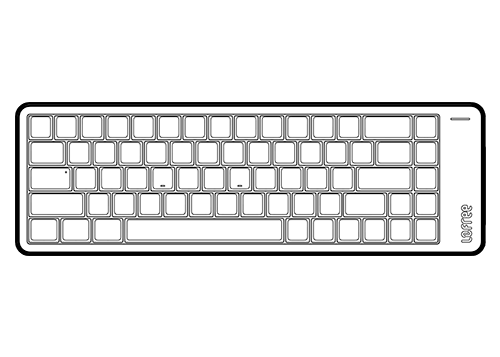
In the box
Tech specs
Number of Keys: 100 (96%)
Type Angle: 0° or 7°
Backlight: White
Hot-swappable Support: Yes
Switch: Lofree x Kailh Cloud Series Surfer Switch
Dimensions: 398.2 x 126 x 21.5mm
Weight: 870g
Body: Aluminum
Keycaps: PBT + PC Double Shot
Connection Mode: 2.4Ghz & Bluetooth 5.3 & USB-C Wired
Polling Rate (wired/ 2.4Ghz): 1000Hz
Compatible system: Windows, Android, macOS, iPadOS, iOS
Wireless Range: 10 Meters
Battery Capacity: 3,000mAh
Charging Port: USB-C
Charging Time: 3-4 hours
Working Time (All lights off): Up to 120 hours
Working Time (All lights on): Up to 17 hours
Downloads

Lofree Flow 2 Mac VIA Configurator
For Windows
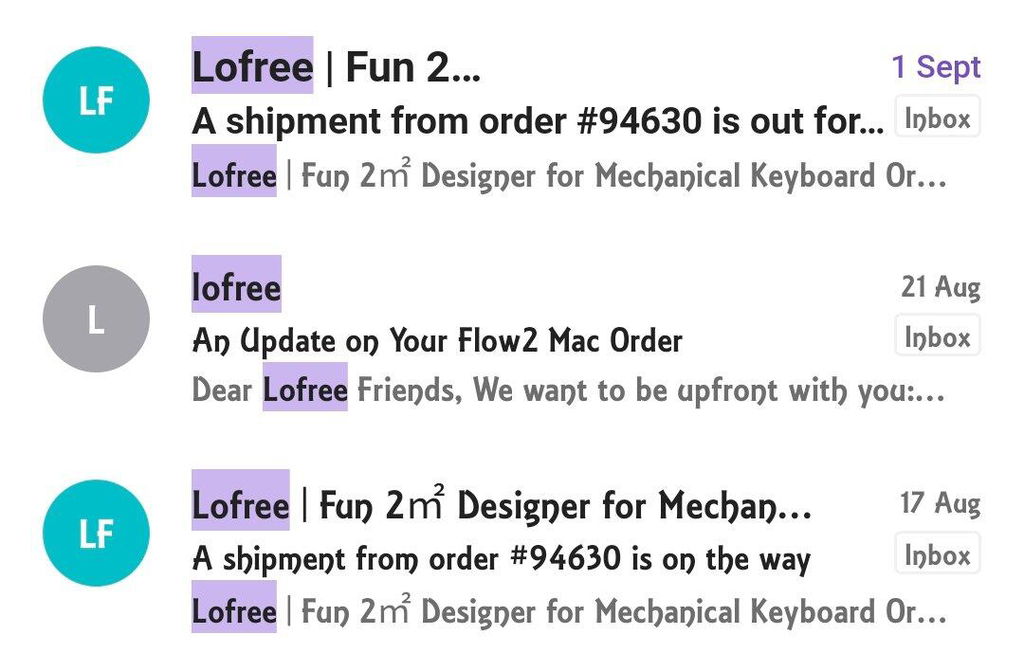
Love the keyboard. But not the process of getting it. I got the early bird coupon... but didn't receive. Contacted customer support upon which they told me all were already sent out. I had to insist that I did not receive my code and it was a while before they finally gave me the code. Then the delivery. I got sent tracking code on the 17th of August... but they only ACTUALLY shipped it out at the end of the month. I received it on the 1st of September. I was constantly checking to see if it was delivered for almost 2 weeks. I understand there were delays with my particular model and QC but the email sent did not specify who exactly was affected (was I in the initial round of orders that was already shipped? or was mine going to be delayed?) As a customer, I greatly appreciate being informed of the delays. I would be less aggrieved if the company was just transparent and said "Hey it's YOUR order that is delayed due to QC" as this would help me manage my own expectations.
Who's brilliant idea was it to put the right arrow key within the num pad section?!!
The aluminum really makes it feel and look premium, and the keyboard itself sounds great. The touch bar for volume is actually an interesting addition that I do use regularly, although I'm still debating if it's better than a roller (definitely better than a knob for me). I'm not really into modding or making my own keyboards, so this to me strikes a good balance between cost and something high quality that just works out of the box.
Unfortunately, it did take some getting used to since it just feels so cramped. The spacing between the keys is so small, so it's hard to say this is a comfortable keyboard to use. I also have intermittent connection issues where the wireless dongle connection just starts lagging or buffering inputs. I generally use the keyboard wired anyways, so I don't really care enough to figure it out.
Overall, a solid keyboard that just misses the mark because of the spacing and connection problems. I'm still using it to type this review though :)
Great keyboard hefty and well made and feels great to use. Would be full 5 stars if you could just get it with the switches you want
Though the feel of the keyboard and its switches are indeed great, I had reported issues such as:
- the extremely bright charging light that cannot be turned off even when in wired mode; and
- the fact that it is impossible to switch to Windows on Boot Camp because the Option key does not work after rebooting, nor does any combination of keys upon booting/restarting the Mac, such as the FUNDAMENTAL Recovery Mode key combination.
I still await a firmware fix for the issues above.
the keyboard is amazing i love it and love using it and have 0 regret buying it i preordered the keyboard but the preorder experience was bad but the keyboard is SO worth tolerating that recommended no regret
pros:
quality fluid amazing and built for MacBook Touch Bar on the side to slide the color is gorgeous and is easy to setup the lights are perfect too
cons:
the number pad IS SO CLOSE to the main keyboard for no reason
bad preorder experience
no change language button you'll remap to 'option space' shortcut
Flow 2 100 Low-profile Mechanical Keyboard for Mac
Ordered this as part of the pre-reserve and took about 2-3 months to get to me.
Love the hell out of this keyboard and its only day 1! Cute as hell and the sound is so milky smooth I'm purposely trying to find things to type out all day just to hear it.
I have the Mac version, but it seems you can't configure via VIA. Any suggestions? It cannot detect or something. I tried to attempt but getting this message in the screenshot. But overall, great solid keyboard.