
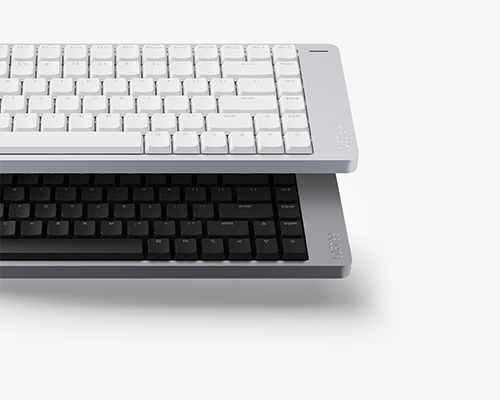
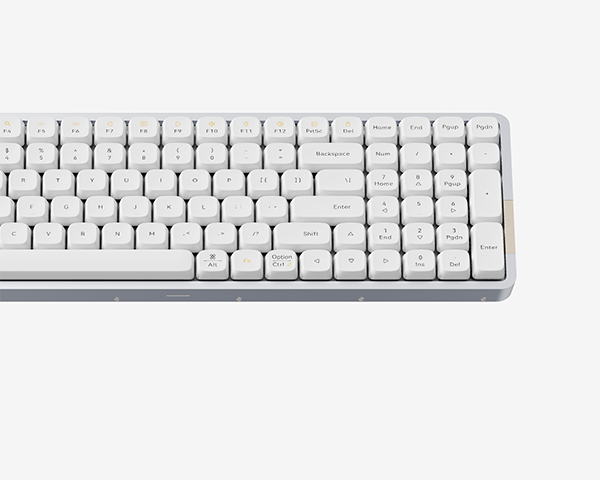
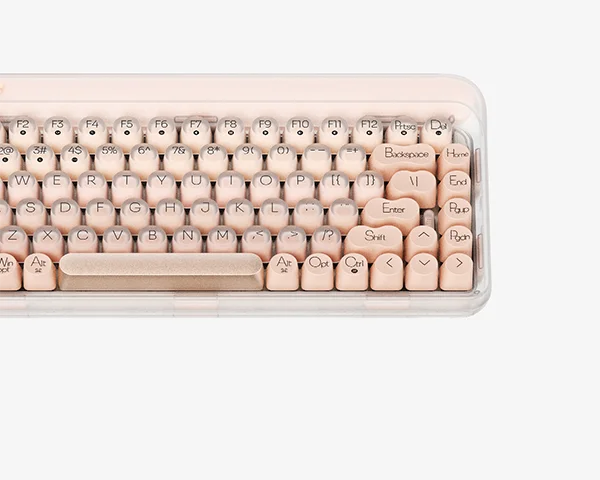
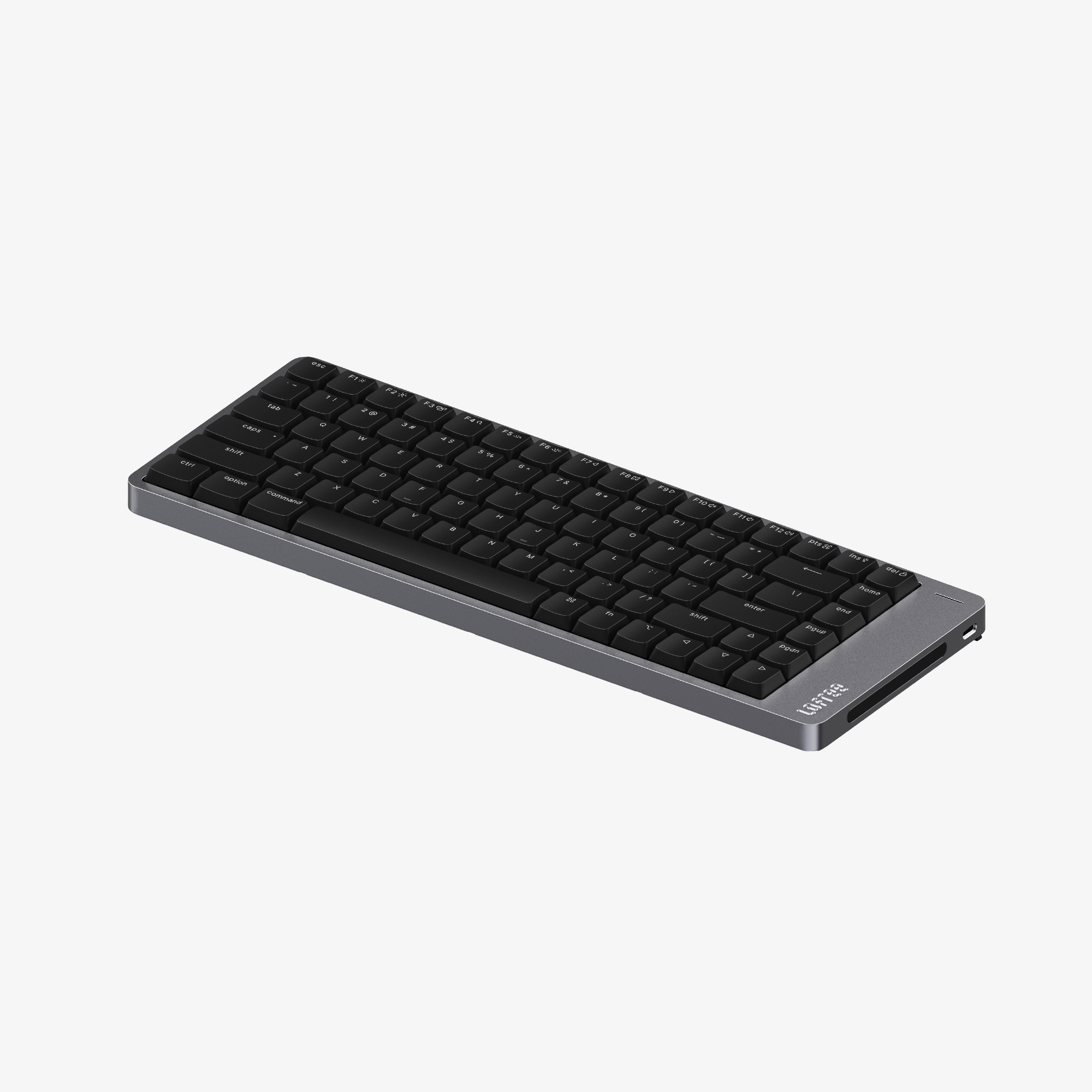
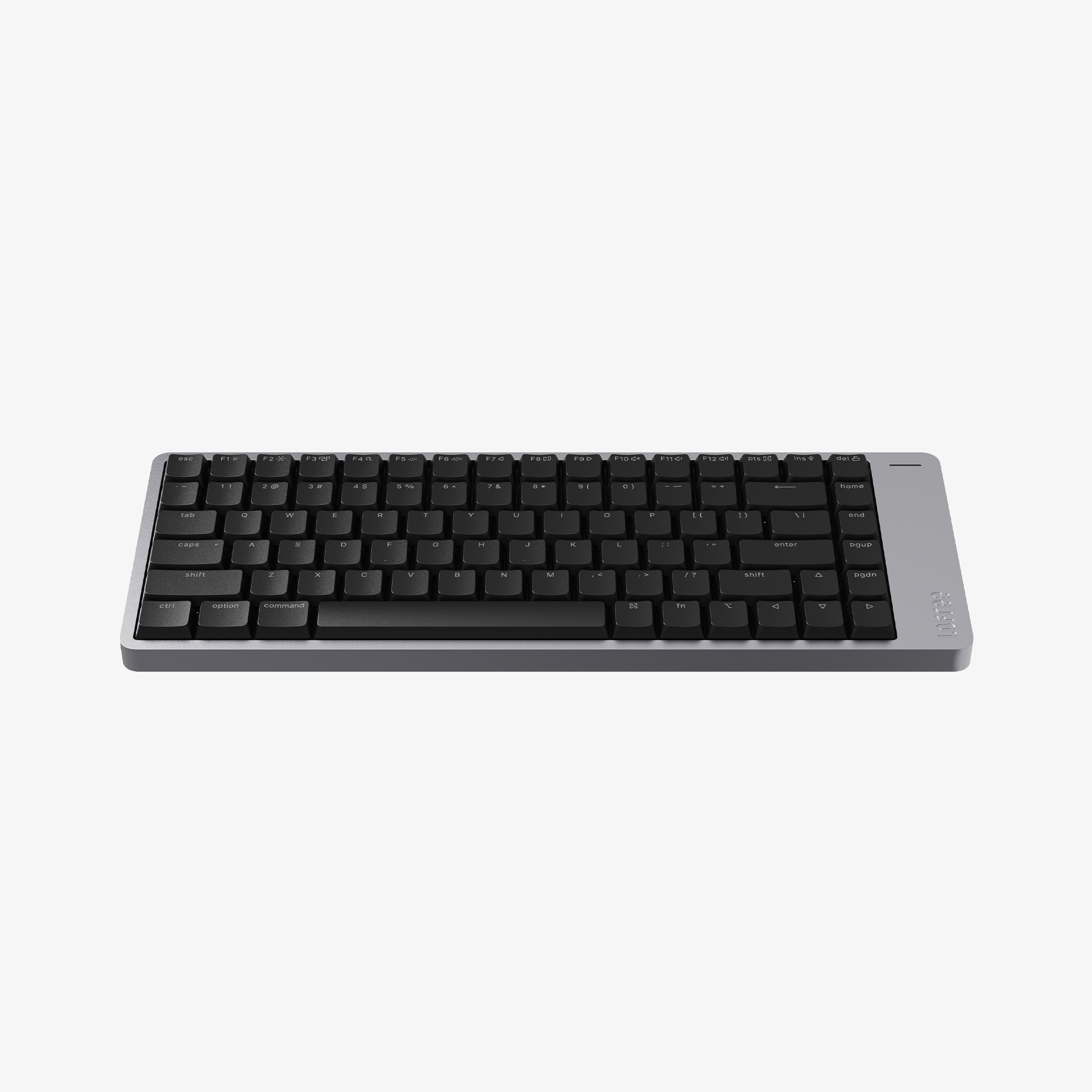
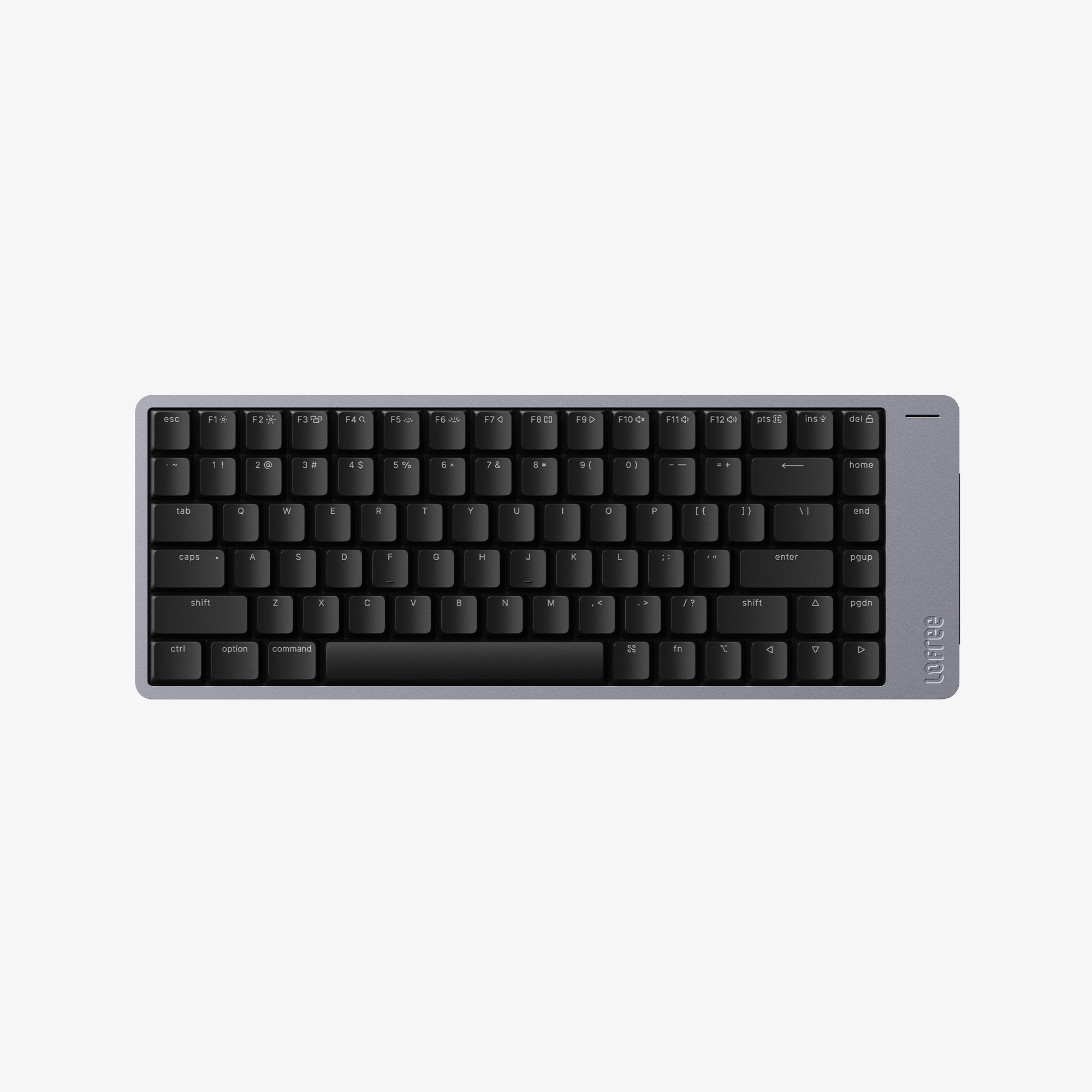
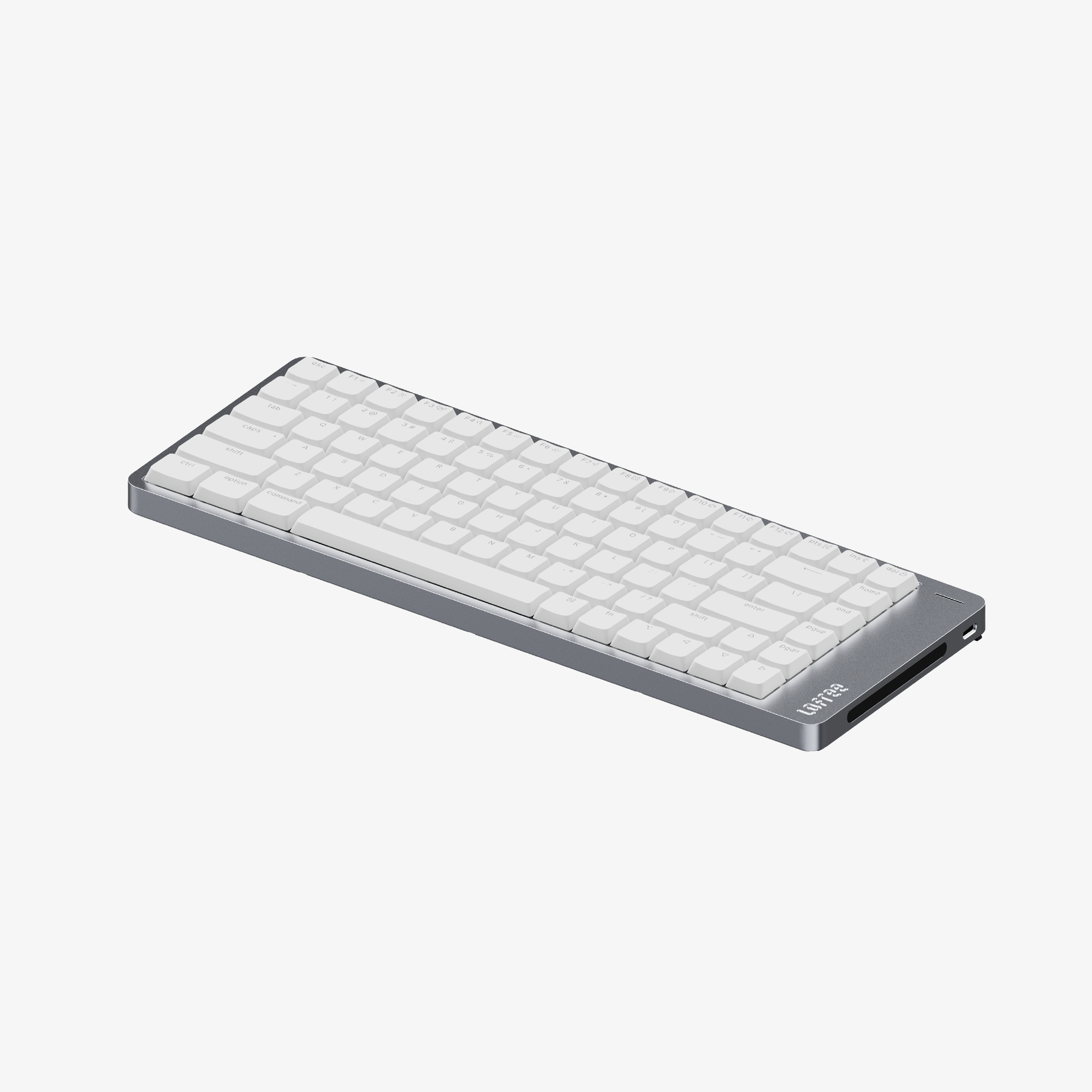
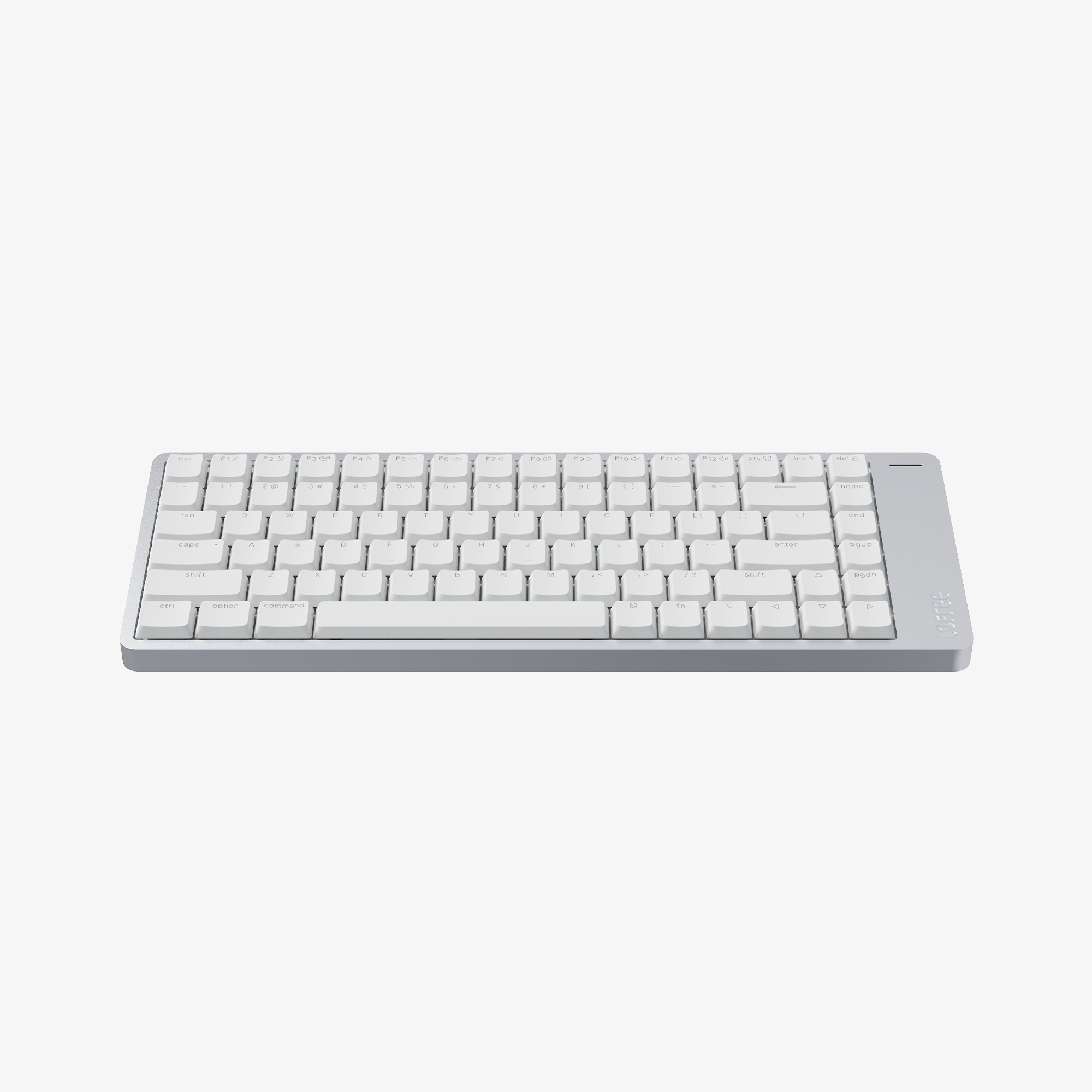
Flow 2 84
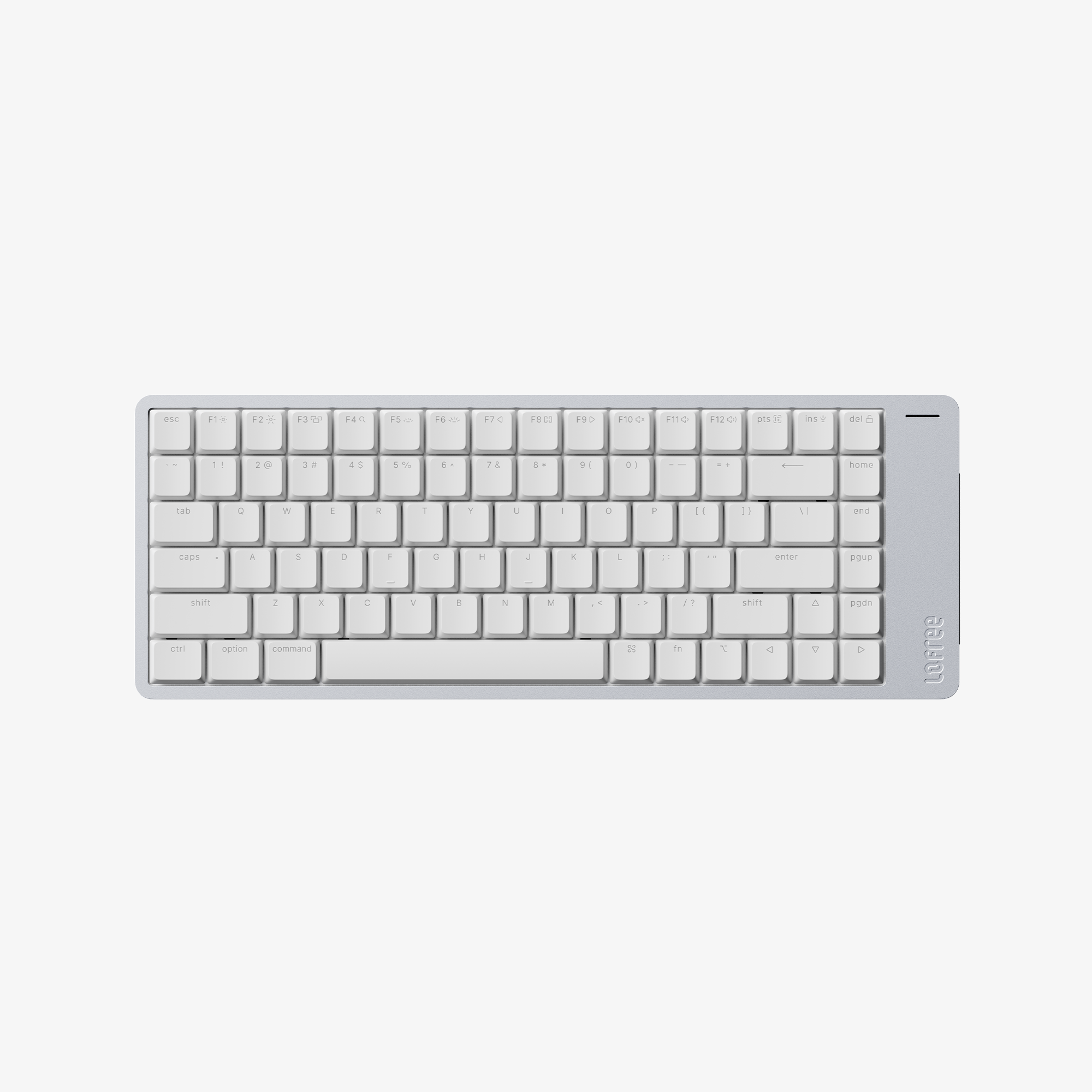
- 75% layout / 84 keys
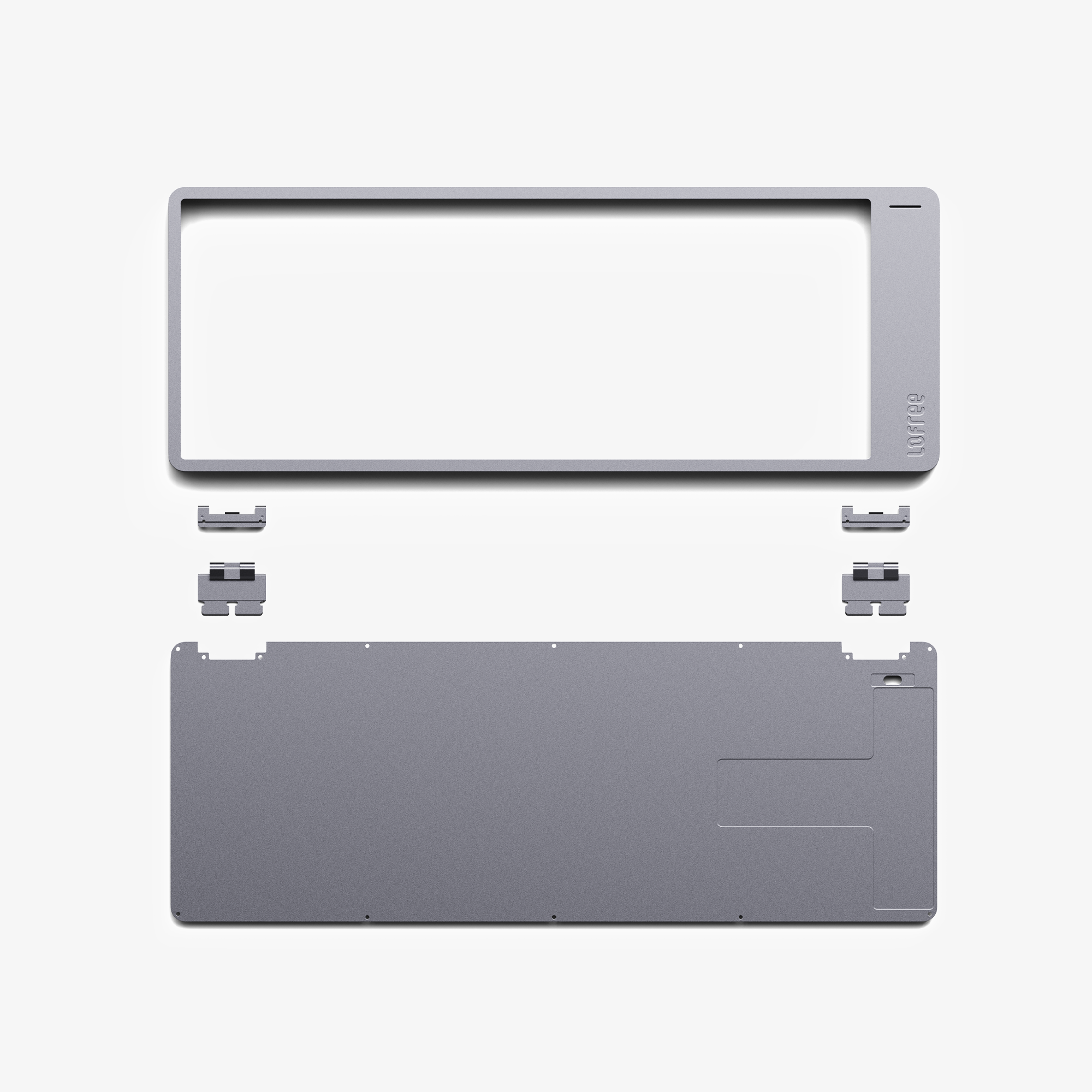
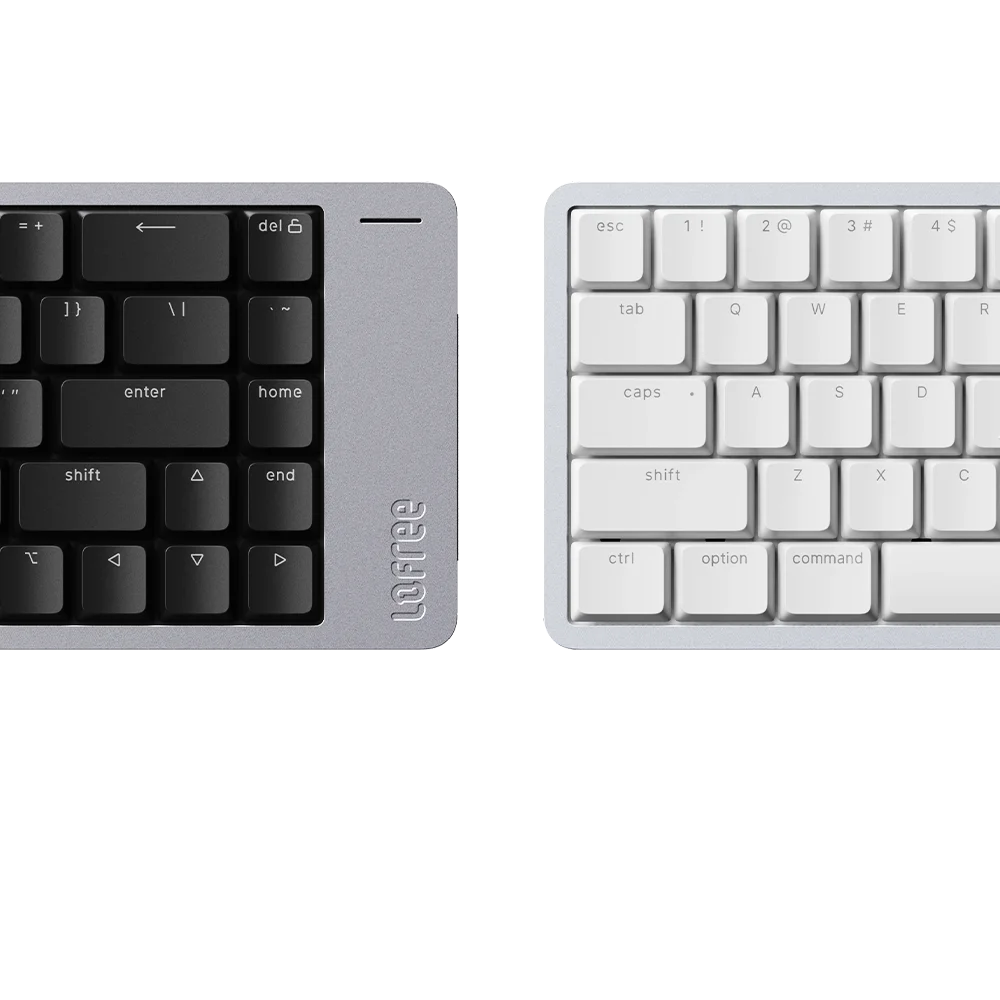
- Ultra sleek anodized aluminum body
- New 40gf POM Cloud Series switches
- Gasket mount
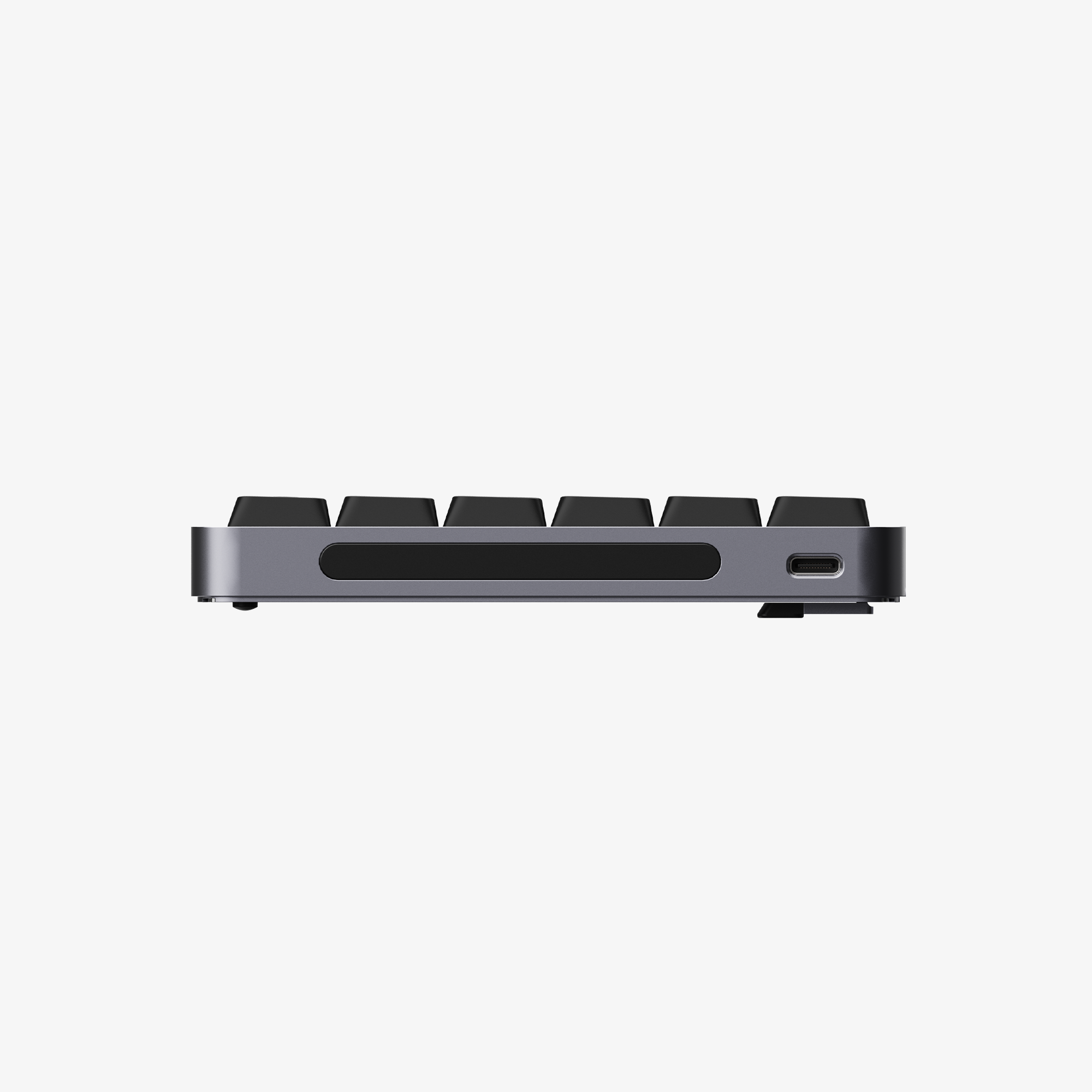
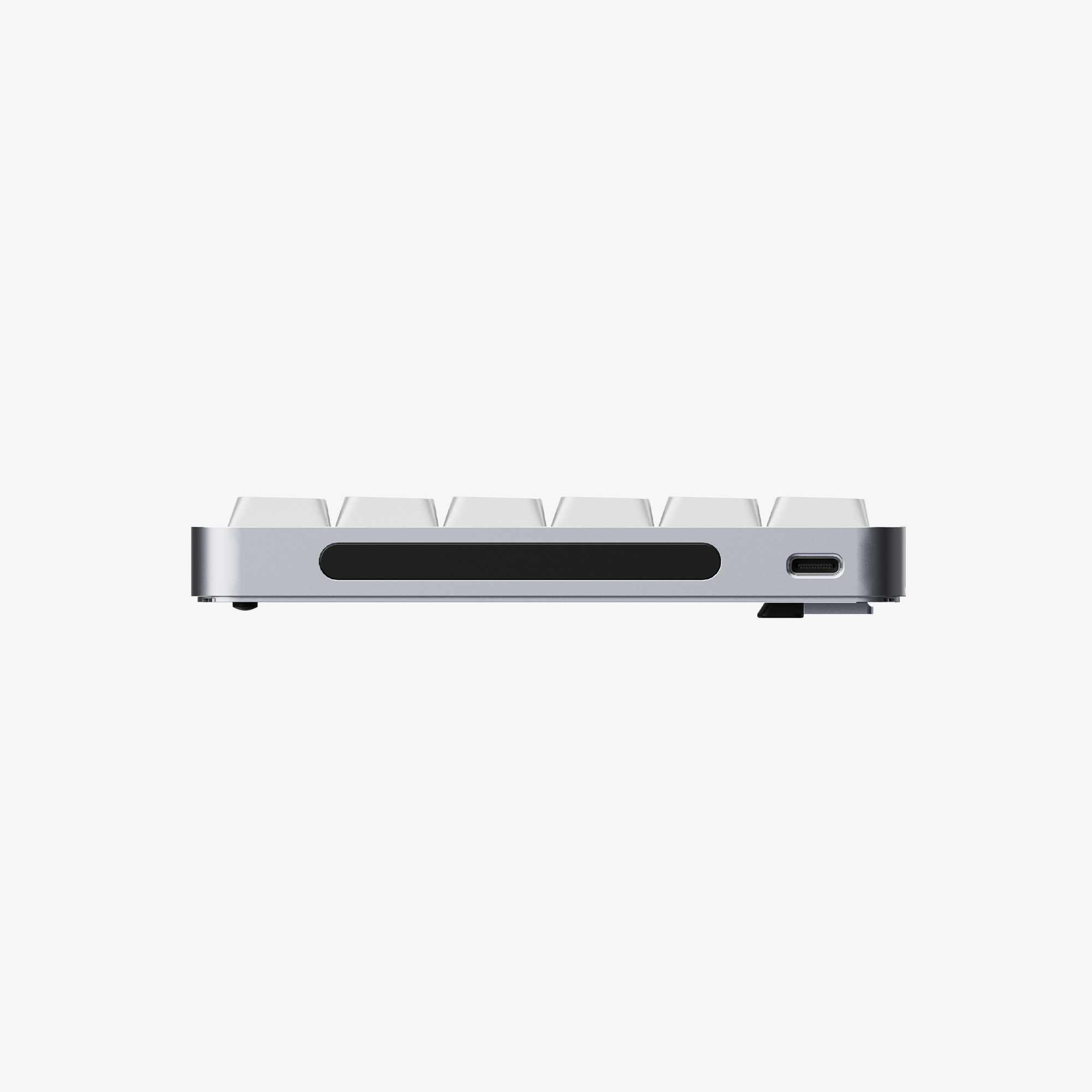
- Touch-sensitive bar for adjusting volume and screen brightness
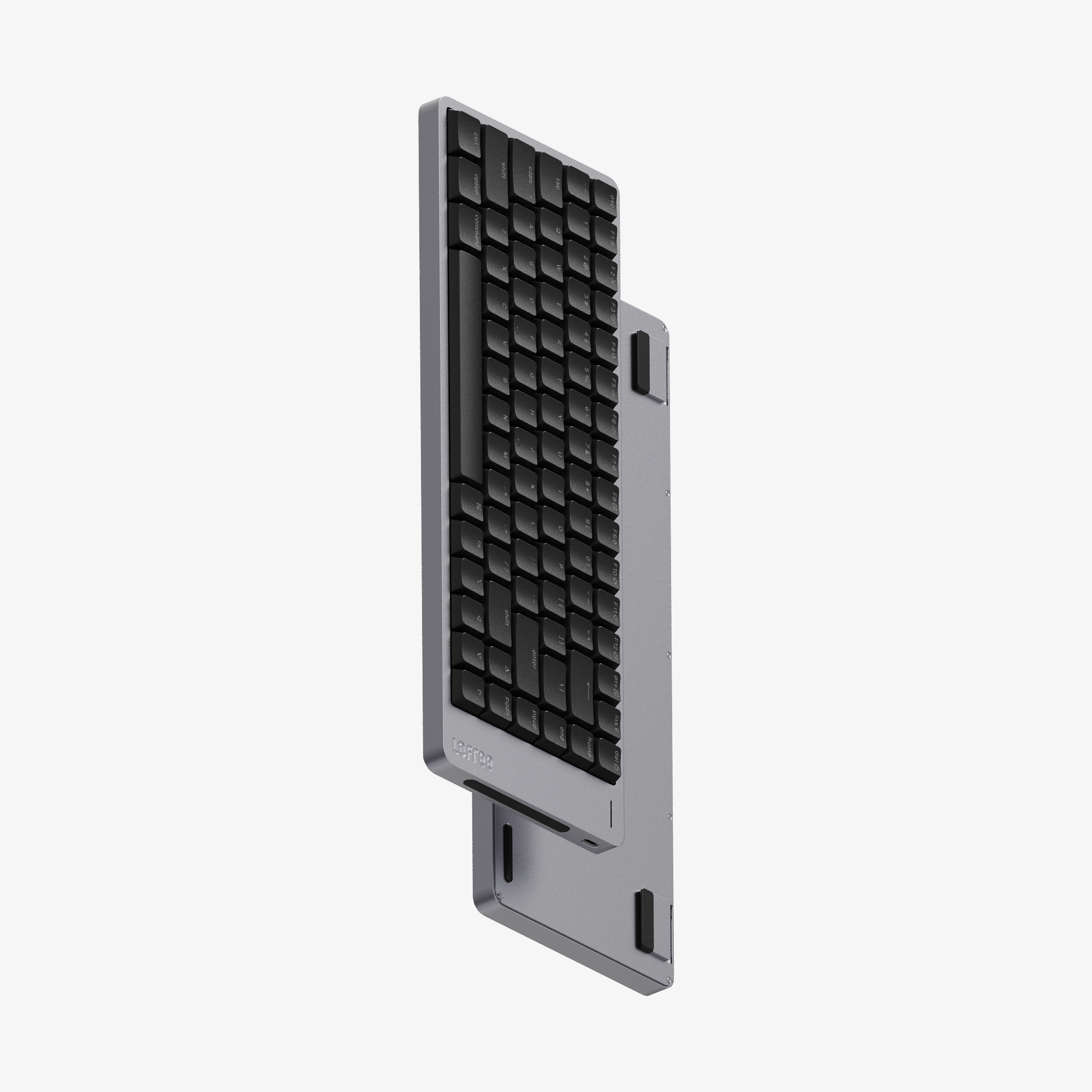
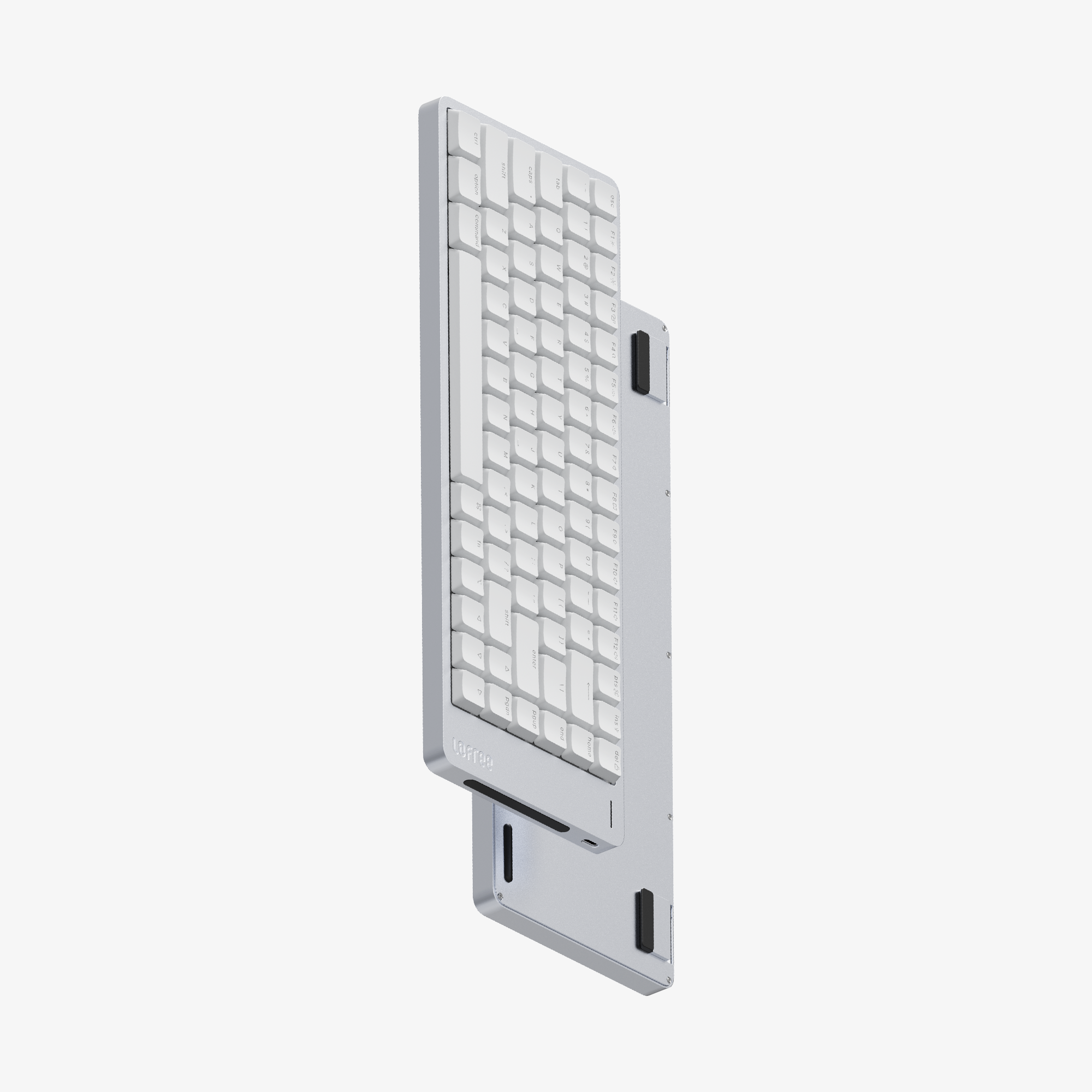
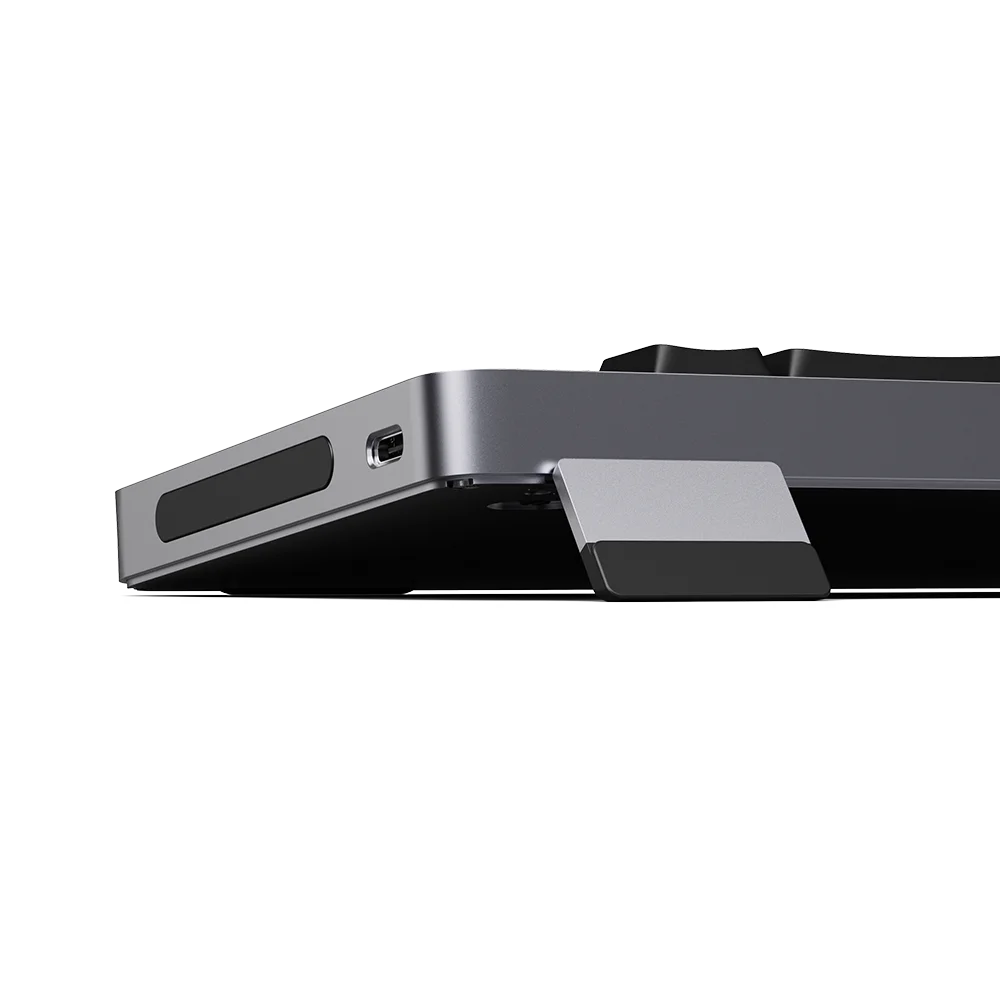
- Built-in flip-out keyboard kickstand
- PBT+PC double-shot shine-through keycaps
- Tri-mode connectivity (2.4GHz/ Bluetooth/ wired USB-C)
- Compatible with VIA for customization and macro
- Ready for dispatch in 2~5 days
- Tracking number will be available in 7 days after shipment
- Order cancellation is acceptable within 24 hours of placing order
For China customers: When ships to China Mainland, Macau (SAR) and Hong Kong (SAR), please provide your name and shipping address in Chinese. When ships to Taiwan, please provide your name and shipping address in Chinese and your ID card number (or passport number of you are foreigner) in the order notes. More detailed shipping information please see here.
For Korea customers: Please provide your name and shipping address in Korean. Your tax ID (P+12 digits), phone number (010+8 digits) are required and must belongs to the same recipient.
For Brazil, Chile, Colombia, Turkey, Indonesia customers: Please provide the recipient’s tax ID or CPF, CNP, VAT, passport ID and EOR.
You can check Shipping Policy for more information.
Lofree offers a 1-year limited warranty on all Lofree products. The Limited Warranty Period starts from the date of purchase. If there is any issue, please contact us via support@lofree.co


Smooth Wins
Evolved, Redefined, Unleashed.
Crafted from a single block of aluminum, Flow 2 is where industrial elegance meets fluid functionality. Every edge is CNC-machined, every surface finely textured—resulting in a keyboard that feels as smooth to the touch as it types. From its low-profile Cloud Series switches to its seamless connectivity and responsive touch bar, Flow 2 delivers an ultra-smooth experience in both form and performance.
Watch video


DESIGN
All-Aluminum Craftsmanship. Built to Impress and Endure.
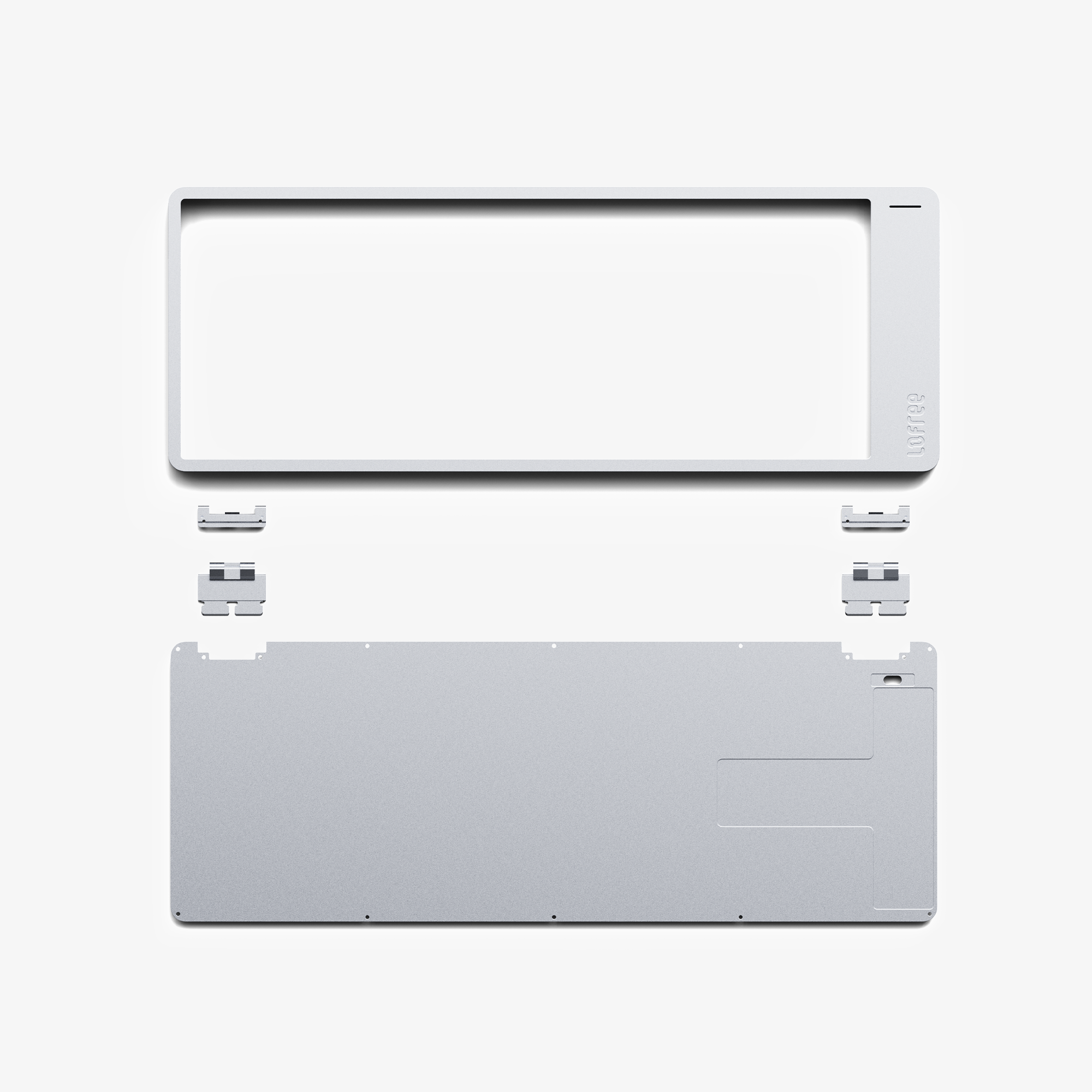
Crafted from a single block of aluminum, Flow 2’s case is milled with precision and finished with a refined matte texture. Its 205-grit anodized surface gives it a unique tactile quality that elevates any desk setup with timeless elegance and rock-solid build quality.


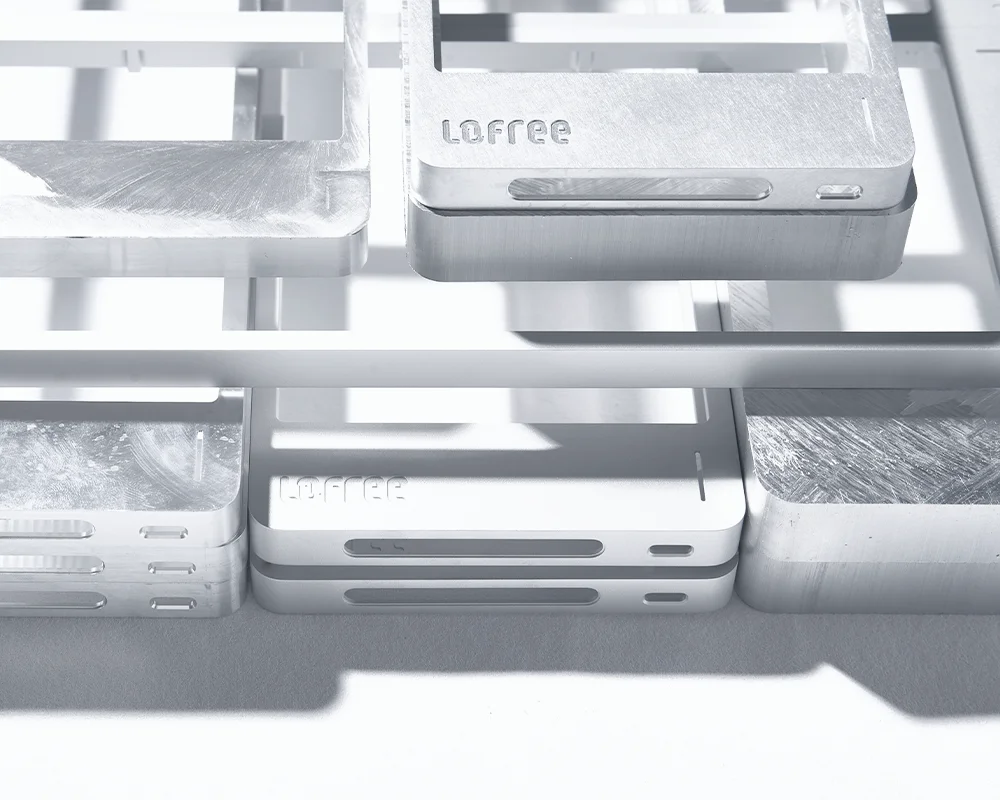
Flow 2’s surface undergoes a meticulous 205-grit anodized processing, an advanced finishing technique that combines durability with tactile elegance. This fine-grain texture gives the aluminum body a smooth, satin-like feel that resists fingerprints, enhances grip, and reflects light with subtle sophistication.
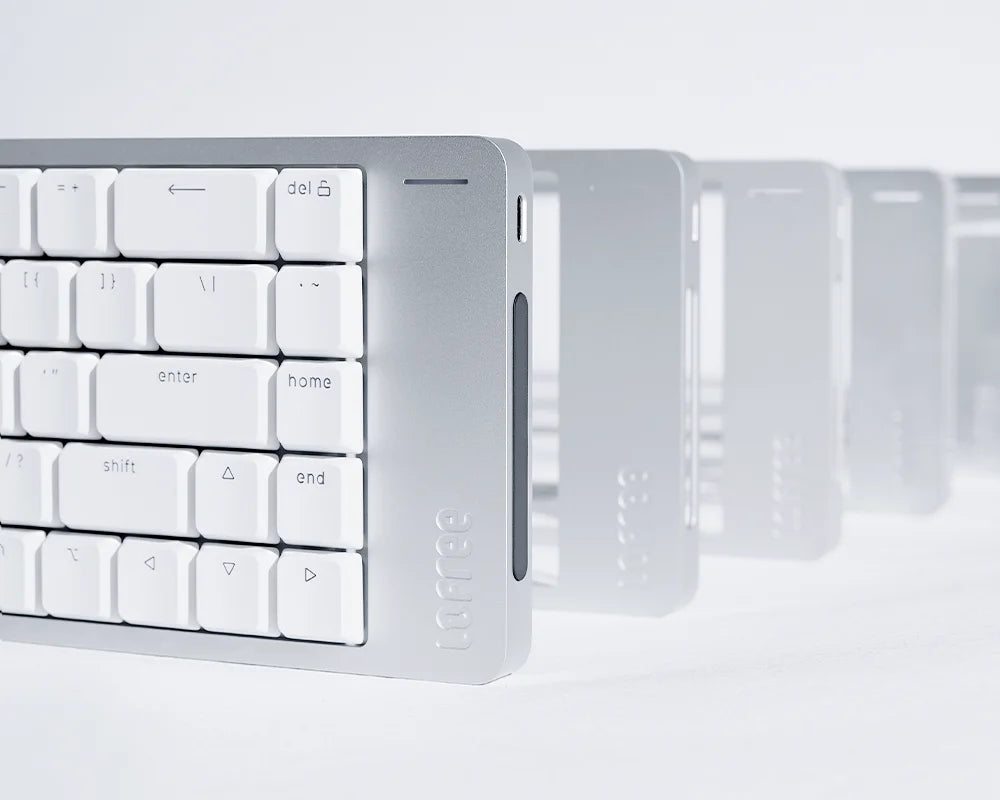
Unlike glossy or coarse finishes, 205-grit strikes the perfect balance between form and function, making every touch feel intentional and refined. It’s not just beautiful—it’s built to last.
TOUCH BAR
Swipe to Adjust. Control at Your Fingertips.
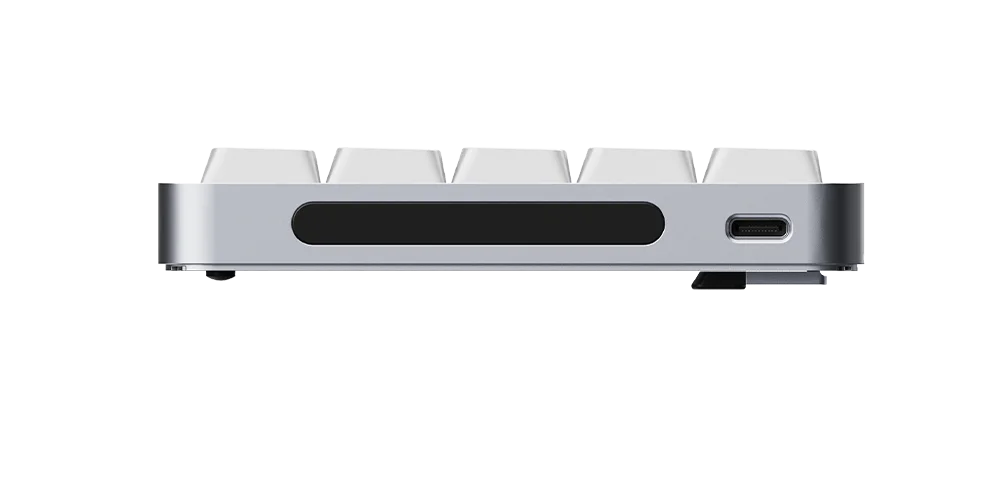
Flow 2 features a built-in capacitive touch bar on its side, an elegant and intuitive way to adjust volume and screen brightness. It replaces traditional knobs and buttons with fluid gestures, seamlessly blending into the keyboard’s minimalist aluminum frame. Designed for efficiency and style, the touch bar keeps your setup clean while keeping control literally at your fingertips.
SWITCHES
Reinventing Low-Profile: The Cloud Series Switches.
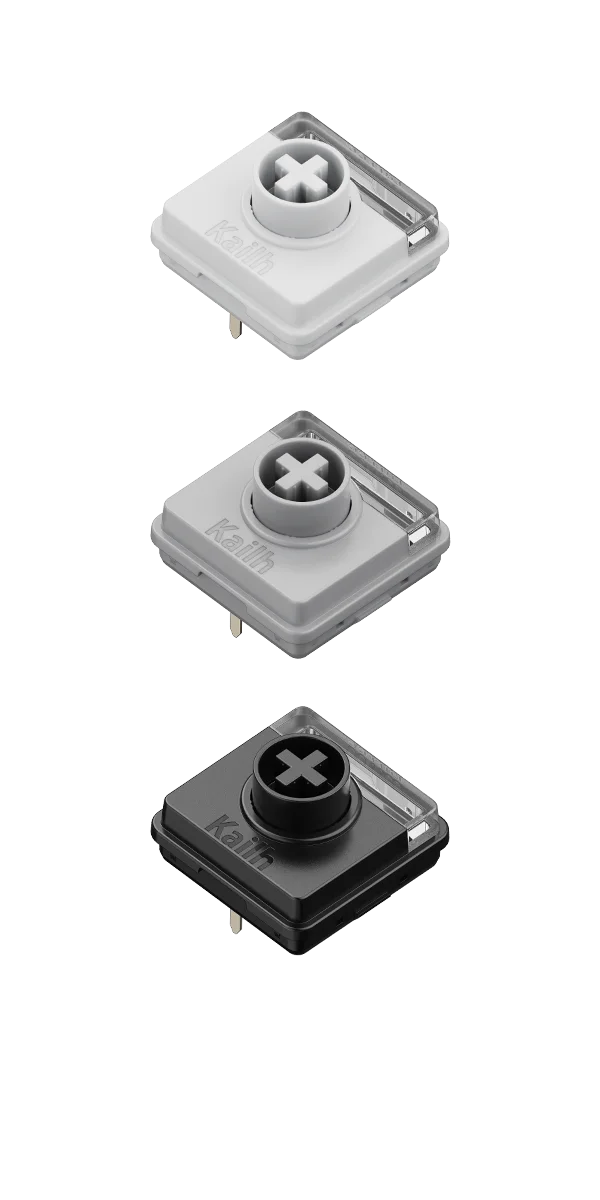
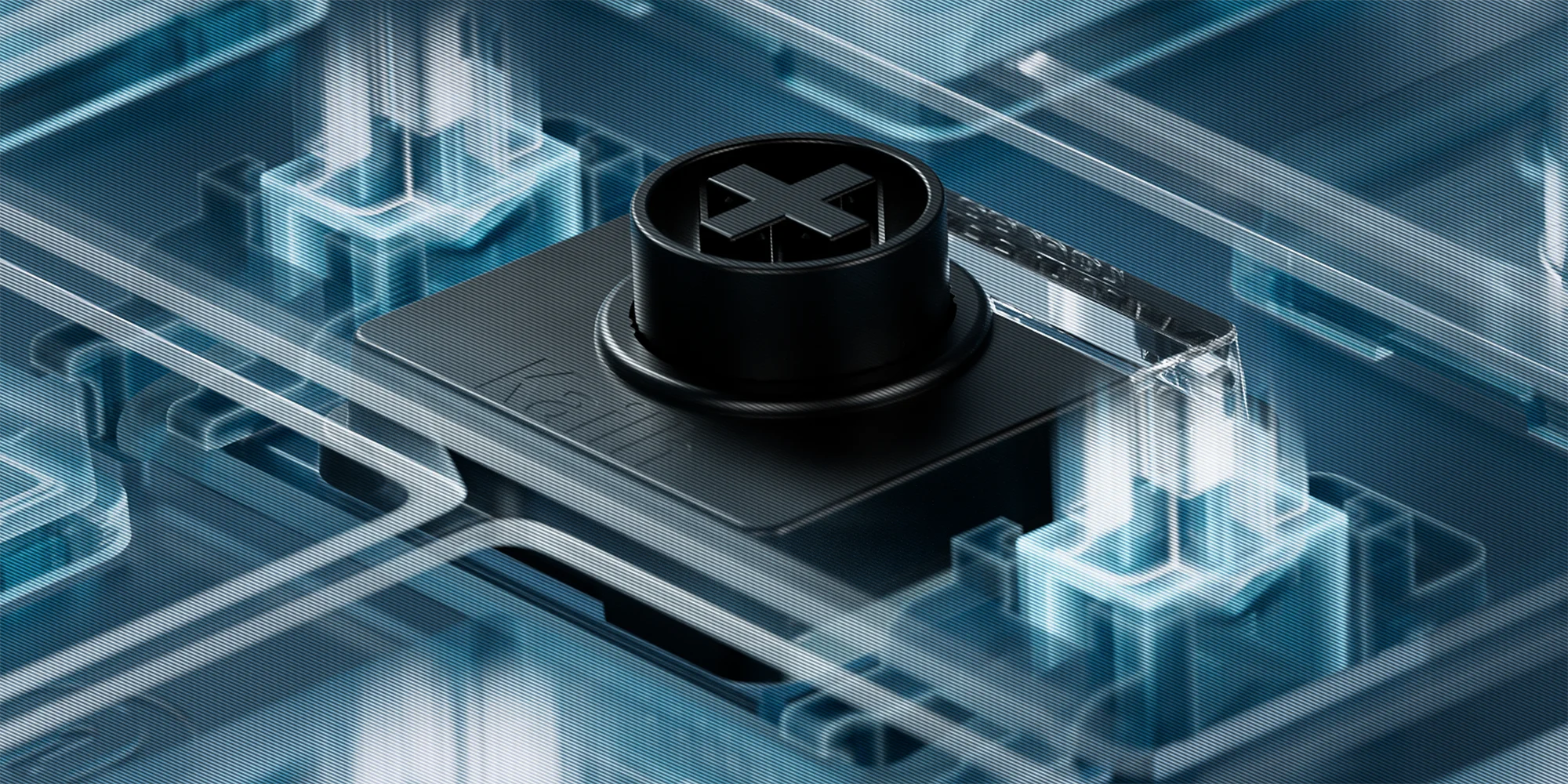
Flow 2 debuts the Cloud Series: a trio of low-profile mechanical switches designed for exceptional smoothness and control. Each switch is crafted with high-grade POM material for reduced friction and a satisfyingly fluid keystroke.
Typing Sounds
Watch video
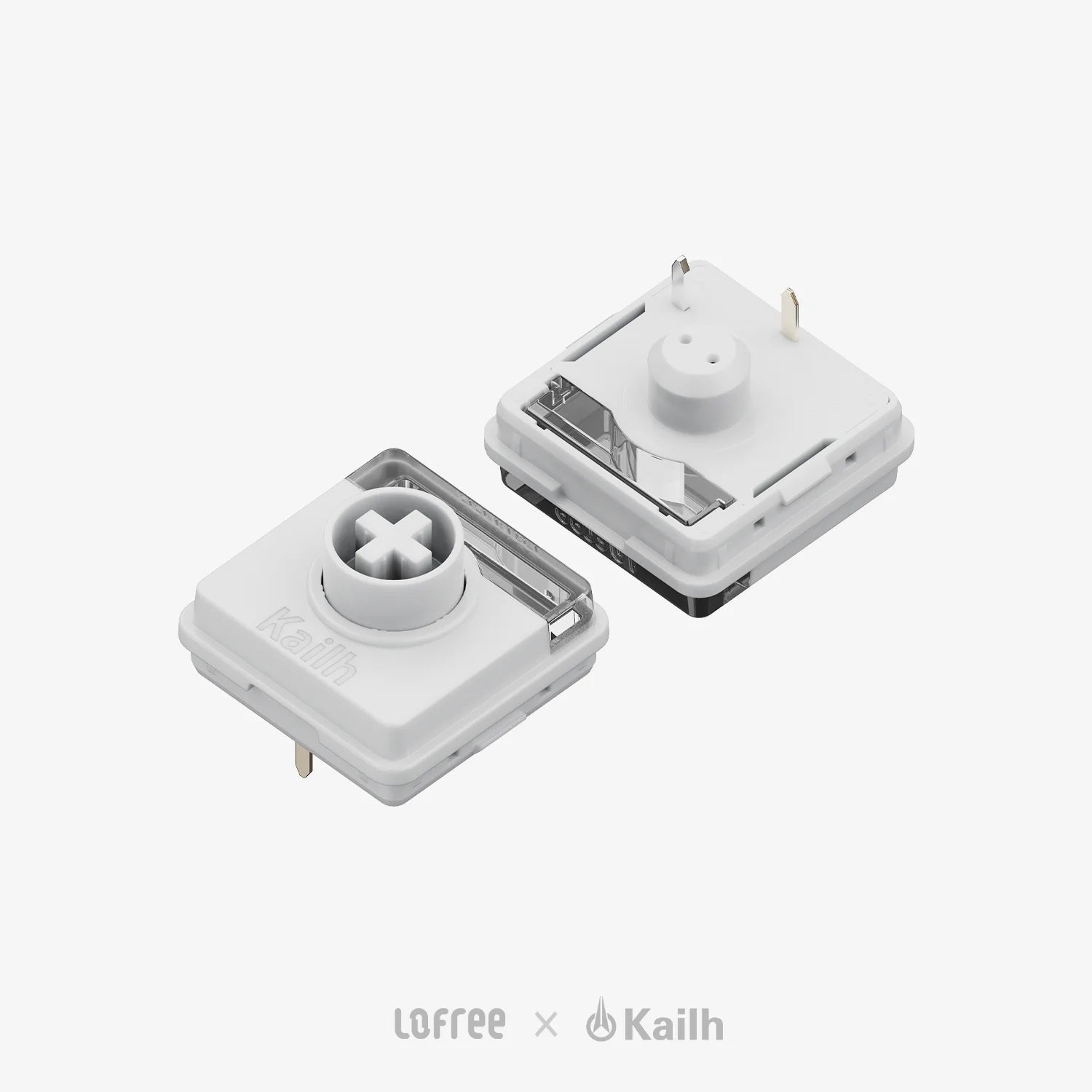
Surfer
Crisp linear, rapid response, perfect when you want zero distractions and total concentration.
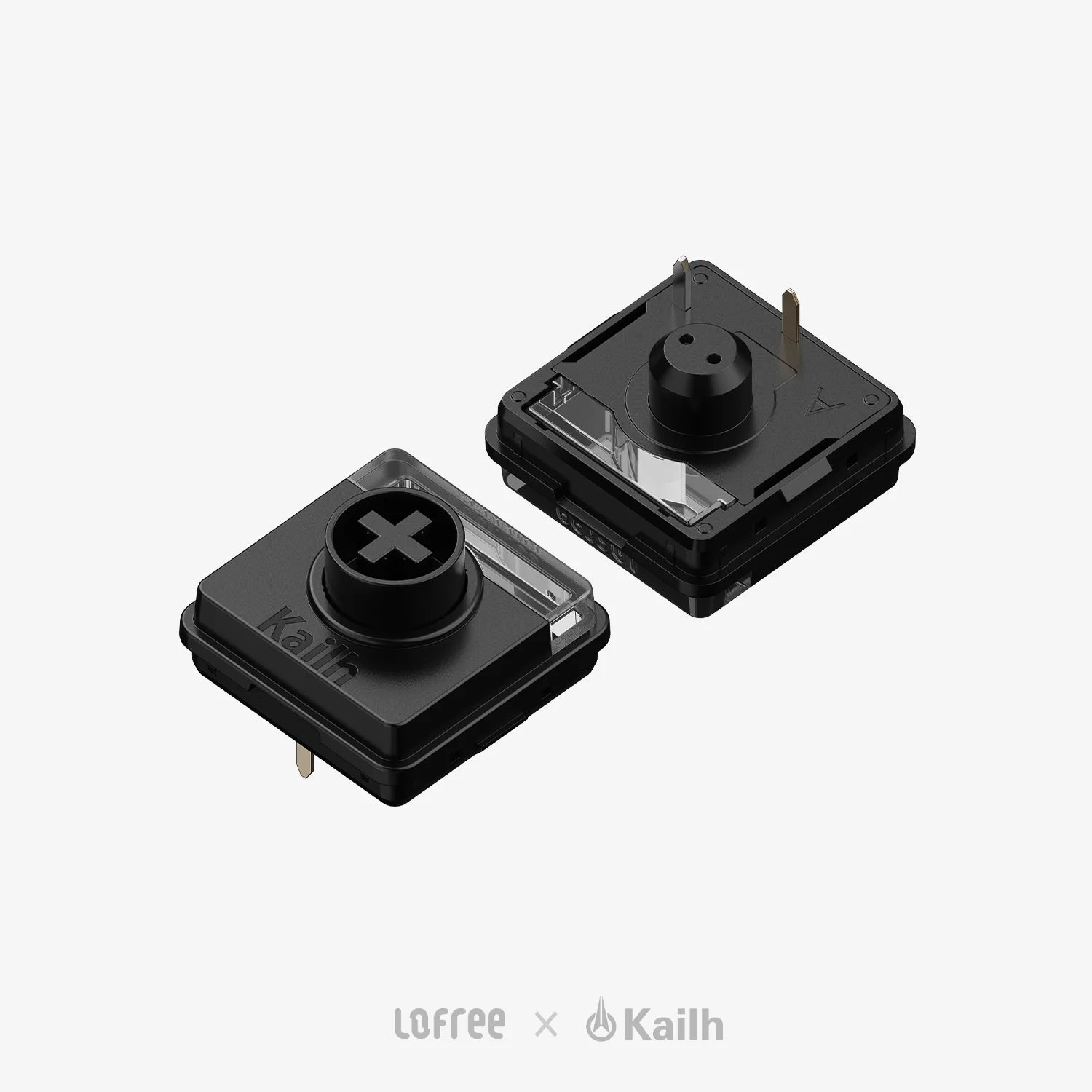
Pulse
A firm, rhythmic press with a satisfying bump. Great for those who type with intent Which you’ll feel every decision.
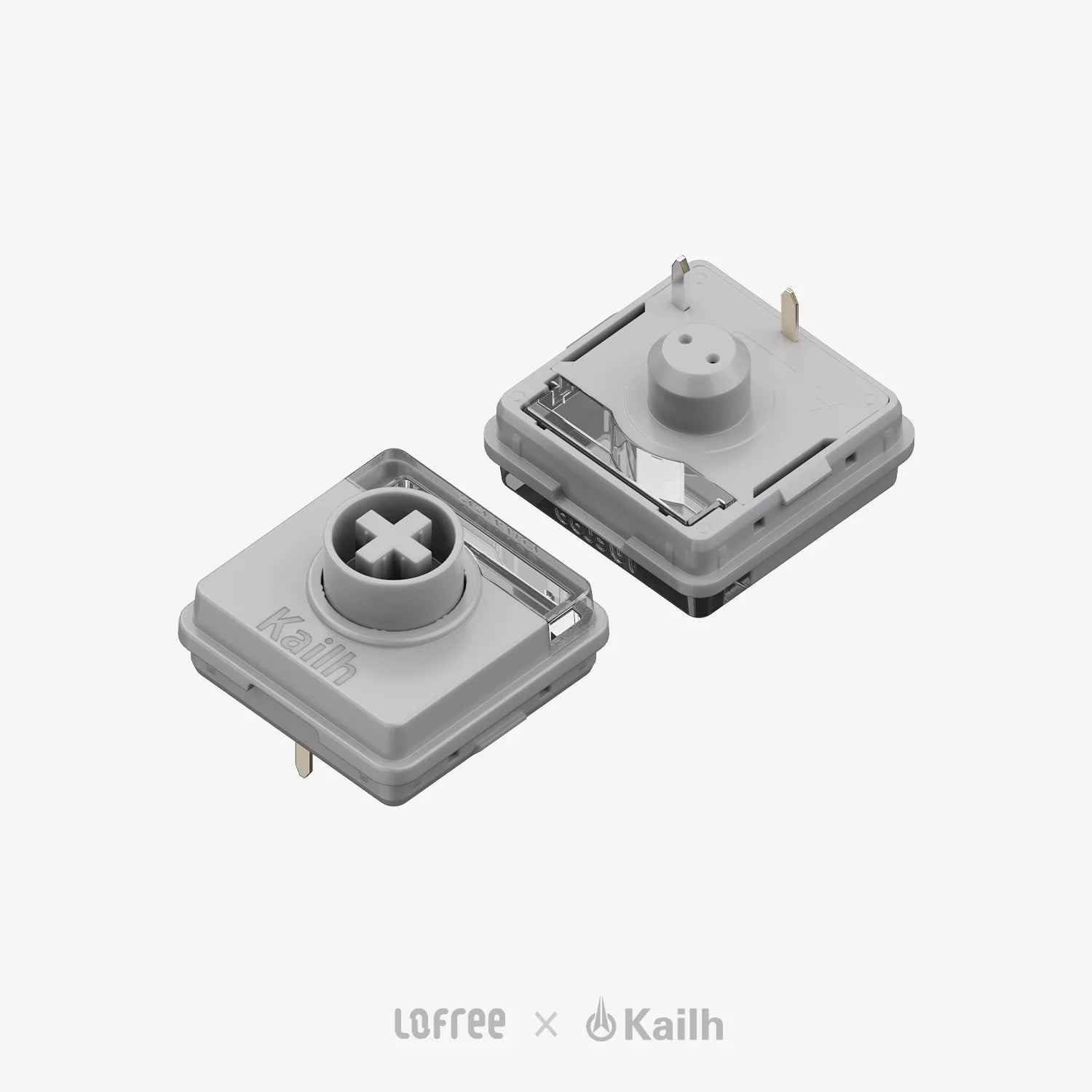
Void
Silent linear, firm feedback, ideal for late-night writing, focused coding, or shared workspaces.
Redefining Smoothness
We reduced the switch tolerance from 0.05mm to 0.04mm. This extreme level of precision reduces internal friction, eliminates rattling, and creates a typing feel that’s not just smooth, but mechanically refined. Whether you're typing a sentence or gaming at speed, each keystroke lands with accuracy, balance, and an unmistakably premium feel.
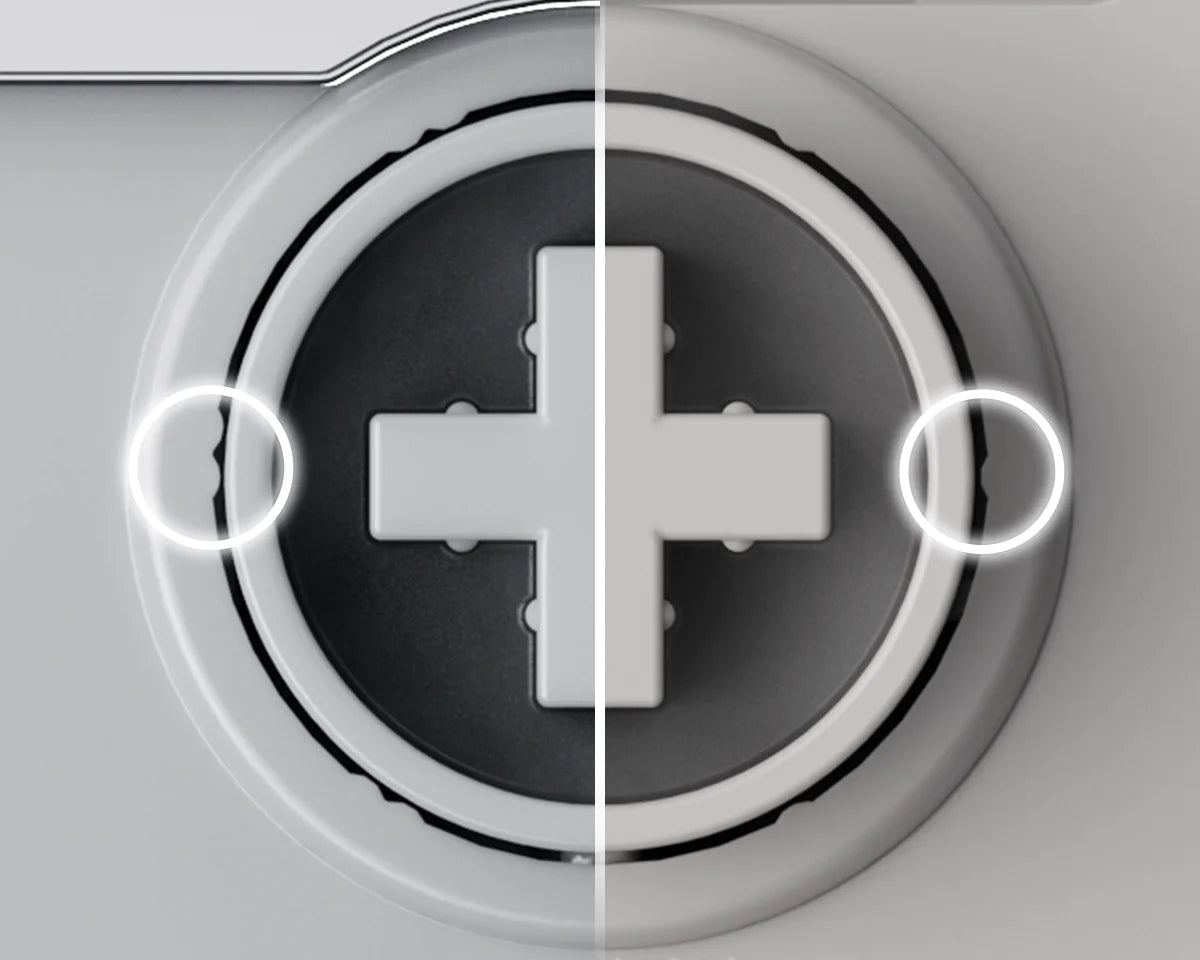
Stability Where It Matters
Each switch in the Cloud Series features 12 micro stabilizer dots, carefully placed to reduce horizontal shake and improve keycap balance. This unique design innovation ensures that even off-center presses feel just as stable and consistent as center hits. The result? A firmer, quieter, and more reliable typing experience—especially on larger keys like spacebar and shift.

LARGER LIGHT WINDOWS
Designed to Shine, and it Does.
Flow 2’s redesigned switch structure features enlarged light windows, over 3.2x bigger than the previous generation, for brighter, more even backlighting. Whether you're typing in low light or just enjoying the ambient glow, every legend remains clear and crisp. The illumination is soft yet effective, adding atmosphere without glare.

Cloud Series

Previous Generation
GASKET MOUNT
Smooth, Cushioned Keystrokes. Typing, Reimagined.
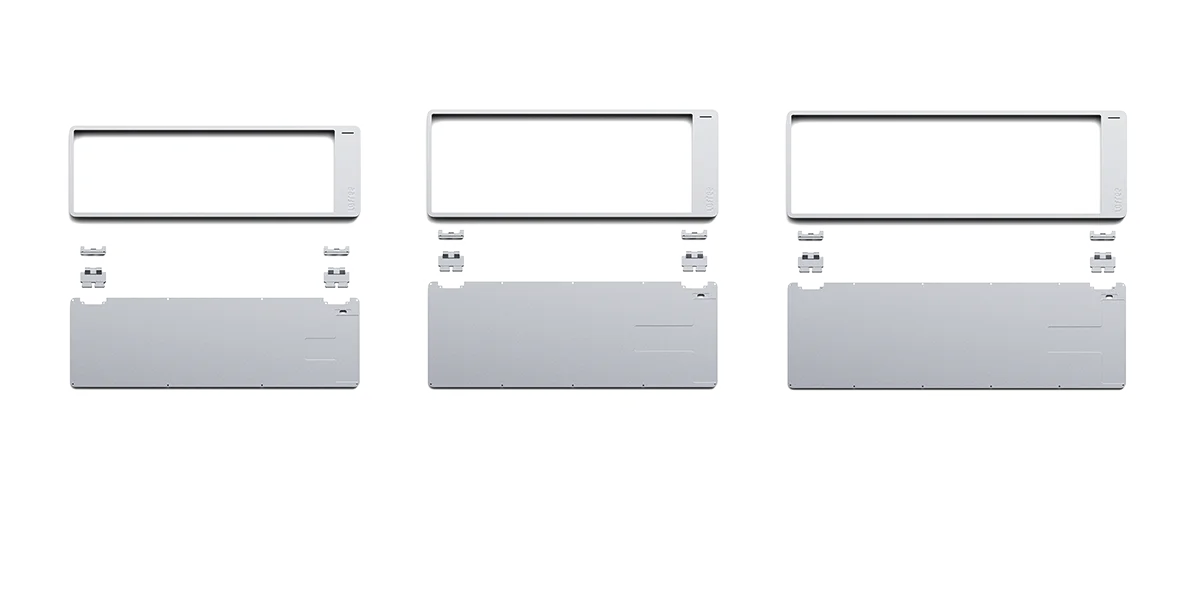
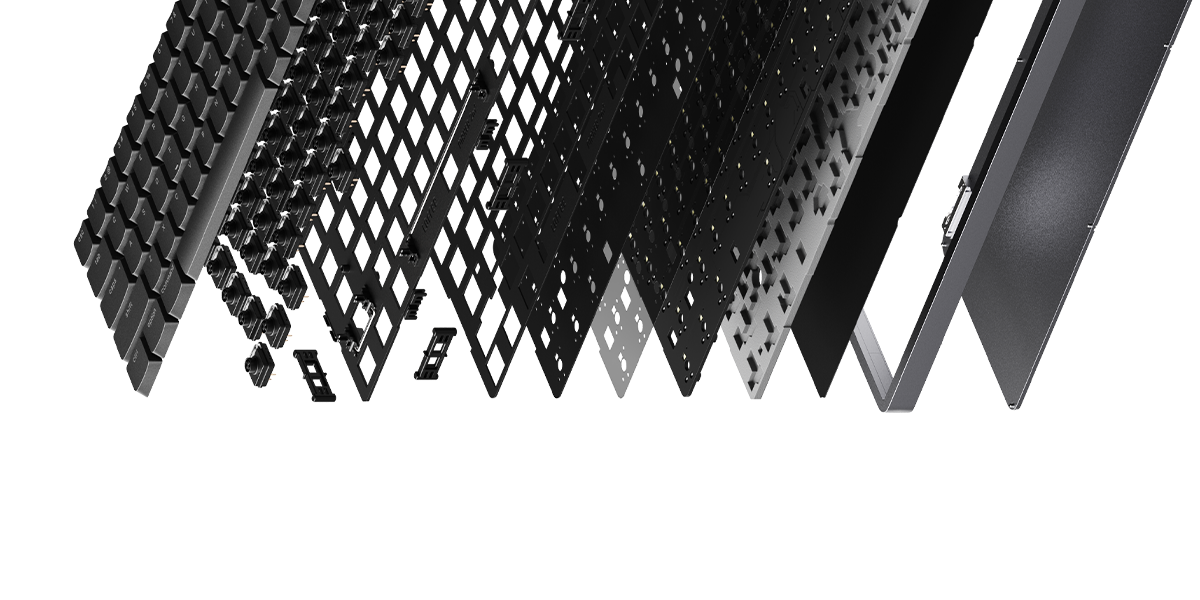
Our enhanced casing maximizes the gasket mount’s potential, facilitating precise tuning of 5 layered dampening materials. By eliminating direct contact between internal components, the gasket system absorbs vibrations, reduces harsh impact, and delivers a quieter, more balanced keystroke—perfect for long typing sessions and a smoother overall feel.


FIRMWARE
Your Keyboard, Your Rules. Rebind any key with VIA.
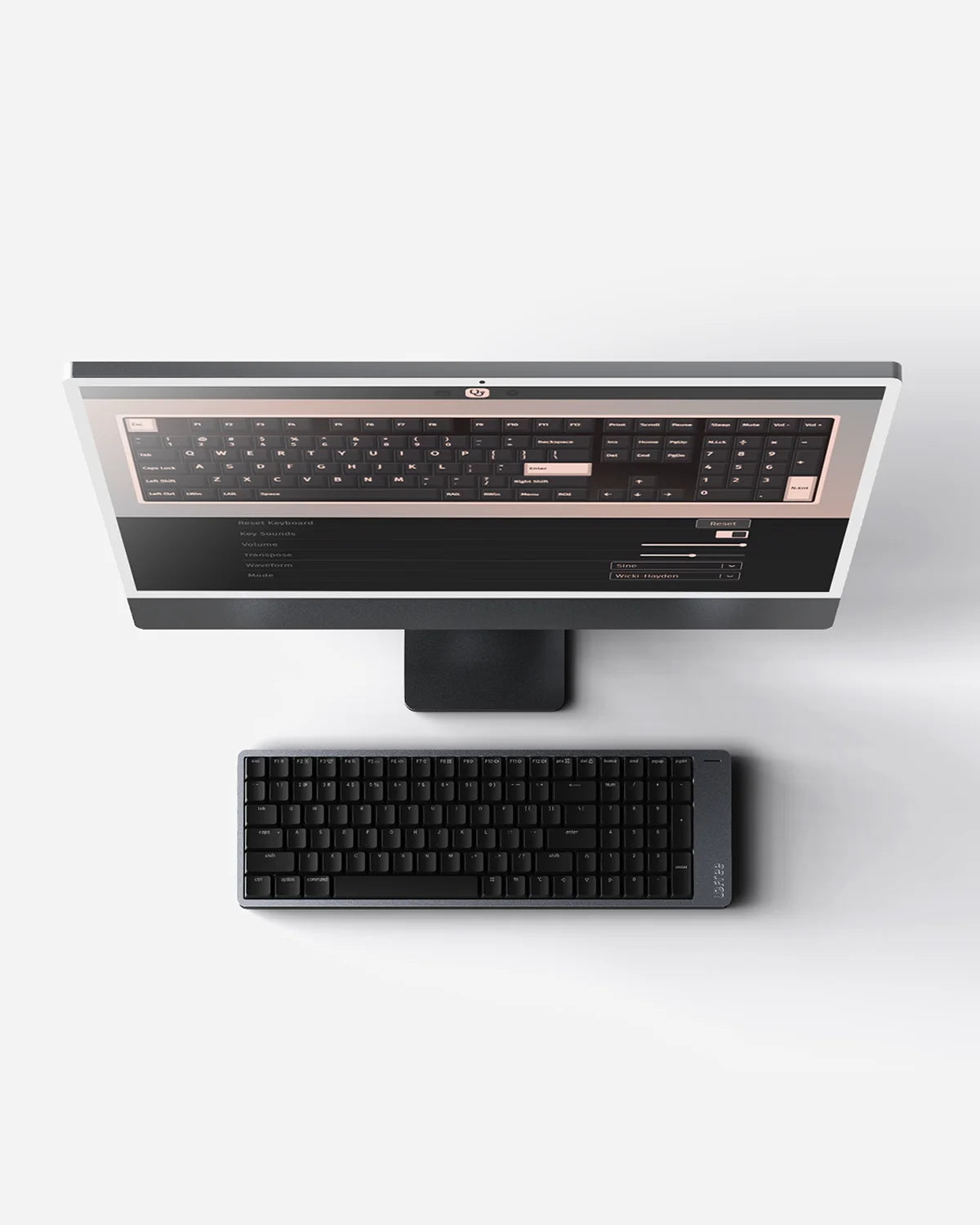
With full VIA support, Flow 2 is completely customizable. Reassign keys, set up advanced macros, and fine-tune the keyboard layout without needing to install extra software. It adapts to your workflow, not the other way around.
Lightning Fast, Ultra Responsive
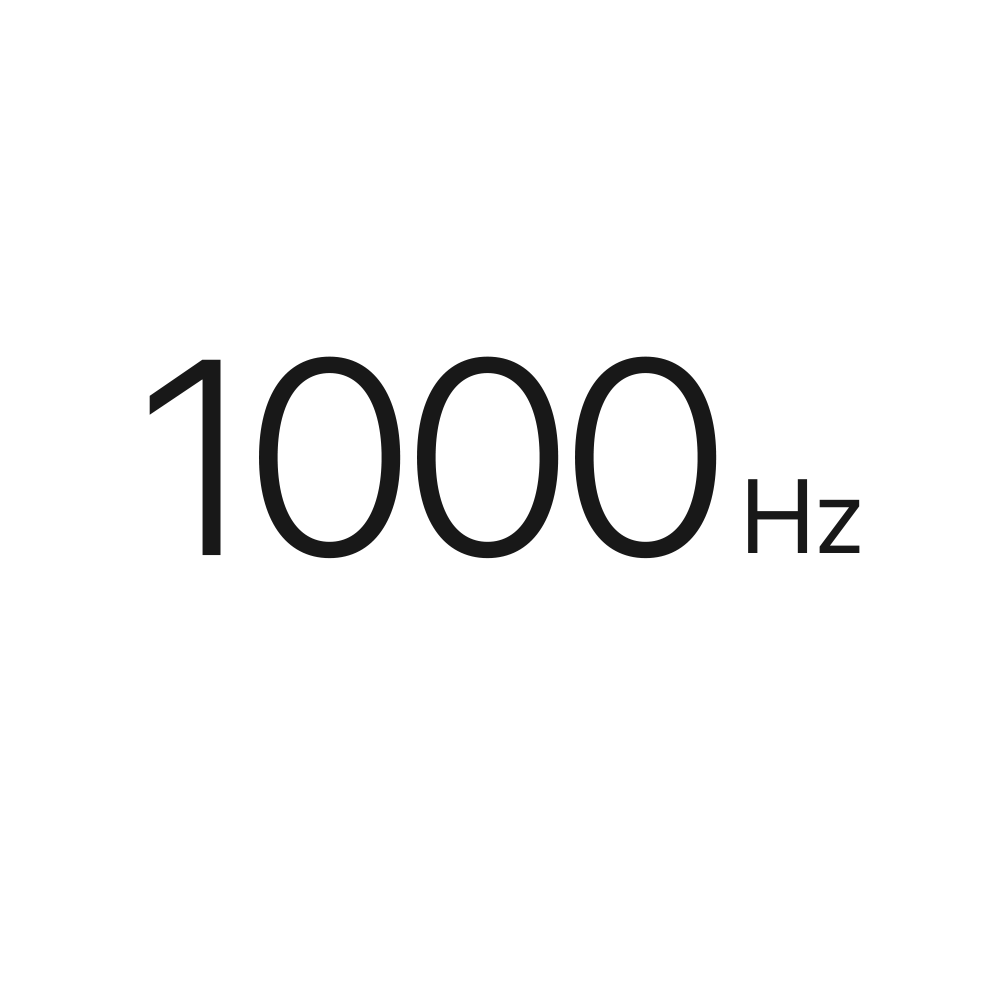
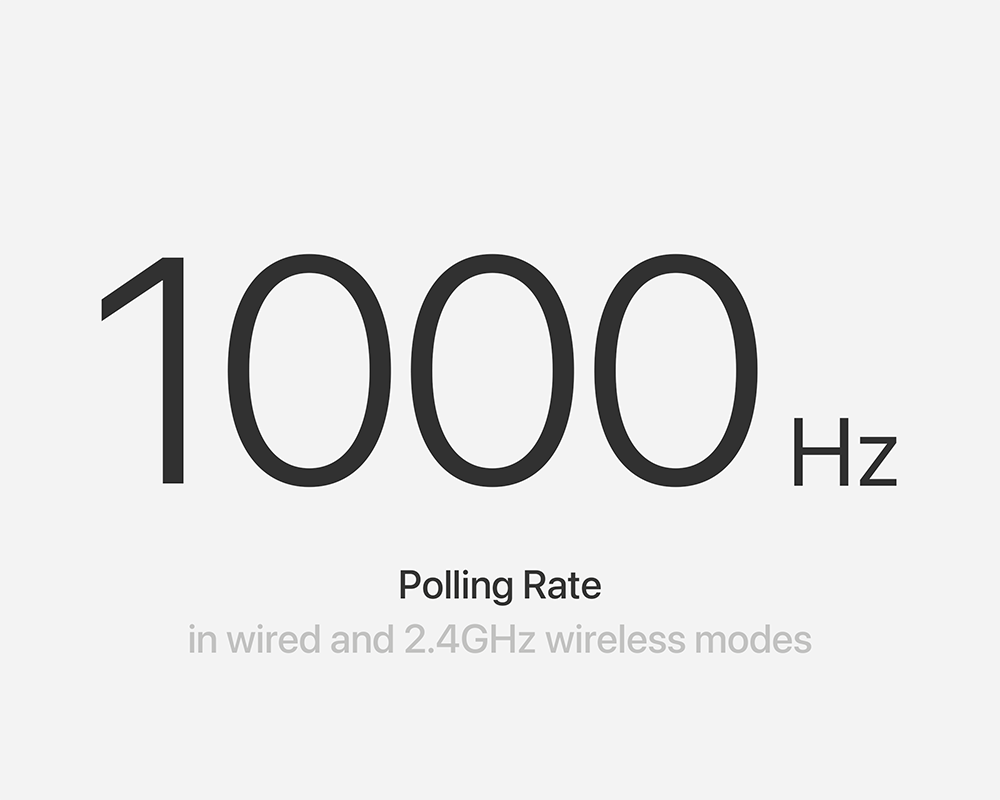
2.4GHz and USB-C cable connection offer a range of polling rates up to 1000Hz/ 1ms. Whether you're gaming, coding, or typing at speed, you'll experience fluid performance with virtually zero input lag. It's a professional-grade feature built into a beautifully designed keyboard.
Triple-Mode Connectivity
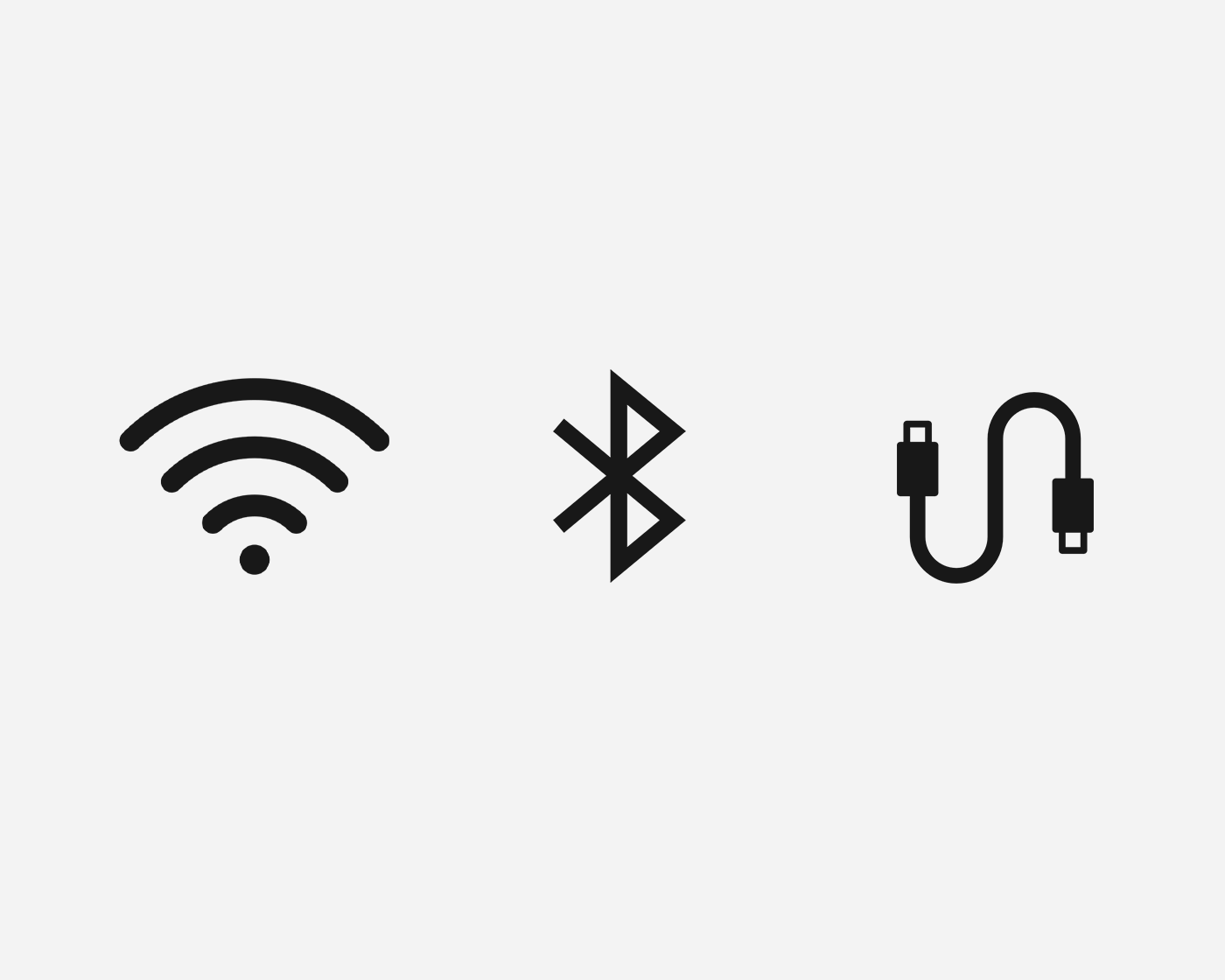
The Flow 2 offers three connectivity options: wired (USB-C), Bluetooth 5.3 wireless, and 2.4GHz wireless via a USB dongle, enhancing the connection stability beyond Bluetooth.
Seamless Multi-Device Switch
Experience the seamless multi-device switch with Flow Lite's seamless Bluetooth connectivity. Whether you're on Mac or Windows, it connects reliably and effortlessly.
Stay Powered for the Long Run
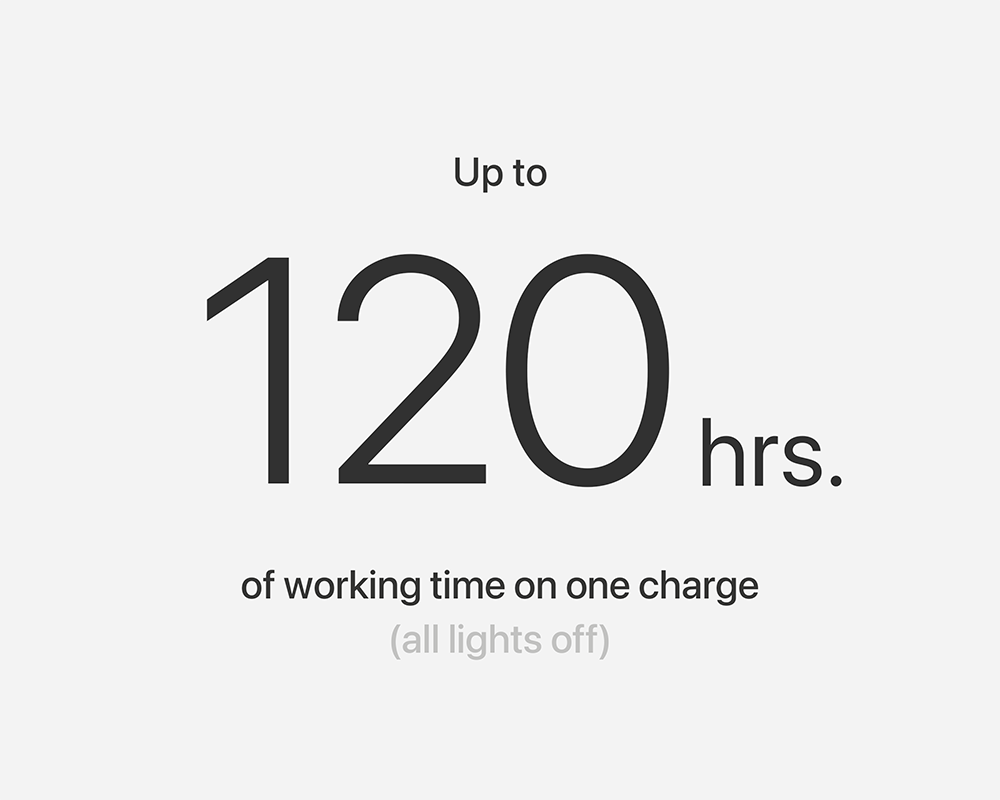
Equipped with a 3000 mAh battery, Flow 2 84-key is built to keep up with your workflow—day after day. Enjoy up to 120 hours of use on a single charge in Bluetooth mode with backlight off, or up to 17 hours with backlighting on. And when you do need a top-up, fast USB-C charging gets you back in action quickly.
KEYCAPS
PBT + PC Double-Shot Construction.
Flow 2’s keycaps are crafted using double-shot molding, combining a durable PBT base with a translucent PC legend layer. This premium process ensures that the legends never fade and the keys resist shine—even after years of daily use. The result is a set of ultra-thin, low-profile keycaps that feel smooth to the touch, stay crisp under backlight, and offer long-lasting performance with a refined aesthetic.
Comfort at Every Angle
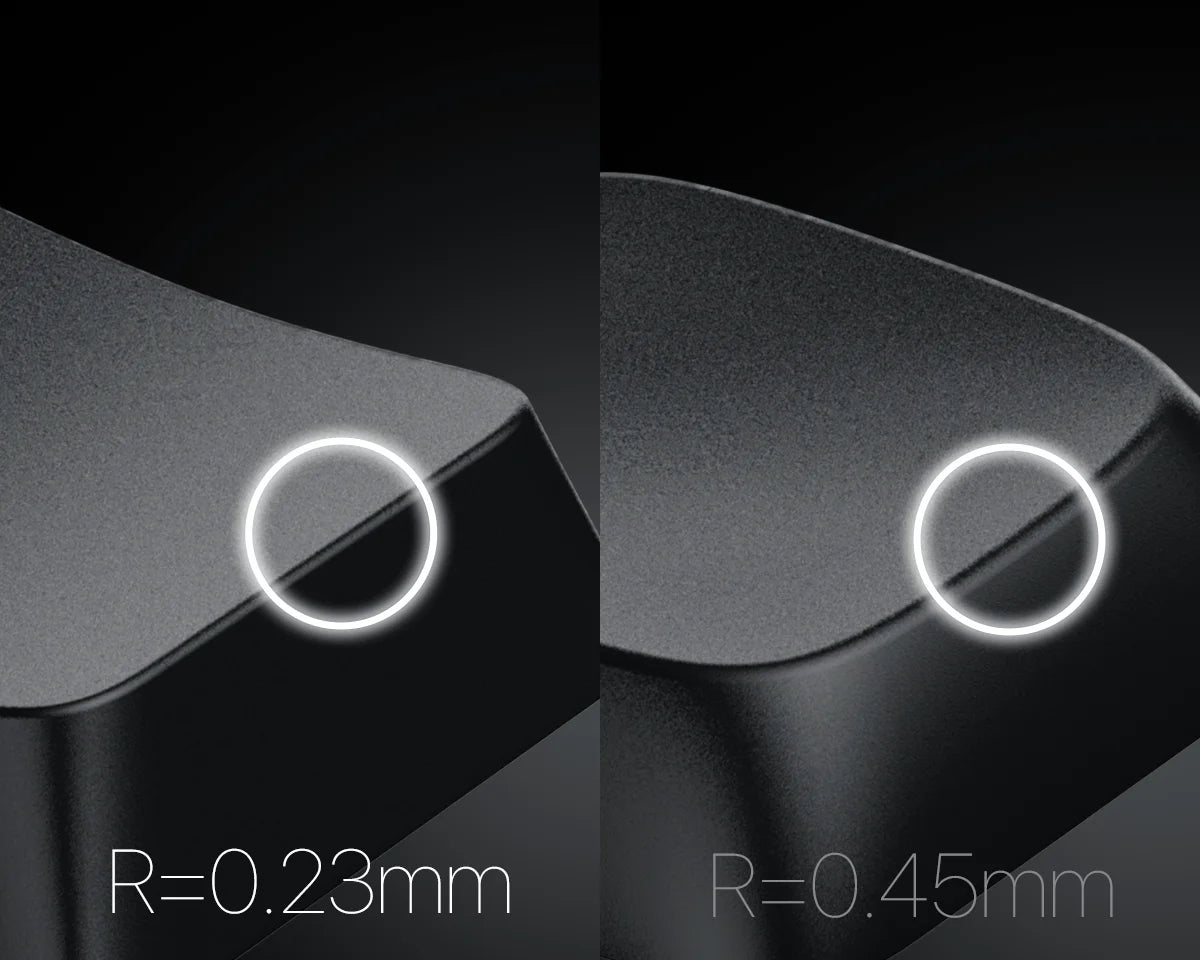
Reduced chamfer (from 0.45mm to 0.23mm) creates a defined, each keycap on Flow 2 features a precisely chamfered edge, designed to guide your fingers naturally into position with every press.
Expanded Key Surface
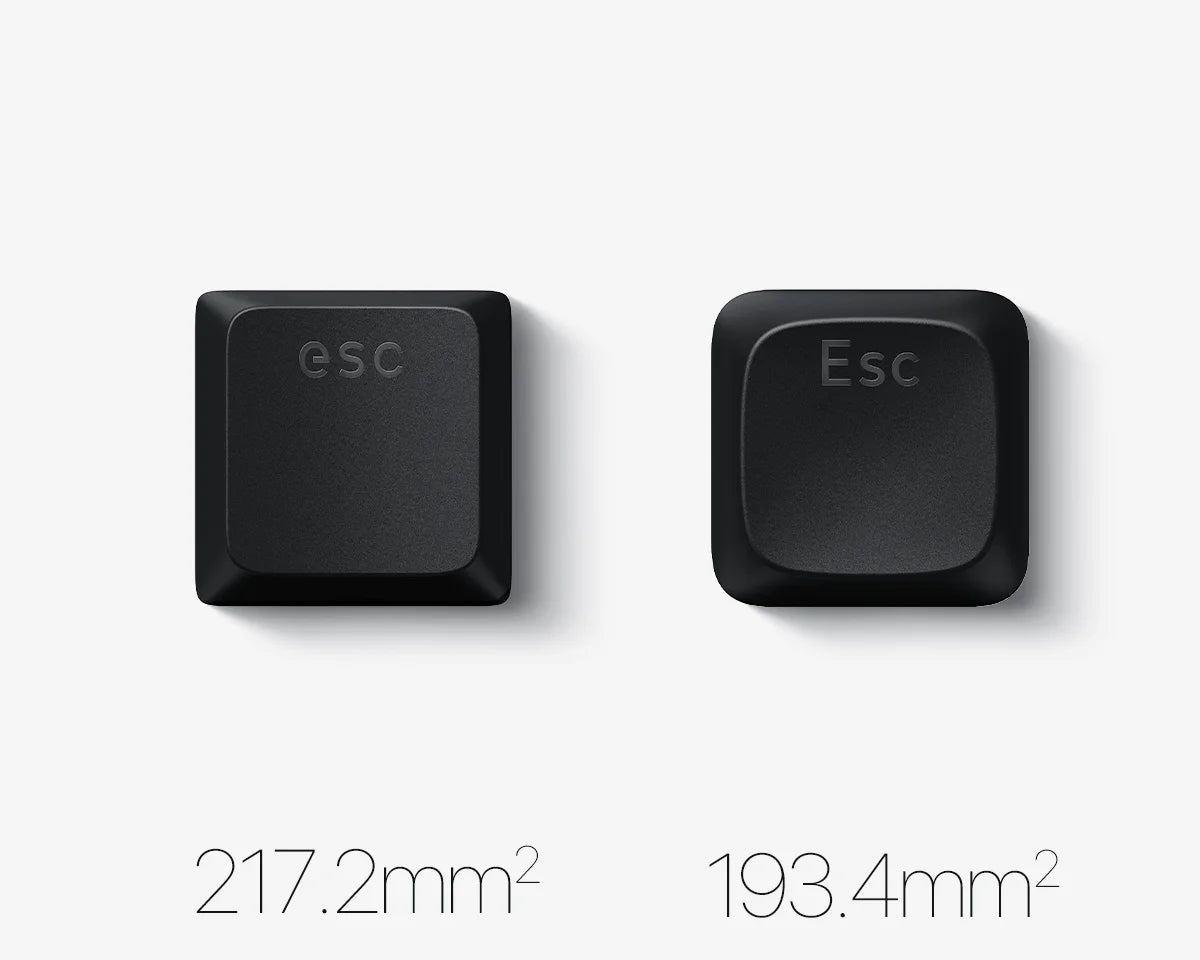
The expanded key surface (from 194mm² to 217mm²) increases typing accuracy and comfort, especially during fast or extended use.
Flow 2 in Action
In the box
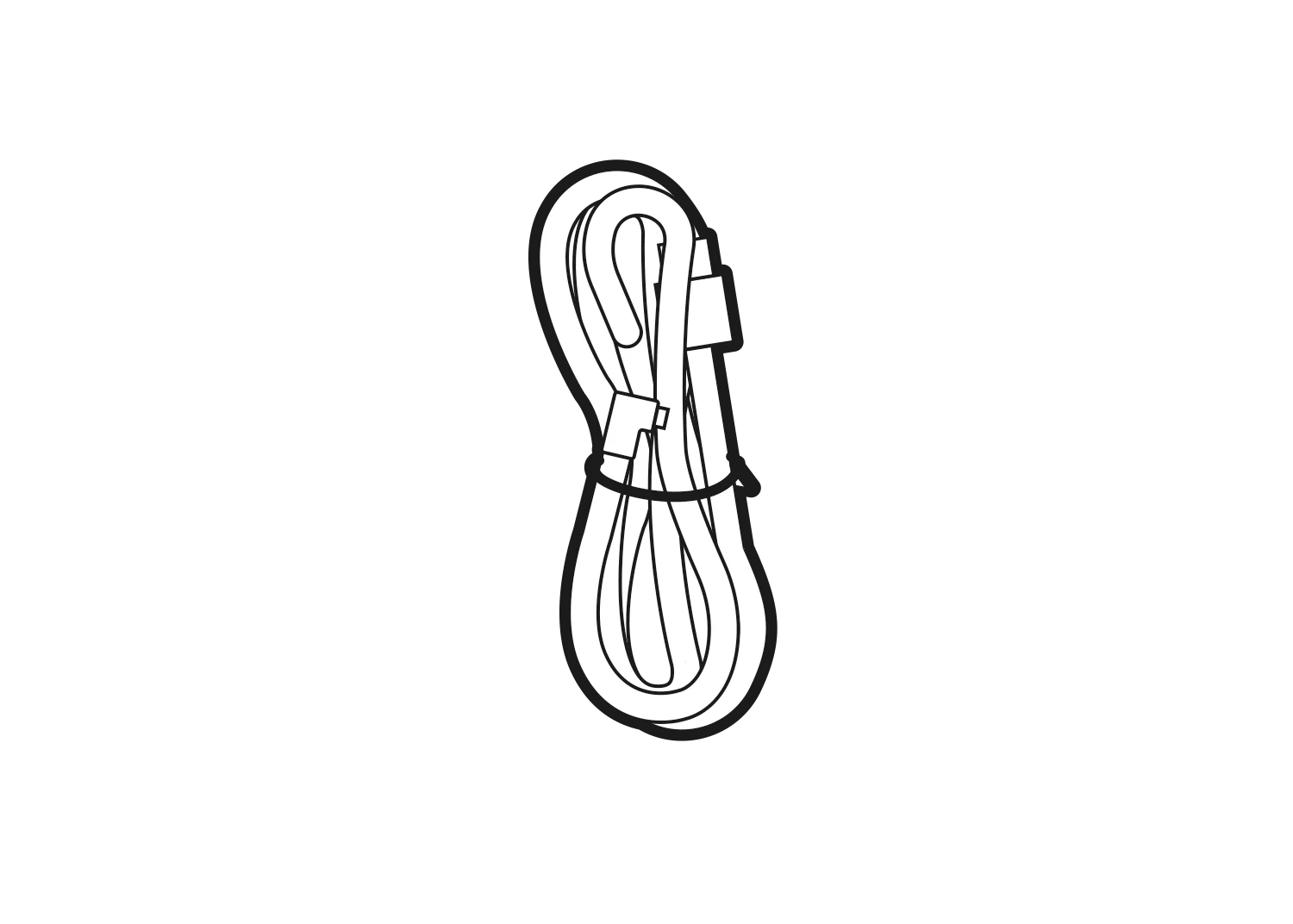
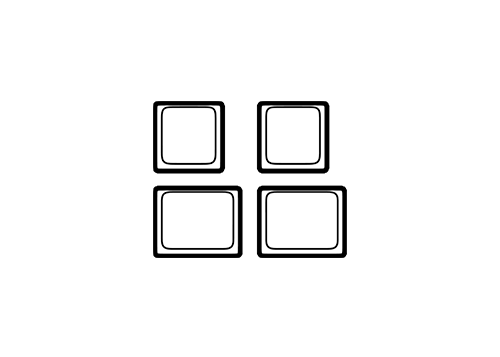
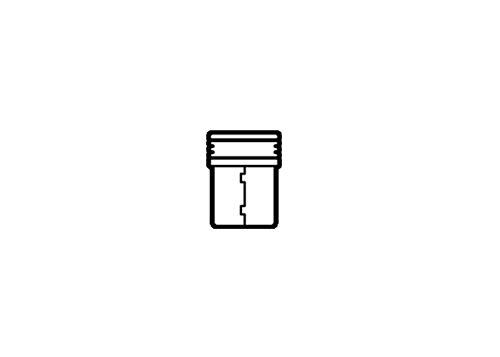
Tech specs
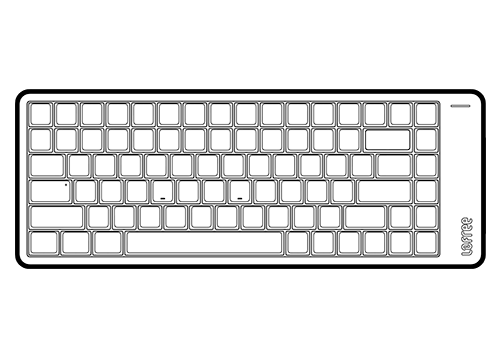
Number of Keys: 84 (75%)
Type Angle: 0° or 7°
Backlight: White
Hot-swappable Support: Yes
Switch: Lofree x Kailh Cloud Series Switch
Dimensions: 341.2 x 126 x 21.5mm
Weight: 1.64 lbs (745g)
Body: Aluminum
Keycaps: PBT + PC Double Shot
Connection Mode: 2.4Ghz & Bluetooth 5.3 & USB-C Wired
BT Name: Flow2-84@lofree
Polling Rate (wired/ 2.4Ghz): 1000Hz
Compatible system: Windows, Android, macOS, iPadOS, iOS
Wireless Range: 15 Meters
Battery Capacity: 3,000mAh
Charging Port: USB-C
Charging Time: 3-4 hours
Working Time (All lights off): Up to 120 hours
Working Time (All lights on): Up to 17 hours
Downloads

Lofree Flow 2 VIA Configurator
Fow Windows
loved it.
love the looks, the functionality, the sound, everything
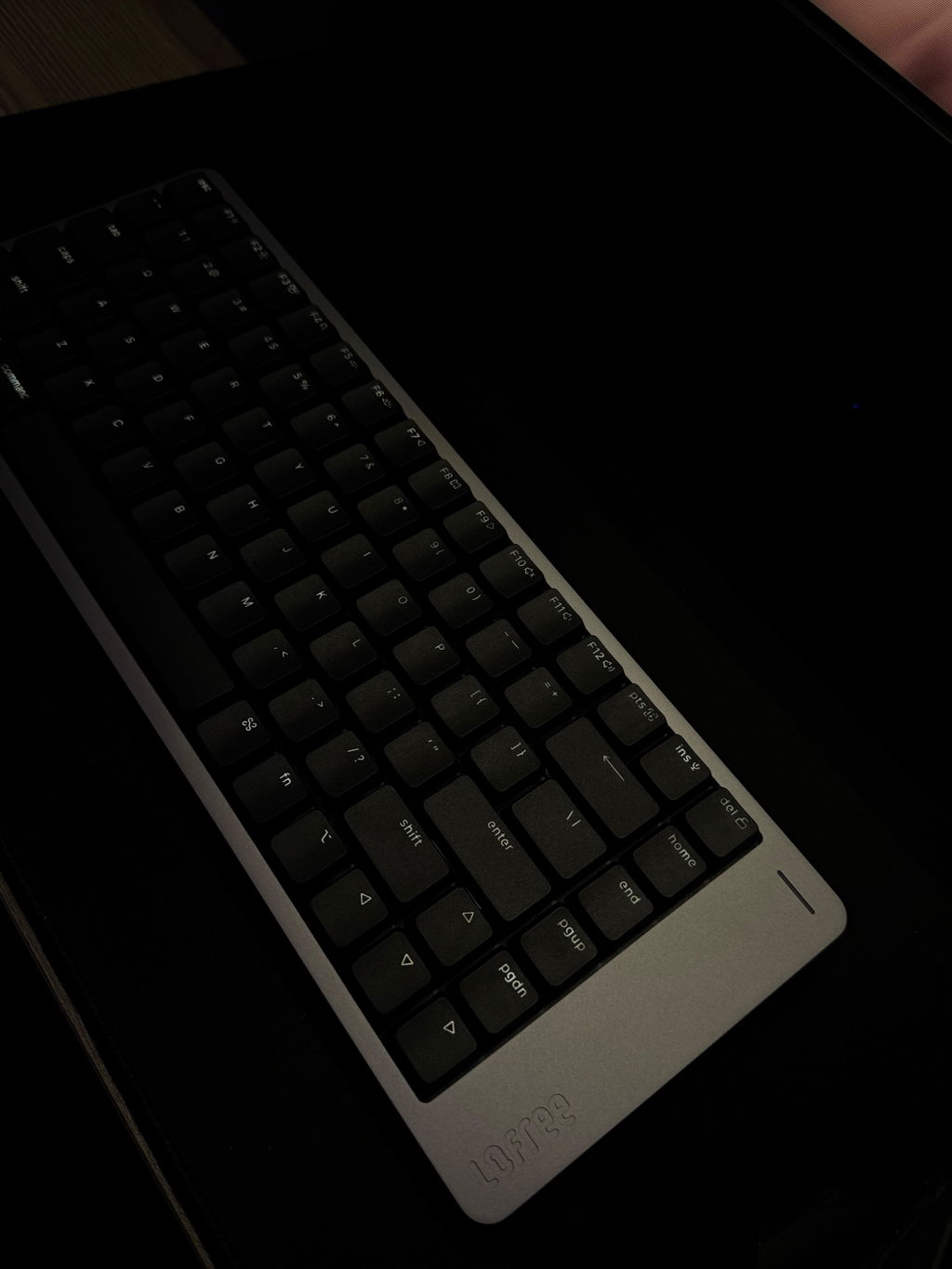
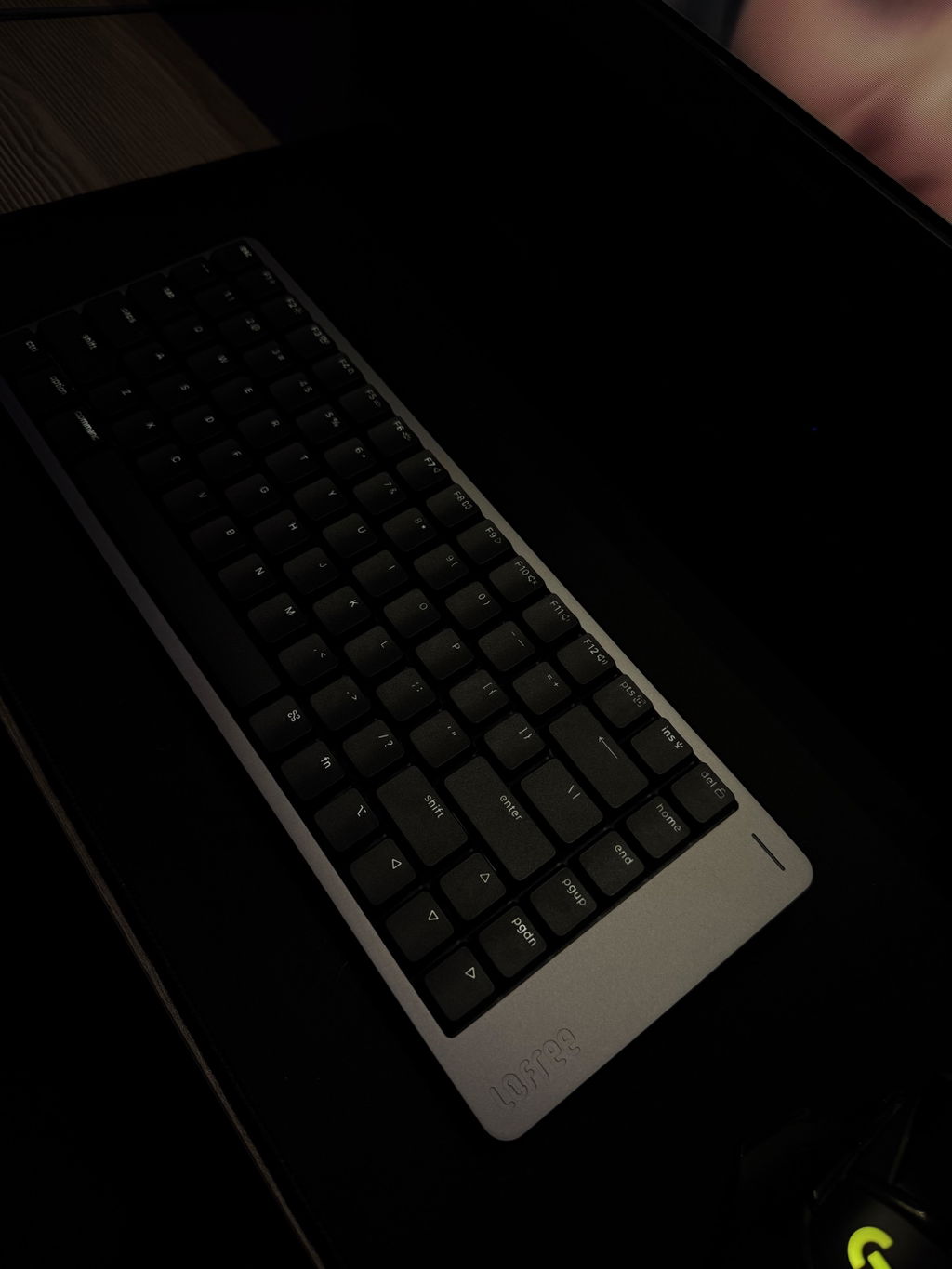
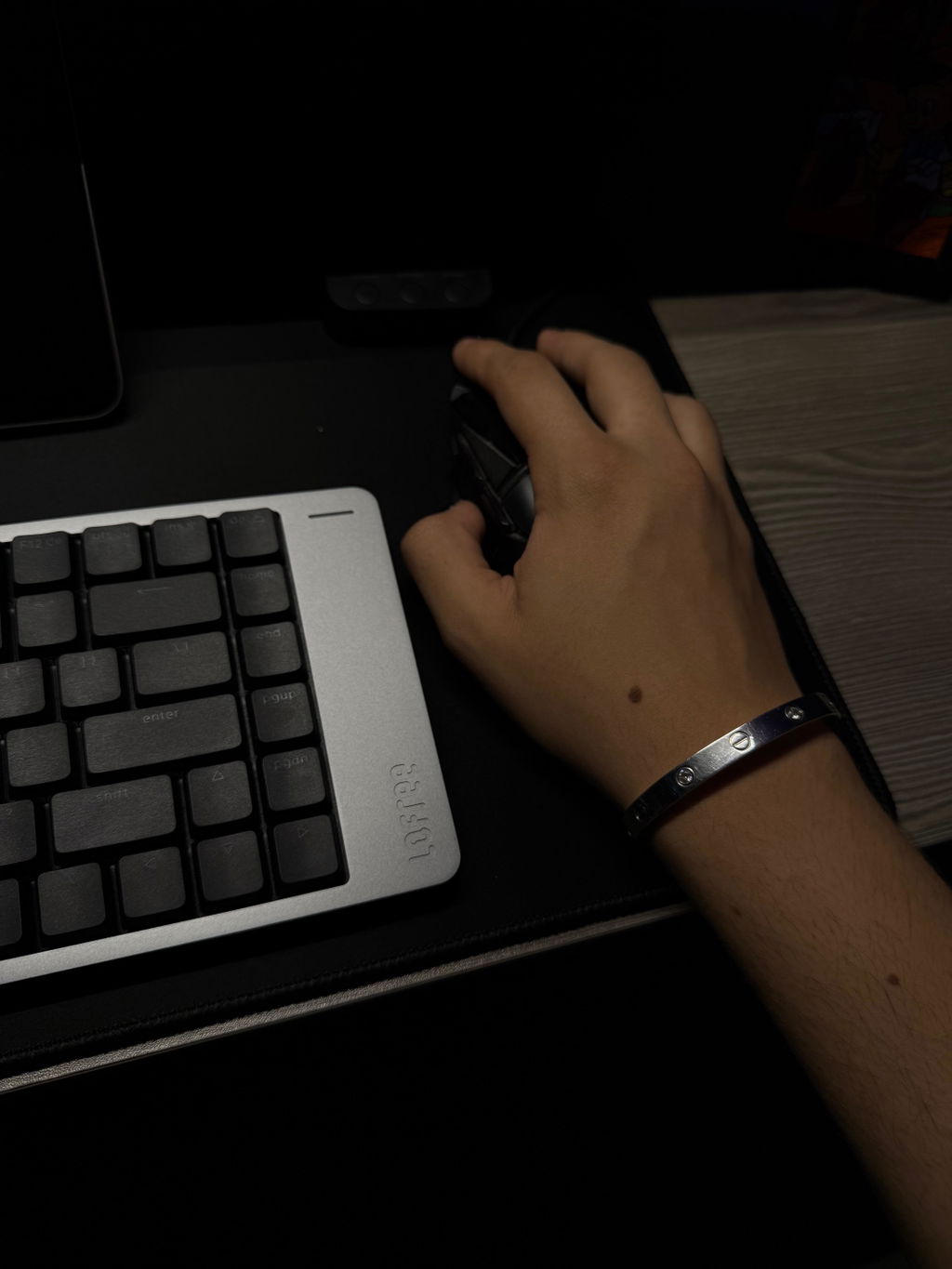
I’ve got a Lofree Flow 2, an 84‑key keyboard with silent switches. I’ve been using it daily for more than sixty days now – mostly for typing and a bit of gaming on my MacBook. It also gets some action with the Steam Deck when I fancy a proper keyboard for games.
I always use it in wired mode (no Bluetooth, no 2.4 GHz wireless whatsoever) — plugged into the computer or console through a monitor that doubles as a USB hub. No issues.
The keyboard’s design is delightfully interesting: solid, heavy and reassuringly stable, with beautifully smooth silent switches I picked on purpose. I like my gadgets quiet, thank you very much.
Generally, I think the device is brilliant. That said, there are two things I don’t use (and never will) because, frankly, they’re unforgivable UX sins.
1. The Home, End, PgUp and PgDn keys sit far too close to Enter and the arrow cluster. I had to disable them, as even a casual tap leads to digital chaos depending on where I am at the time. These keys belong anywhere else, just not next to the important ones.
2. The touch bar for volume and brightness lives on the right side of the keyboard. I turned it off after about twenty minutes and I’ll never, ever turn it back on. It should be on the side facing the computer, not on the right, not on the left. You’ll always brush against it when moving your hand from the mouse or touchpad which is infuriating.
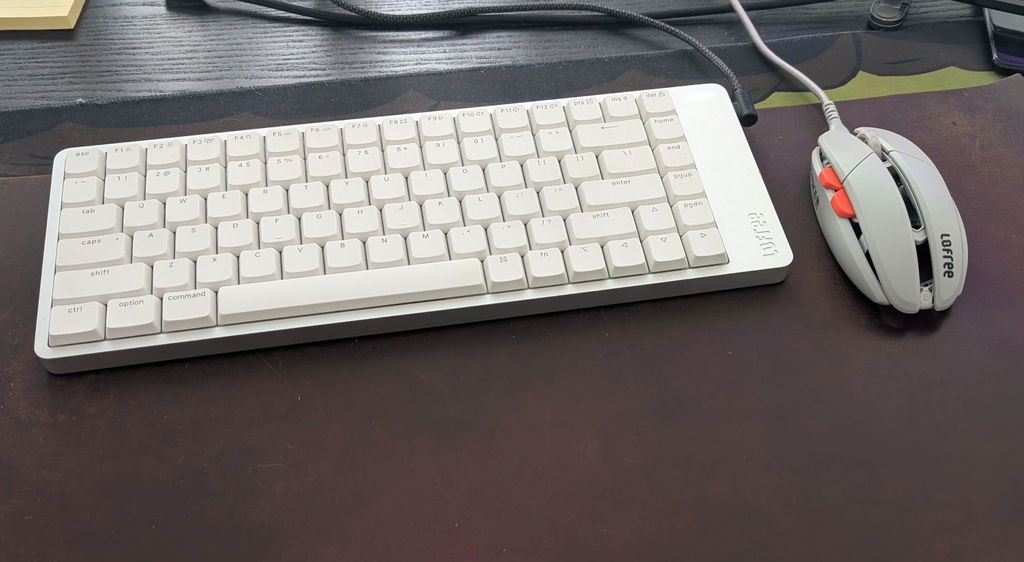
Love the quality of the components, I’ll ilove it even more if you launch an Spanish key caps kit for pc.
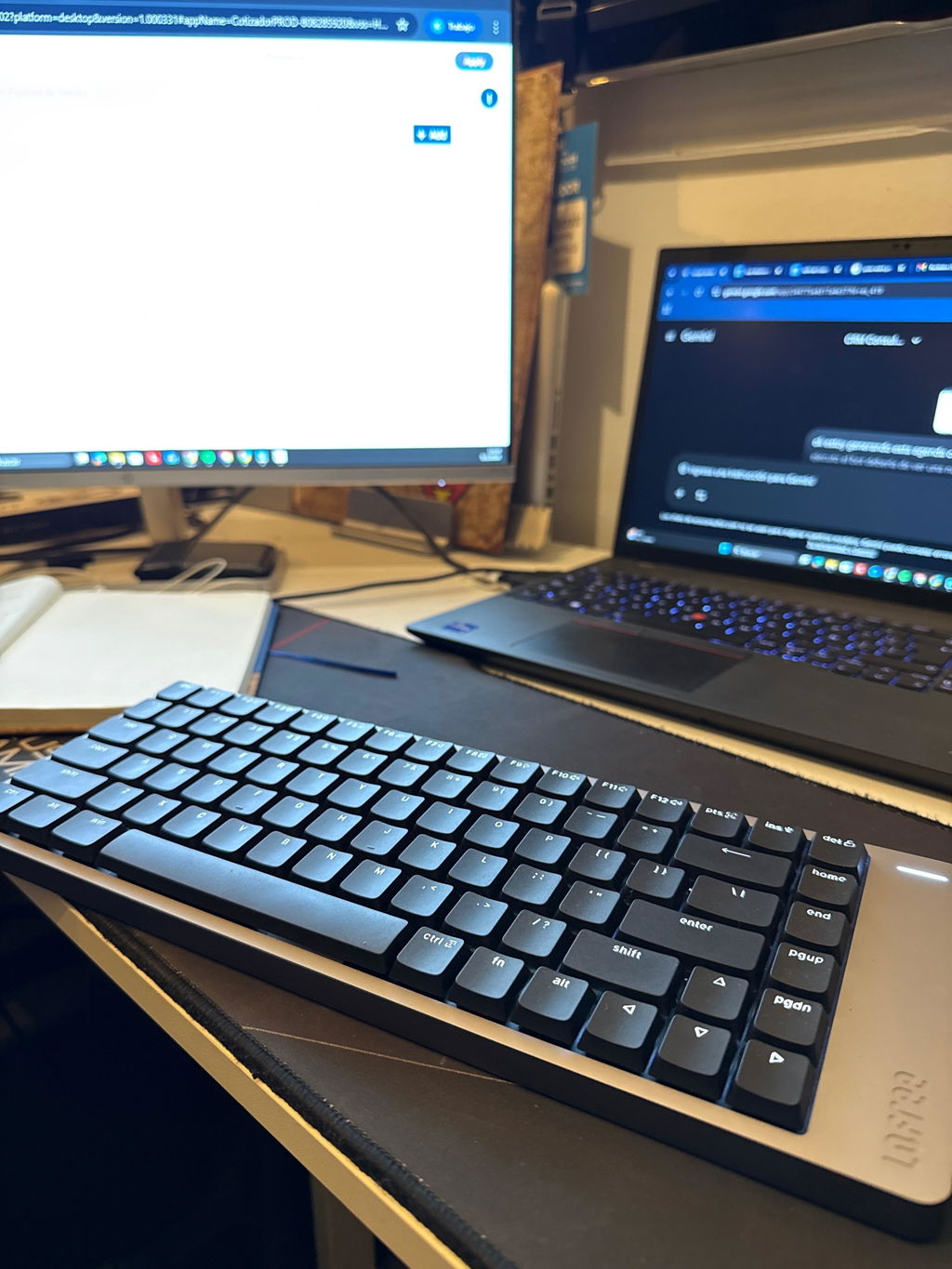
I’ve purchased this keyboard with the retrowave keycaps, which are technically designed for the flow keyboard.
The quality is really good, the keyboard feels solid and reliable, the typing experience is great.
Unfortunately, with the custom keycaps the backlighting isn’t great since the LED displacement change between Flow and Flow2.
Not a big deal and plus for this, it’s specified that retrowave keycaps are compatible with Flows only.
Good job!!
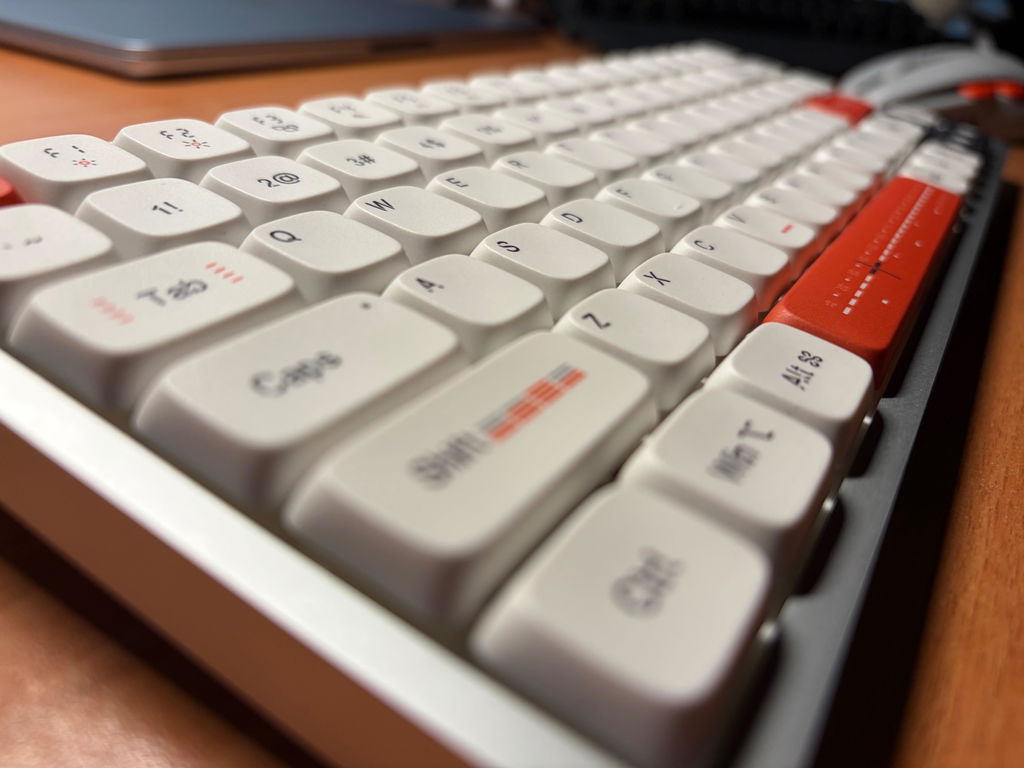
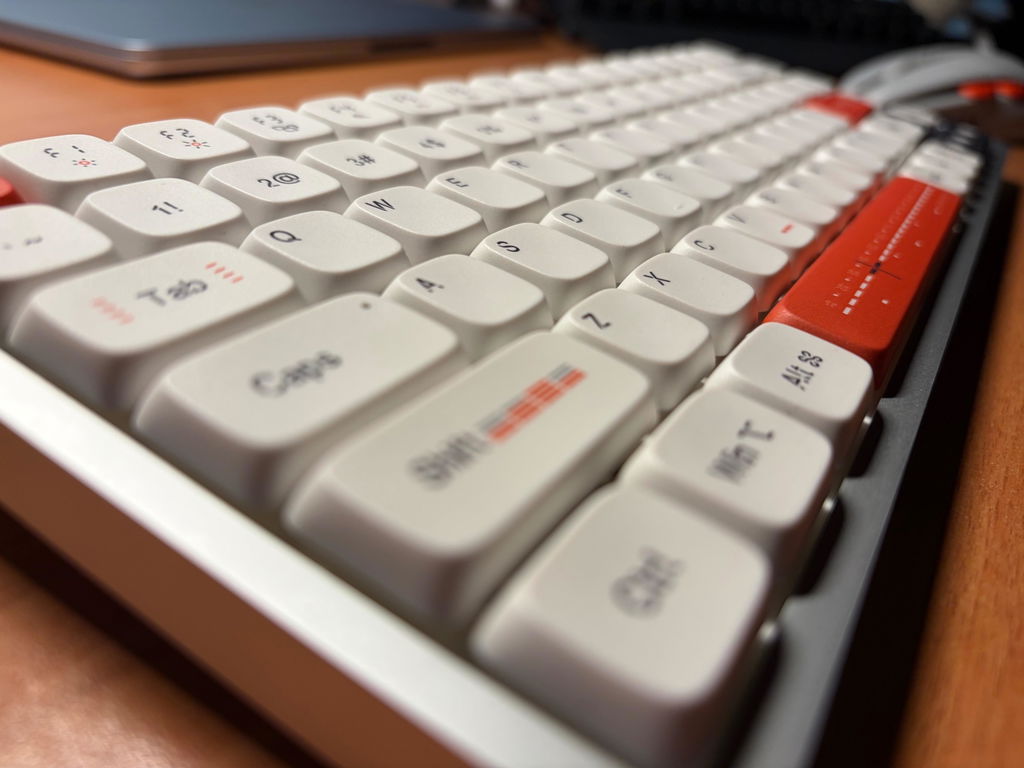
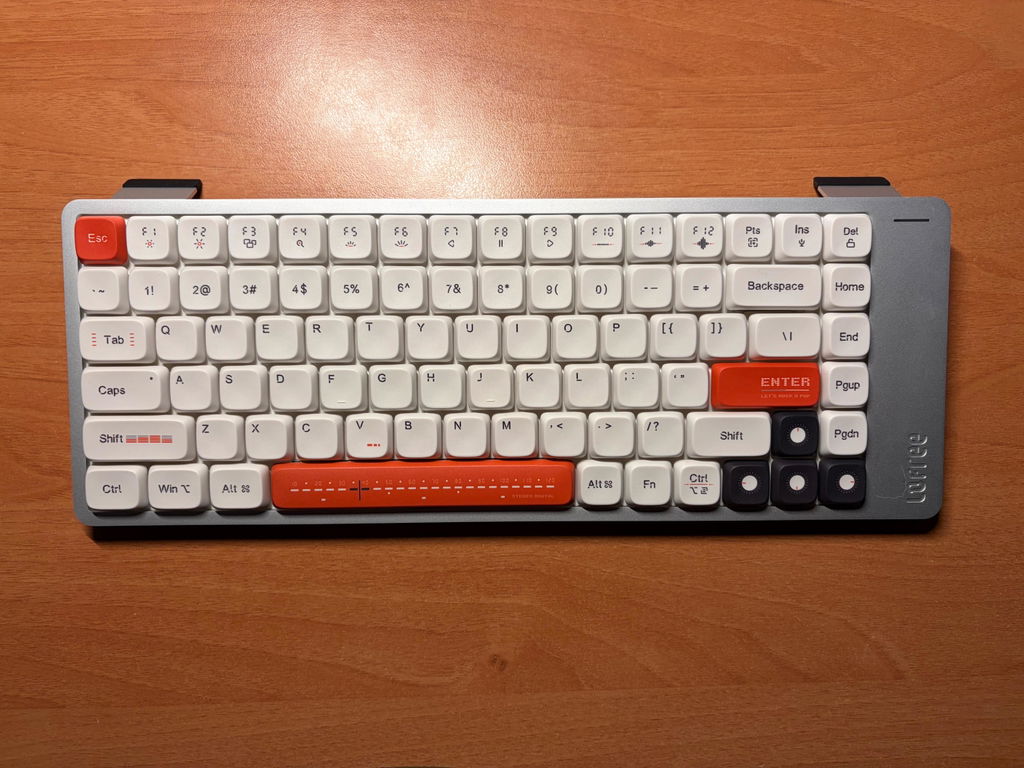
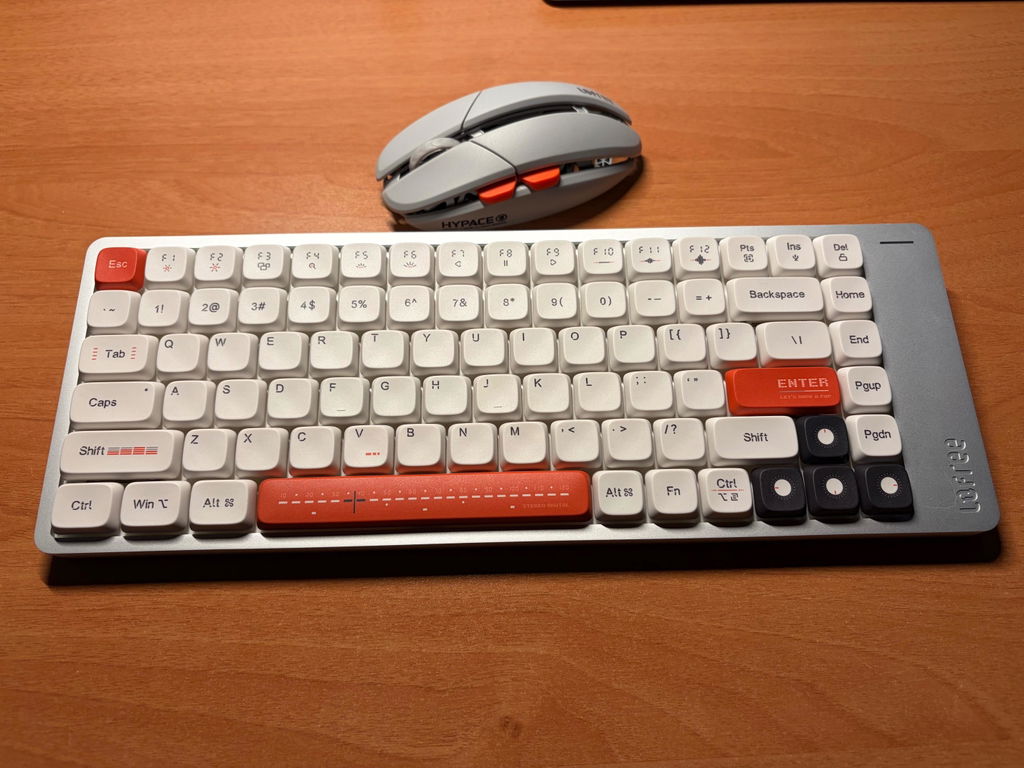
this is one of the more minimalistic and simple looking low profile boards out there. the metal is very matte. the backlighting is quite good for a low profile. some of the larger keys with the shorter switches like the command key and some of the fn keys are a little dim around the edges but overall very good shine through lighting for a low profile board. the keycaps shine fairly fast though. i like the digital volume slider on the side, i prefer it over a knob. i think its nice that the power switch is under one of the flip up feet and the charging port is on the right side if the board, to keep the top side looking clean. overall, a great, clean looking lp board.
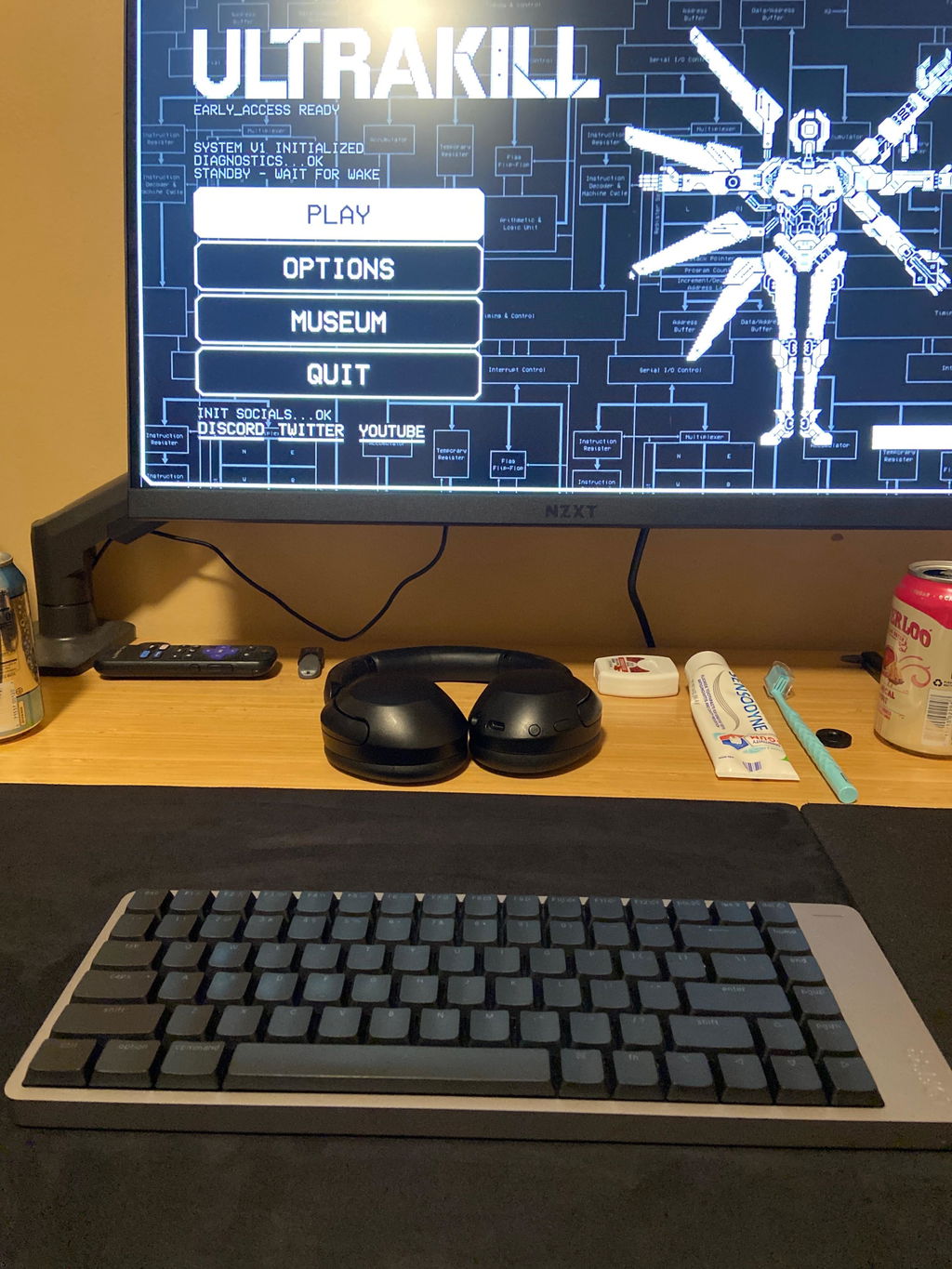
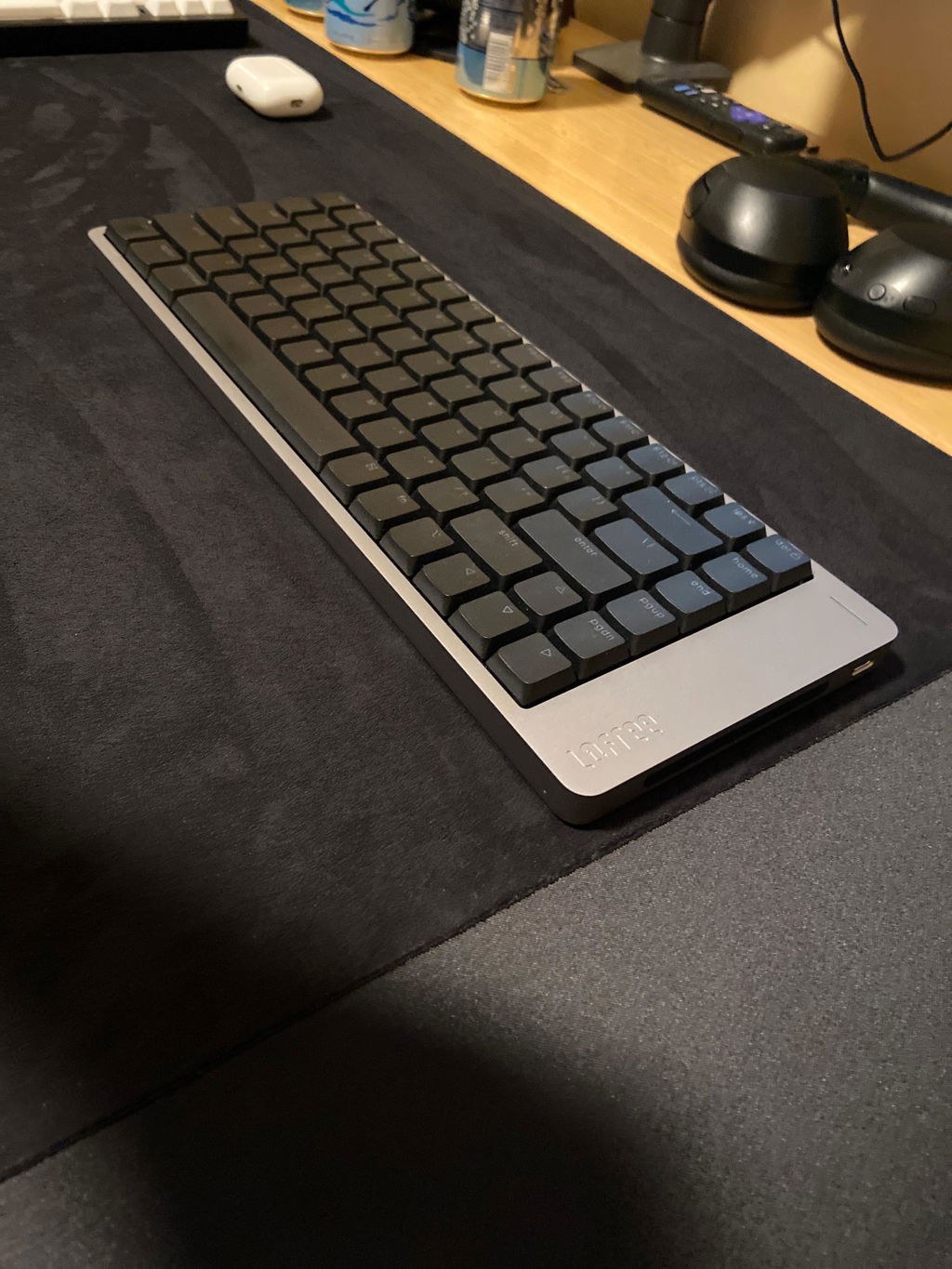
Flow 2 84 Low-profile Mechanical Keyboard
I picked up the Lofree Flow 2 after my previous keyboard stopped working, and I've been really happy with it. I went with the silent switch version since I didn't want it to be too loud, and it's exactly what I hoped for: quiet without feeling mushy. The design is slick, the metal frame feels solid and premium, and the quality of the keycaps and switches is excellent. Overall a really great product, and I'd definitely buy from Lofree again in the future.
I like SO many things about this keyboard. The sound, look and feel. The connectivity is superb. Much better than my Keychron and Satechi.
I use Nordic and Mac layout, and this is where it is lacking.
It is missing quite a lot of keycaps. I have found 6 so far
Top left, bottom left besides the left SHIFT key, the 2@ is wrong, the @ is to the right of the ENTER key. The SHIFT+4 is not a Dollar sign but a €
For this much money it is expected to be correct, and it could be rectified for not a lot of money.
I hope you will make these keycaps available, I would not mind paying under $20 all included.
Also a keycap puller would've been nice
But I am still very happy with it.
+ nice design
+ great sound
+ great typing feel
One downside: the backlight turns off too quickly when using it wirelessly.
Good build quality
Well though keyboard. Tactile switches work perfectly.
I use this for work with a Mac. The quiet switches are perfect for taking stealthy notes during a call but also great feel for gaming after hours.
I wish you would put the option of quiet switches. I'd buy a green one immediately.
The keyboard is a performance piece of kit. The design is impeccable and exactly as advertised. The keys have the tactile response you expect and they are indeed silent enough to not awaken a napping partner. The real MVP for me is the volume control slider on the side, I’ve been using that more than I thought especially when I have headphones on.
The Lofree Flow 2 is a genuinely satisfying keyboard to type on, and it looks fantastic. Unfortunately, serious Bluetooth and firmware issues hold it back.
I use it with a MacBook Pro (M4) over Bluetooth, and I've run into several problems. First, my Mac detects multiple Flow 2 devices even though I only own one, the same keyboard shows up more than once in the Bluetooth list.
More importantly, the keyboard randomly disconnects from my Mac, leaving me unable to type until I manually reconnect it with Fn + 1/2/3. For a keyboard, that's a dealbreaker-level issue.
There's also noticeable input lag at times: I'll press a key and the character appears on screen a full second later. Occasionally it gets worse, pressing a single key produces random Unicode characters instead of the intended input.
The build quality, typing feel, and design are all excellent, but the firmware clearly needs work. I hope Lofree addresses these issues in an update, because the hardware deserves better.
nice
key typing feels great everything is perfect except one. there is no way to set 2 different key set based on os (windows or mac) hope that is supported in future so by changing bluetooth device let us change the key layout!
The keyboard sounds fantastic, feels premium, and looks sleek. Overall, I love this thing, but you and all buyers using Macs should be very aware that the Bluetooth connection to a Mac is very poor. Constant connection drops that require restarting Bluetooth on the laptop or restarting the keyboard itself. Nothing was a long term fix. I almost returned it because of this. What worked out for me was using the provided 2.4GHz dongle for the wireless connection. This is stable and allows the keyboard to be wire free. Since I always plug my monitor into my laptop anyways at work, this solution worked for me.
I got the surfer switches and overall enjoy this keyboard. I write and research all day and am super picky with keyboards. I find a lot of joy and comfort using this keyboard and I love the elegant and minimal design, it goes perfectly on my desk. As a writer, the low profile keys are perfect to write on and the tool feels quality and luxurious. It was worth the investment.
The keyboard is excellent, from the materials to the feel. However, I wish all color options were available for each switch type. I ordered the Void switches, and in my opinion, they have a very low actuation force. Consequently, the short actuation travel often leads to miss-clicks, which is difficult to get used to, especially given the tightly packed key layout.
Fun to type on. Quality is excellent.
I'd love to configure my keyboard's backlight with greater flexibility. Current backlight customisation and turn-off timing are horrible.
I want to change the backlight timer to 5, 15, or 30 minutes.
I want my backlight to turn off, not completely, but dim to 10% to be at least visible at night.
I want it to be always-on when wired.
I want to customise the backlight timer and its intensity in sleep mode.
Great quick turnaround and flexibility for the customer service
Perfect for work
This keyboard is great. It feels premium product that feels good and sounds really nice. I am enjoying using this keyboard and I love typing on it.
in mac mode, there is no way to make the F1, F2, ... keys work without also pressing fn.
on mac, using PC mode switches option+command
would be nice if that's fixed